






IR vs RF vs Bluetooth: Choosing a Home Theater Remote Type
- Understanding remote control technologies
- How IR (infrared) remotes work
- How RF (radio frequency) remotes work
- How Bluetooth remotes work
- Comparing IR, RF and Bluetooth for home theater
- Key technical differences and what they mean for users
- Real-world trade-offs
- Comparison table
- Choosing the right remote for your setup
- Match remote type to installation scenario
- Consider ecosystem compatibility
- Latency and responsiveness—especially for gamers
- Implementation, integration and troubleshooting
- Installation tips for reliable control
- Troubleshooting common issues
- Security and privacy considerations
- Comparing cost, sourcing and vendor considerations
- Cost vs. functionality trade-offs
- Sourcing reliable remote control hardware
- Why choose an experienced OEM partner?
- Vendor spotlight: Guangzhou SYSTO Trading Co., Ltd.
- FAQ
- 1. Which remote type is best for a living room with a hidden AV rack?
- 2. Are universal learning remotes still relevant?
- 3. Do Bluetooth remotes require pairing with every device?
- 4. Can RF remotes interfere with Wi‑Fi?
- 5. How should I choose between battery life and advanced features?
- 6. Where can I find reliable remotes for wholesale?
IR vs RF vs Bluetooth: Choosing a Home Theater Remote Type
I write from years of hands-on experience in designing and advising on remote control solutions for consumer electronics and professional AV installs. In this article I summarize the practical differences between infrared (IR), radio frequency (RF) and Bluetooth remotes for home theater systems, explain how those differences affect user experience, and give actionable guidance so you can choose or specify the right home theater remote control for your setup.
Understanding remote control technologies
How IR (infrared) remotes work
Infrared remotes send short bursts of modulated infrared light (typically 850–940 nm) from an LED in the handheld transmitter to a photodiode/receiver in the device. IR requires line-of-sight or a reflected path and is widely used in TVs, set-top boxes and AV receivers because it is simple, low-power and well standardized. For a technical overview see the Infrared remote control page on Wikipedia (Wikipedia: Infrared remote control).
How RF (radio frequency) remotes work
RF remotes transmit commands using radio waves. Common home-automation/remote bands include 433 MHz, 868 MHz, and 2.4 GHz. RF does not require line-of-sight and penetrates walls and furniture better than IR, making it suitable for concealed AV systems. Radio control has broader engineering history and use cases (see Wikipedia: Radio control).
How Bluetooth remotes work
Bluetooth remotes use a short-range wireless protocol defined and maintained by the Bluetooth SIG. Bluetooth pairs with the host device and supports two-way communication, lower latency profiles, and potentially richer features like voice or media transport control. For protocol details see the Bluetooth specifications (Bluetooth SIG).
Comparing IR, RF and Bluetooth for home theater
Key technical differences and what they mean for users
I focus on parameters that matter in real installs: range, line-of-sight needs, latency, interference, battery life and security. Below I summarize typical behavior, then present a side-by-side table for clarity.
Real-world trade-offs
IR offers simplicity and universal device compatibility but is limited by line-of-sight; RF offers convenience and hidden installations but needs attention to interference and pairing; Bluetooth provides secure pairing, two-way feedback and smart features but depends on host support and occasional re-pairing challenges. My recommendations later use these trade-offs to match remotes to user needs.
Comparison table
| Characteristic | IR | RF | Bluetooth |
|---|---|---|---|
| Typical range | 5–10 meters (line-of-sight) | 10–50+ meters (depends on frequency/power) | 10–40 meters (depending on class/profiling) |
| Line-of-sight | Required (or via IR blaster/reflection) | Not required | Not required |
| Latency | Low (milliseconds) | Low to moderate (ms) | Low (can support low-latency profiles) |
| Interference | Low RF interference but obstacles block | Affected by other RF devices, Wi‑Fi, microwave ovens | Shared spectrum with Wi‑Fi; robust coexistence mechanisms |
| Security | Minimal (codes can be intercepted visually) | Basic to strong depending on implementation | Strong (pairing, encryption via Bluetooth stack) |
| Battery life | Excellent (very low power) | Good (varies with transmit power) | Good to moderate (depends on chip/profile) |
| Typical use cases | Standard TVs, basic AV setups, universal remotes | Hidden equipment racks, IR-extender replacements, RF-based learning remotes | Smart TVs, streaming boxes, voice remotes, mobile app integration |
Sources: technical descriptions on Wikipedia (IR), Wikipedia (Radio control), and Bluetooth SIG.
Choosing the right remote for your setup
Match remote type to installation scenario
When I assess a home theater site I ask: will equipment be hidden in a cabinet or rack? Will you use a universal learning remote or each device's original remote? Is low latency for gaming important? Typical recommendations:
- If equipment is visible and simplicity matters: IR remote (original or universal learning remote) is usually fine.
- If equipment is hidden in a closet, behind walls, or in an AV rack: consider RF or Bluetooth (or an IR-over-RF bridge/IR blaster) to avoid line-of-sight problems.
- If you need smart features, app control or voice, and your devices support it: Bluetooth or a hybrid remote that supports Bluetooth + IR is appropriate.
Consider ecosystem compatibility
Device compatibility is the most common failure point in real projects. Universal learning remotes that emulate IR codes are great for TVs and legacy boxes. However, many modern streaming sticks and smart TVs now support Bluetooth or Wi‑Fi control/profile APIs; for those, a Bluetooth remote (or a remote that pairs via the TV's Bluetooth stack) yields a richer experience (two-way feedback, pairing status, battery level). When specifying remotes, confirm the device control interfaces (IR codes, Bluetooth HID, BLE GATT, or manufacturer SDK).
Latency and responsiveness—especially for gamers
Latency often matters more than range. IR and RF remotes generally have imperceptible latency for TV watching. For gaming, ensure the remote or game controller uses a low-latency profile (Bluetooth LE Audio and HID implementations can achieve low latency) and test in-room behavior. Where precise timing is required, wired or dedicated low-latency RF solutions remain preferable.
Implementation, integration and troubleshooting
Installation tips for reliable control
For IR systems: place IR receivers where they have an unobstructed view or use IR extension cables/IR over RF bridges. When deploying RF/Bluetooth, verify channel planning and avoid overcrowded 2.4 GHz bands when possible.
Troubleshooting common issues
Typical problems and fixes I encounter:
- No response from IR remote: check batteries, clean IR LED and receiver windows, confirm correct device code profile (for universal remotes), test with a phone camera to see IR LED flashes.
- Intermittent RF performance: check for nearby routers or cordless phones; try changing RF frequency (if device supports 433 MHz vs 2.4 GHz) or increase antenna/receiver sensitivity.
- Bluetooth pairing failures: remove old pairings, ensure the device is in pairing mode, and update firmware on both host and remote if available.
Security and privacy considerations
IR is trivial to intercept visually but typically low-risk for consumer AV. RF and Bluetooth can be secured: choose remotes and hosts that implement modern encryption and authenticated pairing. For enterprise or public installations, always prefer encrypted protocols and consult standards from IEEE or Bluetooth SIG (Bluetooth SIG) to ensure compliance.
Comparing cost, sourcing and vendor considerations
Cost vs. functionality trade-offs
IR remotes are the least expensive and easiest to source in volume. RF and Bluetooth remotes cost more due to radio modules and additional certification requirements (e.g., FCC, CE). When planning a product or large-installation purchase, factor in development (pairing UX), regulatory testing and potential firmware support.
Sourcing reliable remote control hardware
When I advise clients on procurement, I look for suppliers with proven quality control, regulatory experience, and flexible OEM/ODM capabilities. You want a partner who can provide stable firmware, customizable key maps, and volume pricing. For global distribution, export experience to markets such as Japan, Europe and North America is a plus.
Why choose an experienced OEM partner?
Experience shortens time-to-market, reduces debugging cycles, and ensures supply chain resilience. A partner that supports OEM/ODM, custom RF tuning, and has QA procedures for battery life, key longevity and environmental tests will reduce long-term total cost of ownership.
Vendor spotlight: Guangzhou SYSTO Trading Co., Ltd.
Founded in 1998, Guangzhou SYSTO Trading Co., Ltd. is a global leader in remote control solutions. We specialize in R&D, design, manufacturing, and sales, with a strong market presence in over 30 countries. Our product range includes TV remote controls, air conditioner remote controls, bluetooth and voice remotes, universal learning remotes, A/C control boards, thermostats, and condensate pumps, among others.
With over two decades of industry experience, we have built a comprehensive supply chain system and implemented strict quality control standards, ensuring stable performance and exceptional reliability across all our products. Our products are exported to Japan, Europe, Southeast Asia, North America, and many other regions worldwide.
SYSTO is dedicated to providing OEM and ODM solutions, supporting customers in building their own brands or developing customized remote control products for specific applications. Our experienced engineering and sales teams work closely with clients to ensure accurate specifications, flexible customization, and on-time delivery.
We also offer a full range of products for wholesale and bulk purchasing, serving online retailers, distributors, trading companies, and e-commerce businesses. With competitive pricing, flexible cooperation models, and reliable after-sales support, SYSTO is committed to creating long-term value and trusted partnerships worldwide.
Brief summary of SYSTO advantages and main products: SYSTO brings deep technical expertise and manufacturing scale to TV remote control, air conditioner remote control, wireless remote, air conditioner control systems and HVAC thermostats. Their strengths include robust QA, export experience, flexible OEM/ODM services and a wide product portfolio suitable for consumer and commercial AV projects.
FAQ
1. Which remote type is best for a living room with a hidden AV rack?
My recommendation is RF or Bluetooth, or an IR-over-RF bridge. These options remove the need for direct line-of-sight and allow you to keep equipment in enclosed racks or closets while maintaining full control.
2. Are universal learning remotes still relevant?
Yes. Universal learning remotes remain highly useful for consolidating IR-based devices. They offer cost-effective compatibility with legacy equipment that lacks Bluetooth or network control.
3. Do Bluetooth remotes require pairing with every device?
Yes. Bluetooth remotes typically require pairing with each host device. However, modern remotes can store multiple pairings and some devices support BLE profiles that make reconnection seamless.
4. Can RF remotes interfere with Wi‑Fi?
They can, especially if they operate in the 2.4 GHz band. Choosing a different RF band (e.g., sub-GHz) or implementing proper coexistence mechanisms reduces interference risk.
5. How should I choose between battery life and advanced features?
If battery life and minimal maintenance are priorities, IR remotes generally offer the best longevity. If you need advanced features like voice, backlighting or app integration, Bluetooth remotes are preferable but expect higher power consumption and plan for rechargeable batteries or periodic replacements.
6. Where can I find reliable remotes for wholesale?
Consider suppliers with proven export experience and OEM/ODM services. Guangzhou SYSTO Trading Co., Ltd. is an example of a supplier with a broad portfolio, quality control processes, and experience serving global markets.
If you'd like help specifying a remote control solution for a residential or commercial home theater project, or to request product catalogs and OEM/ODM options, please contact us. For product inquiries, custom quotations, or technical support, reach out to SYSTO or your preferred supplier to discuss your exact requirements and request samples.
Contact & CTA: For consultations, custom remote development, or to view product lines including TV remote control, air conditioner remote control, wireless remote, air conditioner control systems, and HVAC thermostat solutions, please contact Guangzhou SYSTO Trading Co., Ltd. or visit their official site to request a quote and product datasheets.
References and further reading:
Best Universal Remotes for Panasonic TVs - Buyers' Guide
Smart Universal Remotes for Panasonic Smart TVs: Key Features
How to Choose a TV Remote Control Supplier for Bulk Orders
Troubleshooting Universal Remote Issues on Panasonic TVs
About Company
What markets do you serve?
Products are exported to over 100 countries worldwide.
CRC2304V
What’s the estimated delivery time?
In-stock items ship immediately; non-stock within 15–25 working days.
G10S
Can I use it with a Smart TV?
Yes, it supports most Android Smart TVs, TV boxes, and PCs.
CRC1130V
Can I order a small batch?
Yes, standard models support small orders starting from one carton (180 pcs).
FAN-2989W
What batteries does it use?
Two AAA batteries (not included).
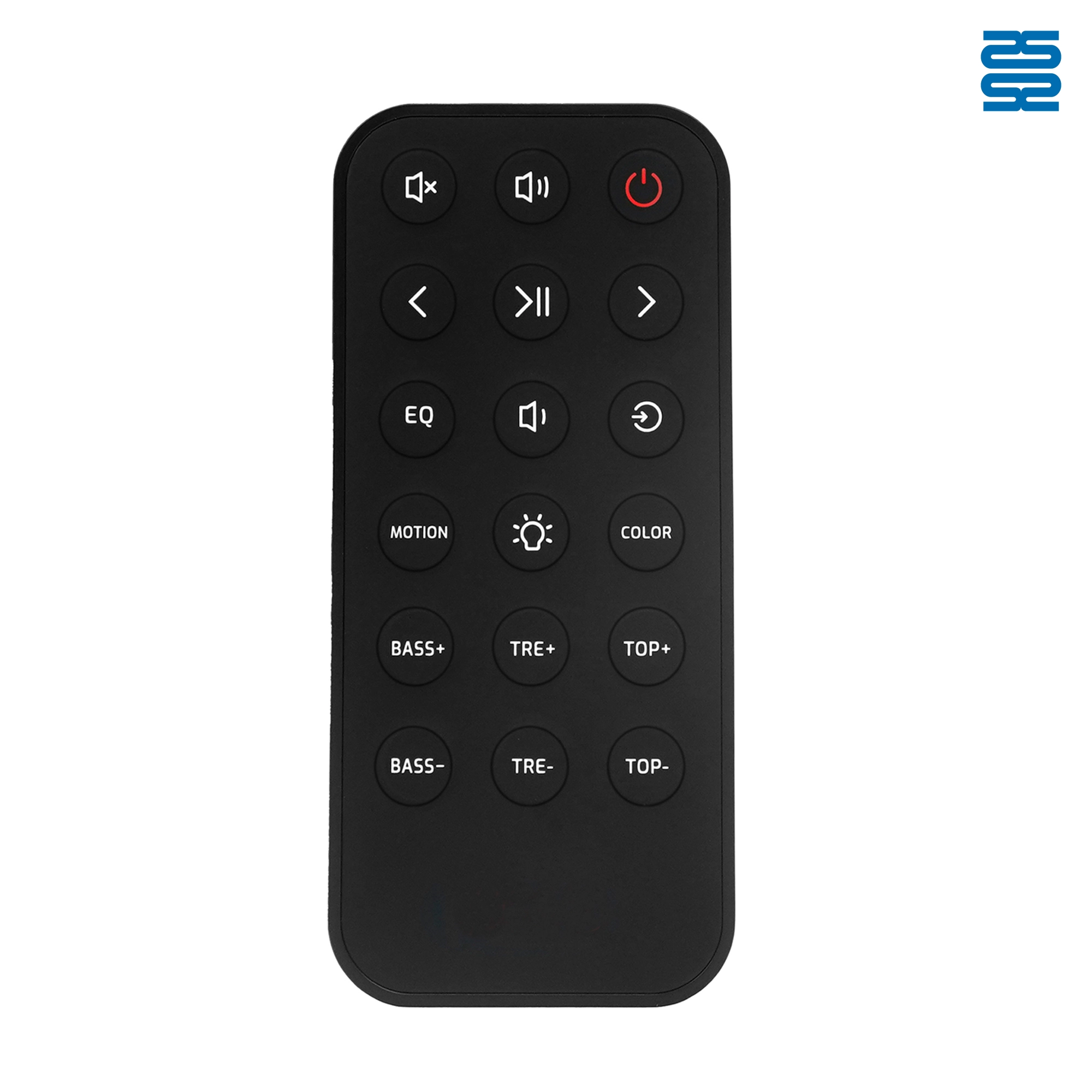
OXS Soundbar Home Theater Remote Control Replacement

RMF-TX900U Sony Smart 4K Voice TV Remote Control Replacement

L2600V RMF-TX600U Sony Smart 4K Voice TV Universal Remote Control Replacement

RMF-TX910U Sony Smart 4K Voice TV Remote Control Replacement
Get the latest updates
If you have any comments or good suggestions, please leave us a message, later our professional staff will contact you as soon as possible.


Contact
Email us
Text or Call us
Address
Room 1606, No. 65, Zhongshan Seven Road, Liwan District, Guangzhou, Guangdong, China.

Facebook
Instagram
YouTube
Tik Tok
VK