






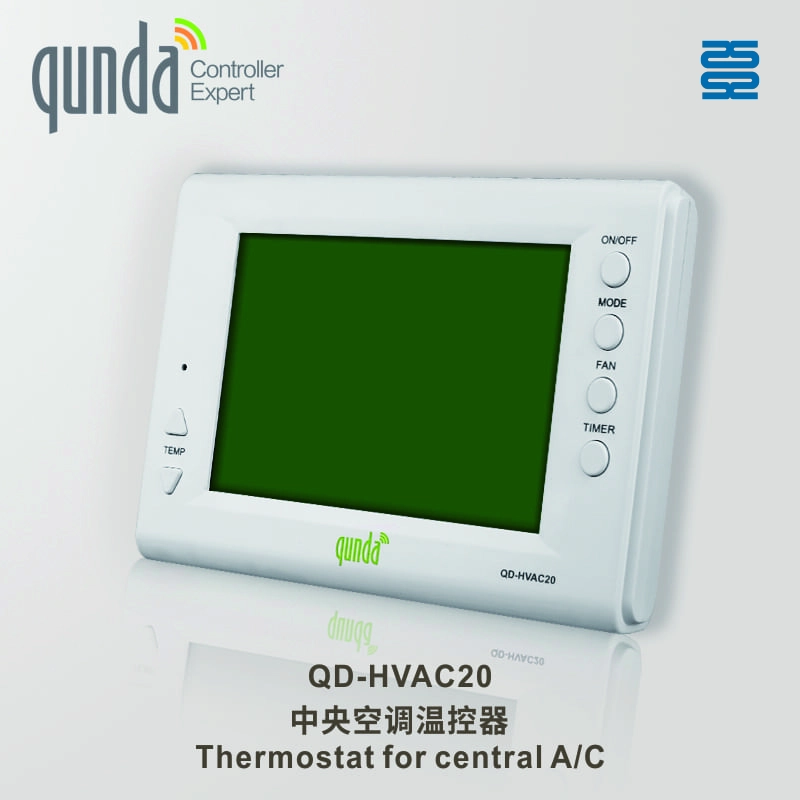
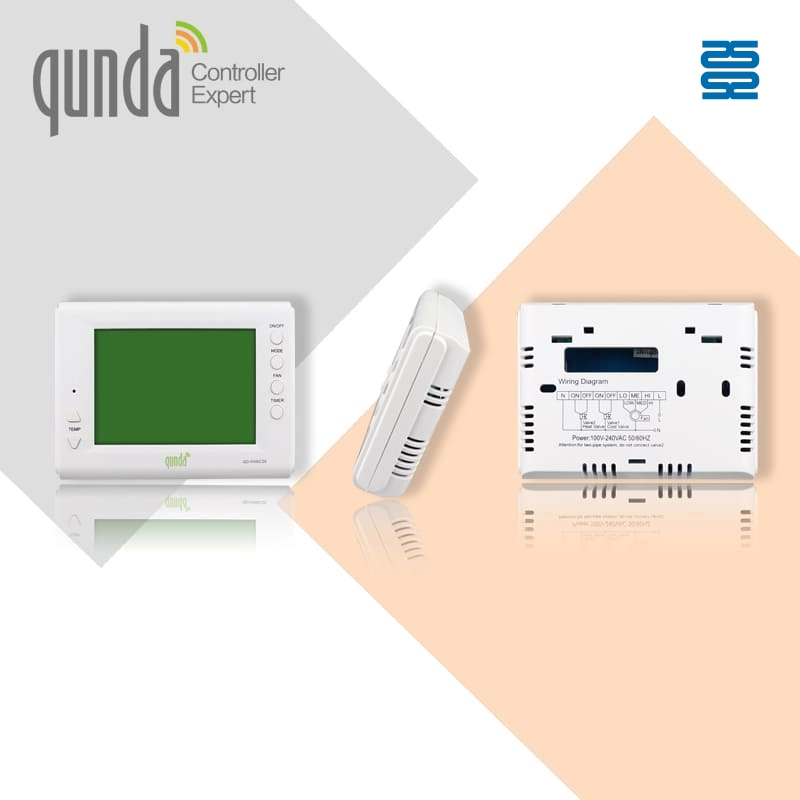
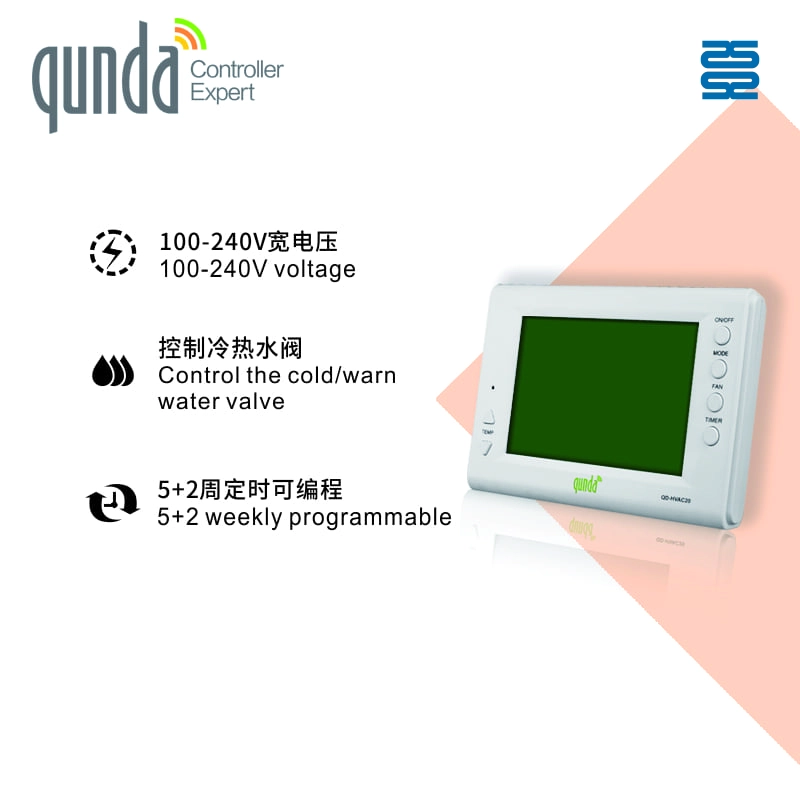

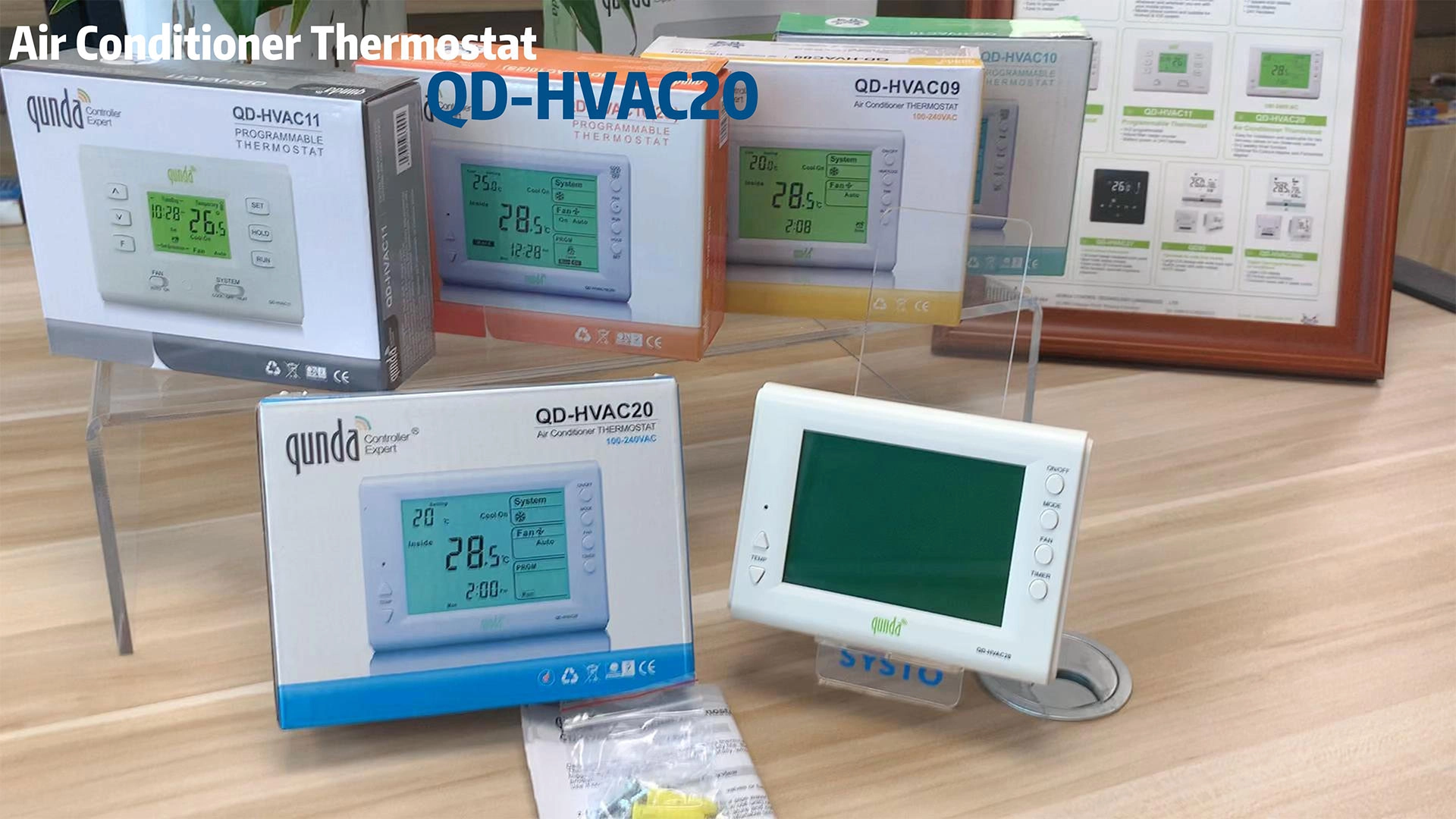
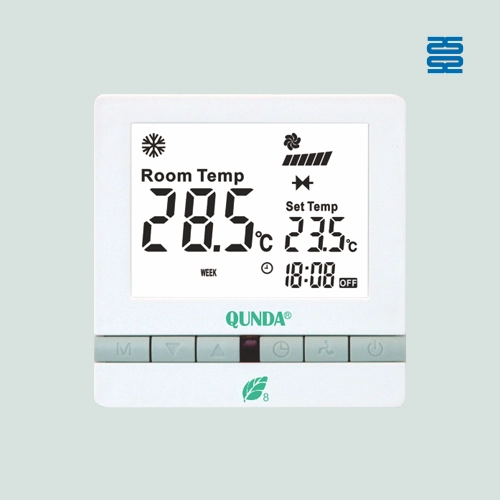
QD-HVAC20 Digital Thermostat for Central Air Conditioner
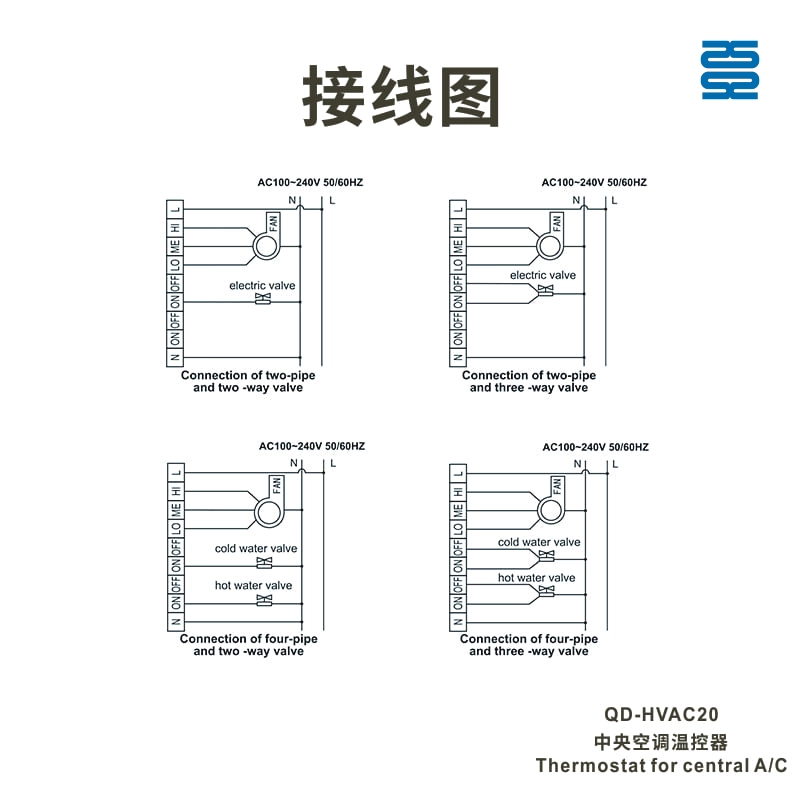
The QD-HVAC20 Digital Thermostat offers an advanced and reliable solution for controlling central air conditioning systems. Designed for two-way and three-way electric valve applications, it provides precise temperature control with easy-to-read LCD displays and intuitive function buttons.
Ideal for commercial or residential HVAC systems, this thermostat ensures optimal comfort while saving energy.
Specifications
| Temperature control precision | Temperature displaying range | Temperature setting range | Supply voltage | The current of electric wind valve relay |
| ±1°C | 0-50°C | 5-35°C | AC100-240V, 50/60 Hz | 3A |
| Working humidity | Dimension | Color | ||
| 5-90% RH (no defrost) | 118 mm x 88mm x 30mm | White |
Features
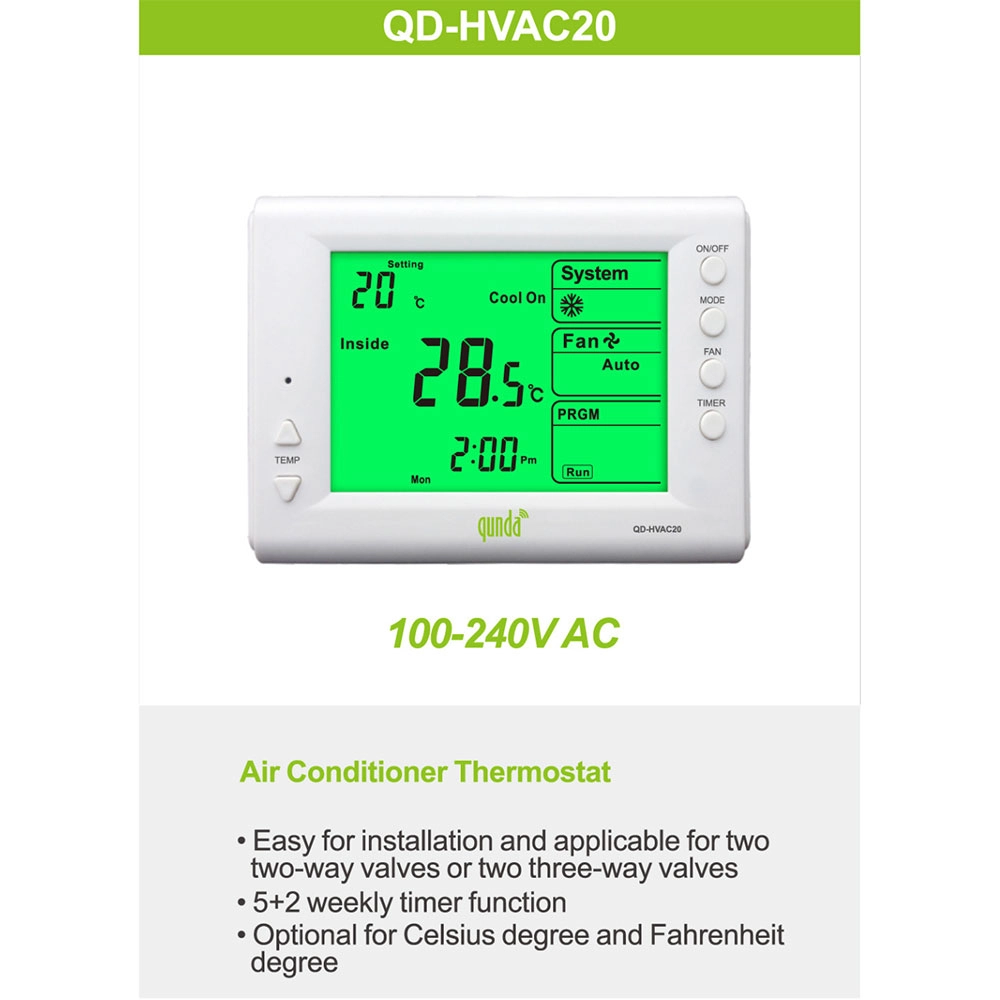
Customization Options
• Temperature Range Adjustments: Can be set to meet specific operational requirements.
• Display Customization: Choose from various LCD display options (appearance, size, color, etc.).
• Additional Features: Remote control options available for added flexibility in operation.
• Logo Customization: Silk printing, laser engraving, or mold-engraved logo.
• Packaging Customization: Box design, labels, barcodes, and stickers.
Frequently Asked Questions
Find answers to frequently asked questions quickly. If you have any further questions, feel free to contact us.
QD-HVAC20
What do I do if the thermostat is not responding?
Ensure the thermostat is correctly installed and powered. If issues persist, check the wiring or consult the troubleshooting section in the manual.
How do I set the timer for my QD-HVAC20 thermostat?
Press the "TIMER" key on the thermostat to activate the timer function. You can then set the desired on/off times using the up/down arrows.
How do I set the temperature on the QD-HVAC20 thermostat?
Press the “▲” or “▼” key to adjust the temperature to your desired setting. The LCD display will immediately show the updated temperature value.
How do I switch between cooling and heating modes?
Simply press the "MODE" key on the keypad to toggle between cooling and heating modes.
Get a Free Quote
If you have any comments or good suggestions, please leave us a message, later our professional staff will contact you as soon as possible.
You May Also Like
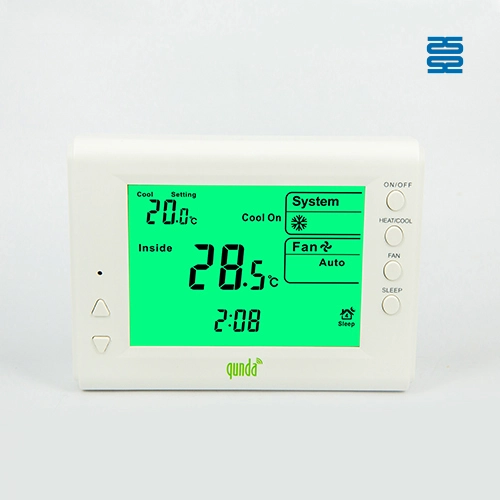
QD-HVAC09E Qunda Digital Thermostat for Central Air Conditioner
QD-HVAC08E Qunda Digital Thermostat for Central Air Conditioner

QD-HV123CW Qunda Touch-Screen Wifi Programmable Thermostat for Air Conditioner
QD-HVAC20 Digital Thermostat for Central Air Conditioner


Contact
Email us
Text or Call us
Address
Room 1606, No. 65, Zhongshan Seven Road, Liwan District, Guangzhou, Guangdong, China.

Facebook
Instagram
YouTube
Tik Tok
VK