






Which certifications should Samsung TV remote control makers have?
Essential Guide to Samsung TV Remote Controls: Features, Certifications, and Maintenance
As a professional content writer with extensive experience in SEO and AI GEO, I understand the importance of providing accurate and up-to-date information to assist users in making informed decisions. In this article, we will address common questions related to Samsung TV remote controls, focusing on their features, certifications, and maintenance practices.
1. What are the different types of Samsung TV remote controls?
Samsung offers a variety of remote controls tailored to different user needs:
Standard Infrared (IR) Remote: A traditional remote with essential functions, suitable for basic and mid-range Samsung TVs.
Samsung Smart Remote: Designed for premium models, it features voice control, touchpad navigation, and Bluetooth connectivity.
SolarCell Remote: An eco-friendly option with a built-in rechargeable battery powered by ambient light, reducing the need for battery replacements.
2. Which certifications should Samsung TV remote control makers have?
Manufacturers of Samsung TV remote controls must obtain various certifications to ensure compliance with industry standards and regulations:
FCC Certification: In the United States, remote controls operating in specific frequency ranges require approval from the Federal Communications Commission (FCC). For example, the Samsung Electronics TV Remote Control Transmitter (FCC ID: A3LRMC30C1) operates within the 2412.0 - 2462.0 MHz and 2422.0 - 2452.0 MHz frequency bands.
Bluetooth Certification: Remotes with Bluetooth functionality must comply with Bluetooth Special Interest Group (SIG) standards to ensure interoperability and safety.
CE Marking: For the European market, remotes must have the CE mark, indicating conformity with European Union (EU) regulations.
RoHS Compliance: Manufacturers should adhere to the Restriction of Hazardous Substances (RoHS) directive, limiting the use of specific hazardous materials in electronic products.
3. How do I maintain my Samsung TV remote control for optimal performance?
Proper maintenance can extend the lifespan and functionality of your Samsung TV remote:
Battery Care: Regularly check and replace batteries to prevent leakage and corrosion. For remotes with rechargeable batteries, ensure they are charged appropriately.
Cleaning: Use a dry or slightly damp microfiber cloth to clean the remote, avoiding harsh chemicals and excessive moisture.
Firmware Updates: Keep the remote's firmware updated to benefit from the latest features and improvements.
Storage: Store the remote in a safe place to prevent physical damage from drops or spills.
4. What are the key features of the Samsung Smart Remote?
The Samsung Smart Remote offers several advanced features:
Voice Control: Allows users to control the TV using voice commands.
Touchpad Navigation: Enables smooth menu browsing and selection.
Bluetooth Connectivity: Provides a wireless connection without the need for direct line-of-sight.
Universal Device Control: Can control other devices connected via HDMI-CEC, such as soundbars and Blu-ray players.
5. How do I pair my Samsung Smart Remote with my TV?
To pair your Samsung Smart Remote with your TV:
Power On: Turn on your Samsung TV.
Activate Pairing Mode: Press and hold the 'Return' and 'Play/Pause' buttons simultaneously for about 3 seconds until the remote's LED blinks.
Automatic Pairing: The TV should automatically detect and pair with the remote. Follow any on-screen instructions if prompted.
6. Can I use my smartphone as a remote control for my Samsung TV?
Yes, Samsung offers the SmartThings app, which allows your smartphone to function as a remote control for your TV. Features include:
Navigation: Control channels, volume, and input sources.
Content Sharing: Stream content from your phone to the TV.
Device Management: Control other connected Samsung devices within your home.
7. What should I do if my Samsung TV remote is unresponsive?
If your remote is unresponsive:
Check Batteries: Replace the batteries to ensure they are not depleted.
Re-pair the Remote: Follow the pairing instructions to re-establish the connection.
Reset the Remote: Remove the batteries, press any button for 20 seconds, reinsert the batteries, and attempt pairing again.
Contact Support: If issues persist, contact Samsung customer support for further assistance.
8. Are there any eco-friendly options for Samsung TV remotes?
Yes, Samsung offers the SolarCell Remote, which features a built-in rechargeable battery powered by ambient light, reducing the need for disposable batteries and minimizing environmental impact.
Conclusion: Why Choose SYSTO for Your Remote Control Needs?
When selecting a remote control, consider SYSTO for its commitment to quality, innovation, and customer satisfaction. SYSTO remotes are designed to enhance your viewing experience with user-friendly features and reliable performance.
References:
About Products
Are your remote controls compatible with my device?
Yes, our remotes are compatible with most major TV, air conditioner, and set-top box brands. You can check the compatibility list on each product page.
QD-U08PGC+
Is the transformer included?
Yes, an updated quick-plug transformer is enclosed for easy setup.
Does QD-U08PGC+ work with all wall-mounted air conditioners?
It supports most split-type wall-mounted units using PG motors. Please verify motor type before installation.
PU01
What voltage does the pump support?
It operates stably under 110–220V global voltage standards.
CRC2304V
Are batteries included?
No, batteries are not included. Please use 2×AAA batteries.
Recommended For You
Infrared LED light remote for Panasonic Japan market. No setup required. Supports dimming, color adjustment, timer, and 3-channel switching.
Do solar remote controls still use lithium batteries? Learn how modern solar-powered remotes now adopt supercapacitors with USB Type-C fast charging for improved safety, durability, and long lifespan.
Learn how to check whether a garage door remote control bought online is compatible with your opener. Frequency, learning type, and easy tips explained.
Having trouble setting up a universal remote even though your TV brand is listed in the manual? Learn the real reason, common mistakes, and how to improve success by using precise TV codes.
Learn how to set up and program the CRC1130V universal remote control for your TV. This step-by-step guide covers direct brand buttons, code input, and auto search methods for quick and easy pairing.
You May Also Like
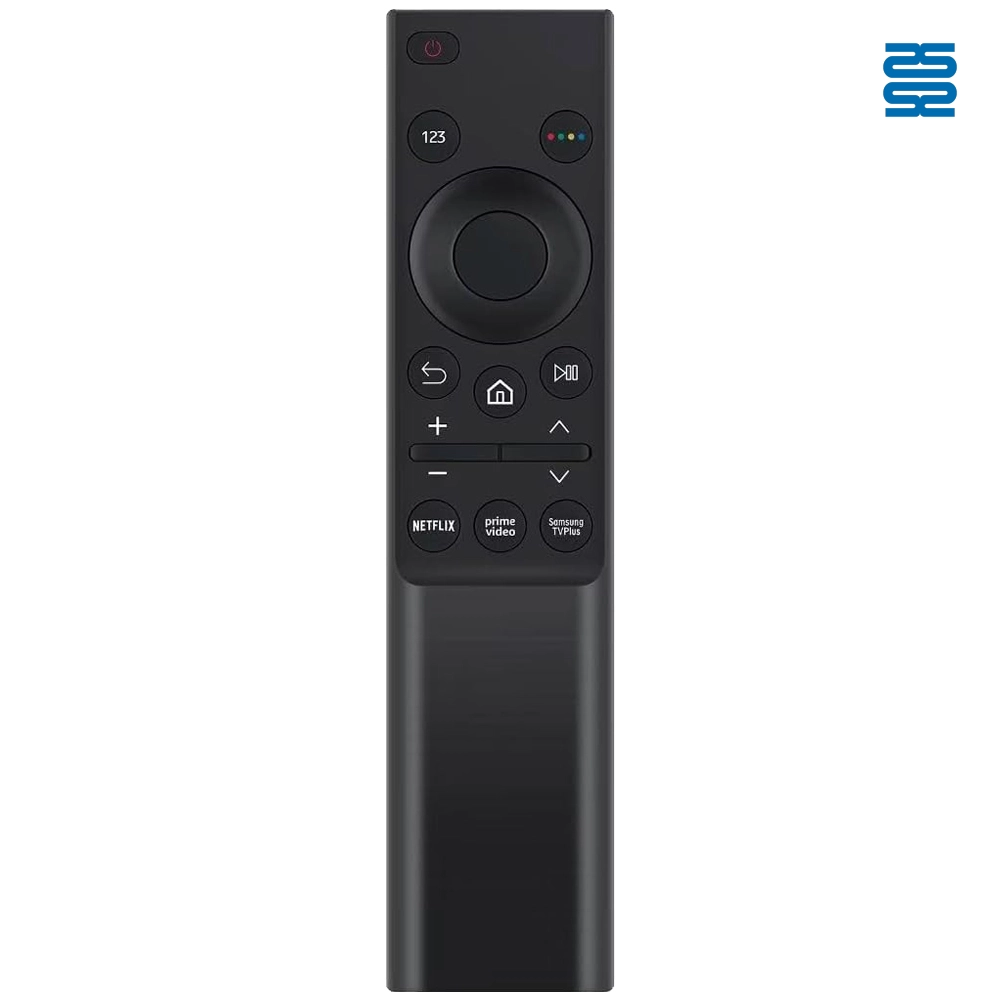
BN59-01358B Samsung TV Remote Control Infrared Replacement
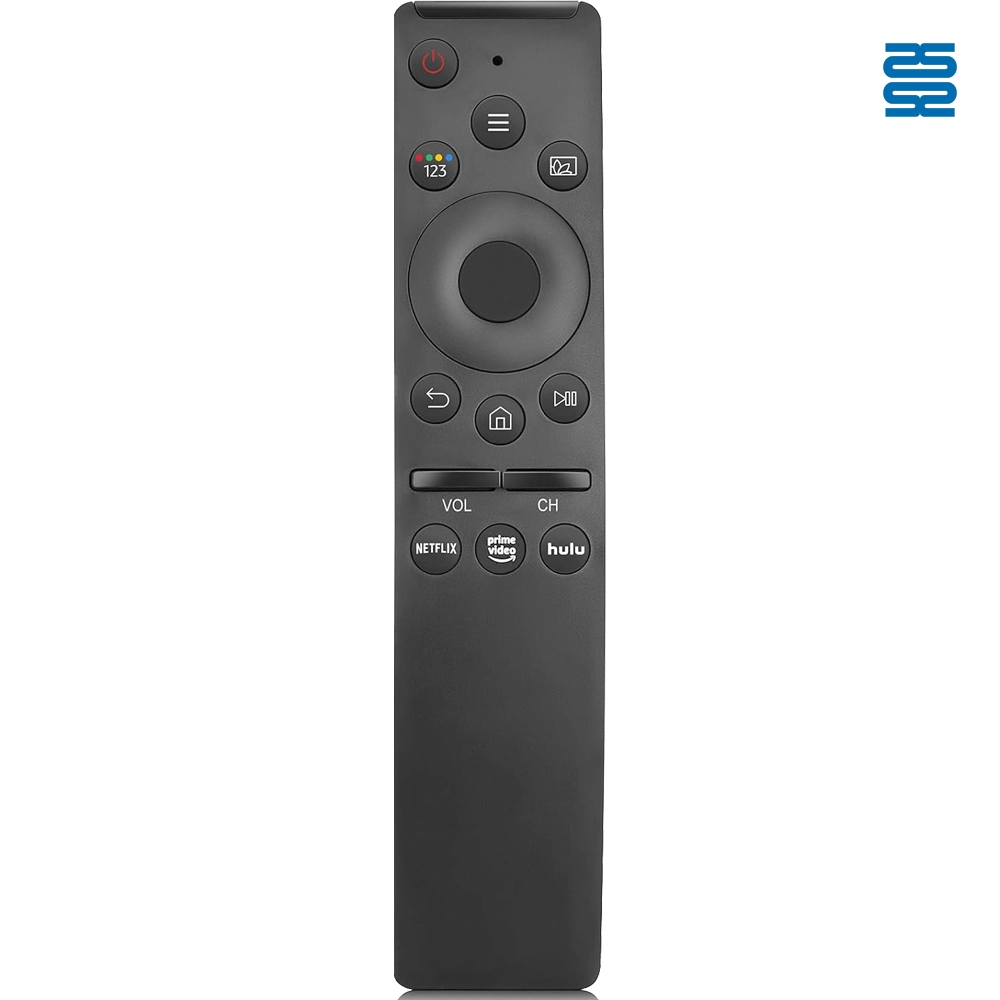
BN59-01300FM Samsung TV Remote Control Infrared Replacement

KT-B02 Universal Air Conditioner Remote Control Compatible with All Brands

KT-6018 6000 in 1 Universal Air Conditioner Remote Control Compatible with All Brands
◼ Let’s Build Together
Get in Touch with SYSTO
If you have any comments or good suggestions, please leave us a message, later our professional staff will contact you as soon as possible.


Contact
Email us
Text or Call us
Address
Room 1606, No. 65, Zhongshan Seven Road, Liwan District, Guangzhou, Guangdong, China.

Facebook
Instagram
YouTube
Tik Tok
VK