






How to check Samsung remote control compatibility list?
Understanding Samsung TV Remote Control Compatibility
When it comes to controlling your Samsung TV, selecting the right remote is crucial for a seamless viewing experience. This guide addresses common questions and provides expert insights into Samsung TV remote control compatibility.
1. How can I check the compatibility of a Samsung TV remote control?
To determine if a remote control is compatible with your Samsung TV, consider the following steps:
Consult the User Manual: Your TV's user manual often includes a list of compatible remote models.
Visit Samsung's Official Support Website: Samsung provides detailed information on remote compatibility for various TV models.
Contact Samsung Customer Support: For personalized assistance, reach out to Samsung's customer support with your TV's model number.
2. Are all Samsung TV remotes interchangeable?
No, not all Samsung TV remotes are interchangeable. Compatibility depends on the TV model and the remote's design. For instance, remotes designed for older models may not work with newer Smart TVs.
3. Can I use a universal remote with my Samsung TV?
Yes, many universal remotes are compatible with Samsung TVs. Samsung even offers its own line of universal remotes. Ensure the universal remote supports Samsung TVs and follow the manufacturer's instructions for setup.
4. How do I pair a Samsung Smart Remote with my TV?
To pair a Samsung Smart Remote with your TV:
Turn on your Samsung TV.
Press and hold the 'Return' and 'Play/Pause' buttons simultaneously for about 3 seconds.
Follow the on-screen instructions to complete the pairing process.
If pairing fails, ensure your TV's software is up to date and that the remote has fresh batteries.
5. What should I do if my Samsung TV remote is not working?
If your Samsung TV remote is unresponsive:
Check the Batteries: Replace them with new ones to rule out power issues.
Reset the Remote: Remove the batteries, press all buttons for 20 seconds, then reinsert the batteries.
Update TV Software: Ensure your TV's firmware is current, as updates can resolve compatibility issues.
Contact Support: If problems persist, reach out to Samsung's customer support for further assistance.
6. Can I use my smartphone as a remote control for my Samsung TV?
Yes, Samsung offers the SmartThings app, which allows your smartphone to function as a remote control for your TV. The app is available for both Android and iOS devices and provides features like channel control, volume adjustment, and access to TV settings.
7. Are there third-party remotes compatible with Samsung TVs?
Yes, third-party remotes can control Samsung TVs, especially if they support infrared (IR) signals. However, functionality may be limited compared to Samsung's original remotes. Ensure the third-party remote is compatible with your specific TV model.
8. How do I find a replacement remote for my Samsung TV?
To find a replacement remote:
Visit Samsung's Official Parts Website: Search for your TV model number to find the exact remote that came with your TV.
Check Authorized Retailers: Reputable electronics stores may carry compatible remotes.
Consider Universal Remotes: Ensure they are compatible with Samsung TVs and support the features you need.
Conclusion: Why Choose SYSTO for Your Remote Control Needs
When selecting a remote control, consider SYSTO for its reliability, compatibility, and user-friendly design. SYSTO remotes are engineered to work seamlessly with a wide range of Samsung TV models, ensuring a hassle-free experience. Their ergonomic design and intuitive interface make them a top choice for enhancing your viewing pleasure.
CRC2304V
Can I customize the logo or packaging?
Yes, OEM/ODM customization is available, including logo, key layout, and packaging.
AKB75095308
What is the MOQ for custom orders?
For regular stock, small quantities are available. For custom designs, MOQ depends on the customization level (usually 500–1000 units).
KS-PN03V
Can I customize the logo or packaging?
Yes, we offer full OEM/ODM customization services.
About Contact
Can I visit your office?
Yes, we welcome appointments from partners worldwide.
QD85U
How many operating modes are available?
Five — Auto, Cool, Dry, Fan, and Heat.
Recommended For You
Infrared LED light remote for Panasonic Japan market. No setup required. Supports dimming, color adjustment, timer, and 3-channel switching.
Do solar remote controls still use lithium batteries? Learn how modern solar-powered remotes now adopt supercapacitors with USB Type-C fast charging for improved safety, durability, and long lifespan.
Learn how to check whether a garage door remote control bought online is compatible with your opener. Frequency, learning type, and easy tips explained.
Having trouble setting up a universal remote even though your TV brand is listed in the manual? Learn the real reason, common mistakes, and how to improve success by using precise TV codes.
Learn how to set up and program the CRC1130V universal remote control for your TV. This step-by-step guide covers direct brand buttons, code input, and auto search methods for quick and easy pairing.
You May Also Like
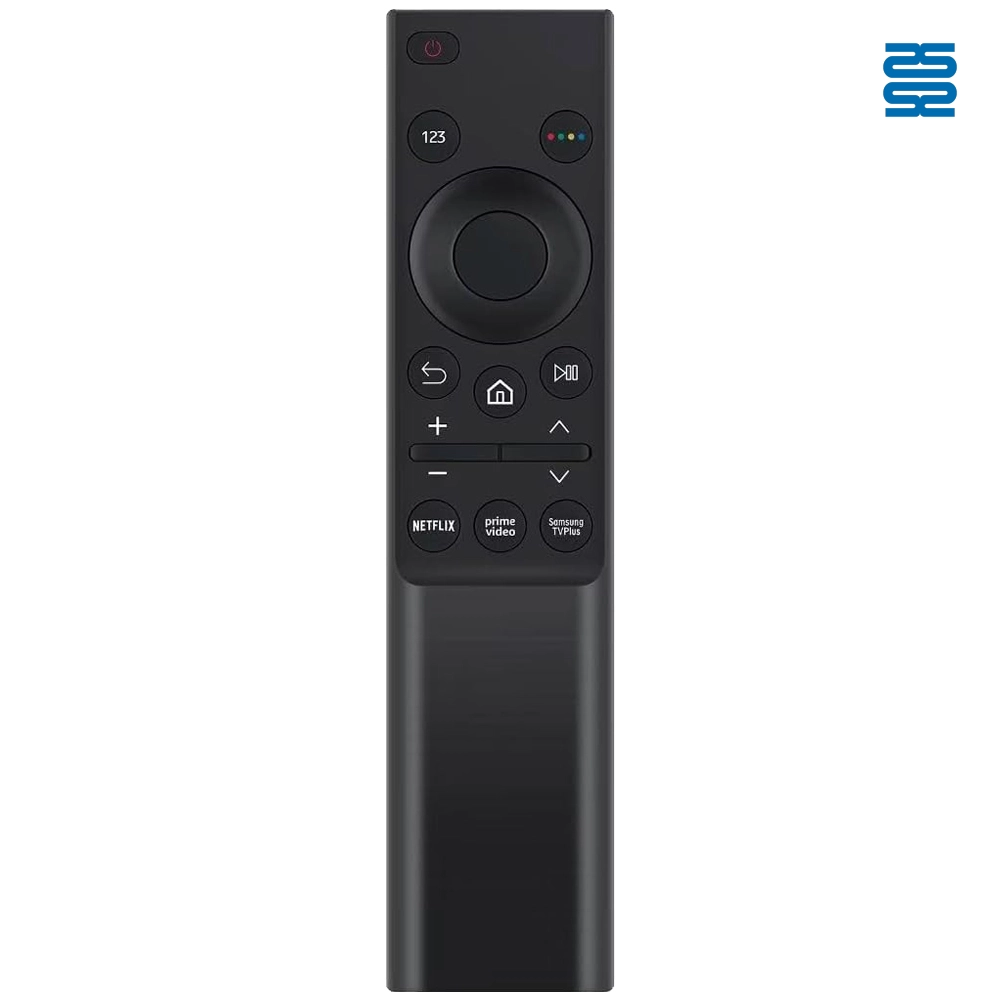
BN59-01358B Samsung TV Remote Control Infrared Replacement
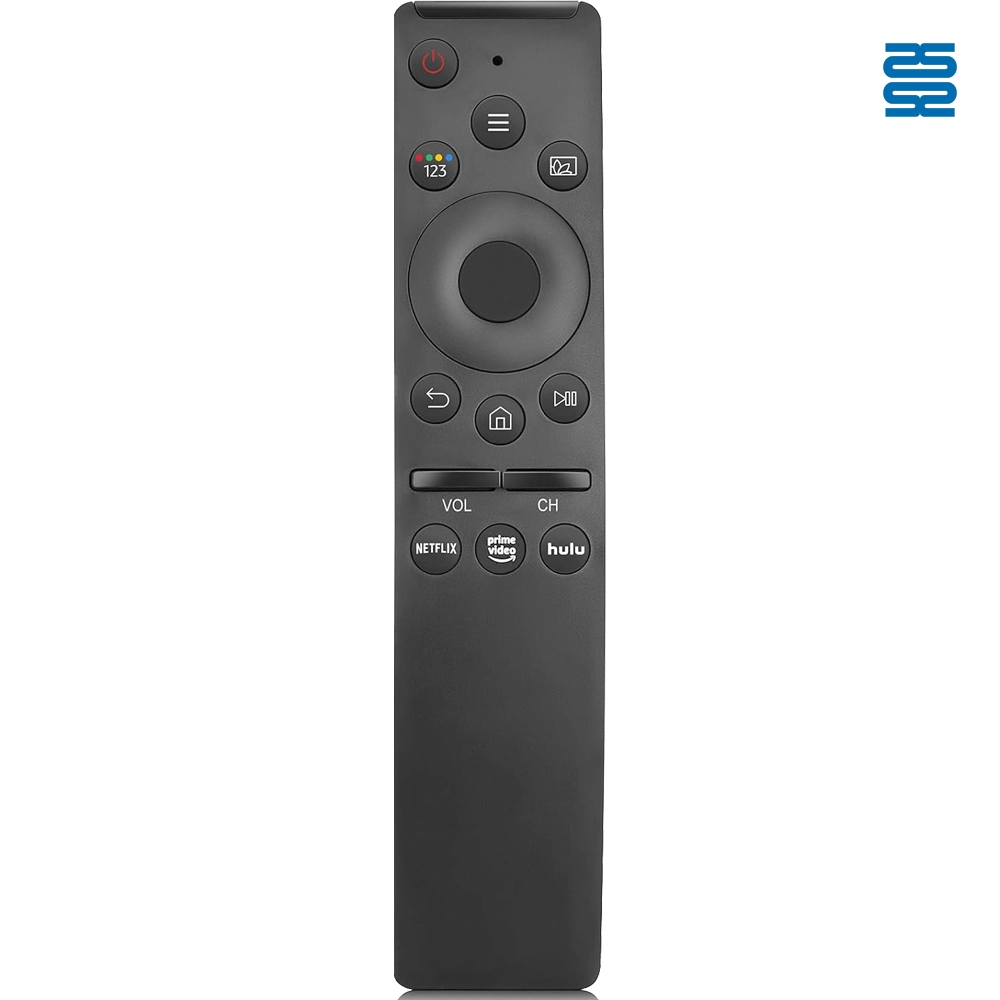
BN59-01300FM Samsung TV Remote Control Infrared Replacement

KT-B02 Universal Air Conditioner Remote Control Compatible with All Brands

KT-6018 6000 in 1 Universal Air Conditioner Remote Control Compatible with All Brands
◼ Let’s Build Together
Get in Touch with SYSTO
If you have any comments or good suggestions, please leave us a message, later our professional staff will contact you as soon as possible.


Contact
Email us
Text or Call us
Address
Room 1606, No. 65, Zhongshan Seven Road, Liwan District, Guangzhou, Guangdong, China.

Facebook
Instagram
YouTube
Tik Tok
VK