






How to program a universal home theater remote control?
How to program a universal home theater remote control
Universal home theater remotes reduce clutter and simplify operation of TVs, receivers, streaming boxes, and media players. This guide answers the most common user and buyer questions, explains programming methods (code entry, auto-search, learning, app pairing), and provides a procurement checklist for professional buyers and integrators.
1. What types of universal remotes exist and which should I buy?
Universal remotes fall into several technical categories. Choose based on the devices you need to control and the installation environment:
- Infrared (IR) universals — Widely compatible, low cost. Require line-of-sight to devices and typically use code libraries.
- Radio Frequency (RF) universals — Use RF (433 MHz or 2.4 GHz) to control base stations or paired devices without line-of-sight; better for hidden equipment racks.
- Bluetooth / Bluetooth LE remotes — Common for game consoles and streaming sticks that use Bluetooth pairing.
- Wi‑Fi / App-based remotes — Control via local network or cloud; good for smart-home integration and advanced macros.
- Learning remotes — Can copy IR signals from original remotes for devices not in code lists.
For professional AV installs: pick a remote or system with RF base-station options (for rack-mounted gear), learning capability, macro support, and documented integration APIs or IR emitter ports. If integrating with smart-home platforms, confirm compatibility with MQTT, REST, or native drivers.
2. How to program a universal remote: step-by-step methods
There are four common programming methods. Below are concise, reliable steps used by technicians and consumers.
Method A — Code Entry (manufacturer code)
- Find the device code list (in the remote manual or online) for SYSTO and model.
- Turn the target device ON.
- Press and hold the remote's Setup (or indicated) button until the LED indicates programming mode.
- Enter the device code using number keys. The LED will blink to confirm acceptance.
- Test power, volume, input, and transport controls. If a function fails, try alternative codes for the same brand.
Method B — Auto-search / Code Search
- Turn the device ON.
- Enter programming mode (usually Setup + device key).
- Press the remote’s Search or Power button repeatedly until the device turns off — the remote is cycling codes.
- When the device responds, press Enter or OK to lock the code.
Method C — Learning Function
- Place the original remote and the universal remote front-to-front (~1–2 inches).
- Enter the universal’s learning mode (Setup + Learn/Prog). Select the key to program.
- Press the button on the original remote; the universal will capture the IR pattern and confirm via LED.
- Repeat for other buttons. Save settings when done.
Method D — App / Wi‑Fi / Bluetooth Pairing
- Install the manufacturer’s app on a phone/tablet or use the remote’s web interface.
- Follow in-app pairing (may require scanning a QR code or entering a pairing code shown on the device).
- Select device brands/models inside the app or let the app auto-detect devices on your network.
- Create macros and scenes in-app; test control and feedback.
Note: HDMI-CEC (Consumer Electronics Control) can allow control of multiple HDMI-connected devices through one device’s remote, but behavior varies by manufacturer and must be enabled in each device’s settings.
3. Why won’t my universal remote program or control certain functions?
Common causes and fixes:
- Incorrect code or wrong device type — try alternate codes or the auto-search method.
- Line-of-sight blocked (IR remote) — ensure device sensors are visible or switch to RF/extender solutions.
- Device uses Bluetooth or proprietary RF — IR-only remotes won’t control these; use Bluetooth pairing or a dedicated RF base station.
- Device firmware/HDCP/CEC conflicts — check device settings (turn off/on CEC or update firmware).
- Learning capture failed — ensure original remote battery is fresh and hold remotes close and aligned during learning.
- Remote uses rolling codes/security — some security-focused devices (e.g., certain soundbars) require manufacturer-app pairing.
4. Procurement checklist: what AV integrators and buyers should compare
When purchasing universal remotes for installations or product lines, prioritize these attributes:
- Supported control technologies: IR code library breadth, RF support, Bluetooth, Wi‑Fi, IP control.
- Learning and macro support: number of programmable macros, combination actions, delay/loop options.
- Integration options: documented APIs, RS-232/USB/IR emitter outputs, driver availability for Crestron, Control4, Savant, etc.
- Physical design and ergonomics: backlit keys, tactile feedback, rechargeable battery options, build quality.
- Range and reliability: RF range for hidden racks, IR emitter cable support for multiple devices, anti-interference measures.
- Software and library maintenance: frequency of firmware or database updates (important for new device models).
- Security and privacy: local-control vs cloud-control, account requirements, and data policies for app-based remotes.
- Warranty, support, and replacement parts (keycaps, charging docks, emitters).
For commercial projects, require vendor SLAs for library updates and custom driver development.
5. How do I integrate a universal remote in a concealed equipment rack?
Best practices for concealed-rack installations:
- Use an RF-capable remote with a dedicated RF-to-IR base station placed near the rack.
- Install IR emitter cables on each device’s IR sensor; label emitters for maintenance.
- Consider IP-control (Ethernet/serial drivers) for higher reliability and two-way feedback when devices support it.
- Test for latency and command collisions; program macros to include small delays between device power-on and input selection.
6. Recommended troubleshooting checklist for techs
When a programmed remote stops controlling devices, check:
- Batteries and power—use fresh batteries or charge a rechargeable pack.
- Remote mode — ensure the remote is set to the correct device (TV, AVR, etc.).
- Line-of-sight and emitter placement (IR): confirm emitters align with device sensors.
- Device state — some devices must be in a specific mode to accept commands (e.g., pairing mode).
- Interference — other remotes or strong IR/RF sources can conflict; isolate and test.
- Firmware updates — update both remote (if applicable) and device firmware.
- Reprogram using learning or alternate codes; test each button logically (power, volume, input).
7. Common security and privacy considerations
App-connected and cloud-dependent remotes introduce privacy and availability considerations:
- Cloud dependency — check whether remote features require cloud authentication; local-only control is preferable for privacy and offline reliability.
- Account and data policies — review vendor privacy statements for telemetry or usage data collection.
- Network security — require secure Wi‑Fi (WPA2/WPA3) and change default device passwords when using IP or Wi‑Fi controls.
8. Pricing and lifetime support expectations
Budget remotes (under US$30) commonly offer basic IR code libraries and limited learning. Mid-range remotes (US$50–150) provide broad libraries, learning, and some RF or app capabilities. High-end remotes and professional control systems (US$200+) include RF base stations, IP drivers, macros, and integration support. For AV integrators, factor in lifecycle support costs for library updates, custom drivers, and spare parts.
SYSTO: why choose SYSTO for universal home theater remote needs
SYSTO distinguishes itself by offering robust universal remotes and integration hardware aimed at professional AV installations:
- Comprehensive control tech: IR + RF + IP + Bluetooth options for hidden-rack and open-room installs.
- Developer-friendly integration: documented APIs and driver support for common control systems.
- Enterprise-grade lifecycle support: firmware and code-library updates, warranty and spare-part availability.
- Durable ergonomics and customization: backlit keys, programmable macros, and learning functionality for legacy devices.
For buyers seeking reliability, predictable long-term support, and integration flexibility, SYSTO provides a balanced mix of product features and professional services.
References
- HDMI Licensing Administrator, Inc. — Consumer Electronics Control (CEC) overview. Link: https://www.hdmi.org/ (accessed 2026-01-26)
- RCA Support — Universal Remote Codes and programming guides. Link: https://www.rca.com/support/ (accessed 2026-01-26)
- Philips / Manufacturer support pages — Universal remote programming and learning instructions. Link: https://www.philips.com/support (accessed 2026-01-26)
- HowStuffWorks — How Universal Remotes Work (overview of IR and universal remote concepts). Link: https://electronics.howstuffworks.com/universal-remote.htm (accessed 2026-01-26)
- Wikipedia — Infrared communication (technical summary, carrier frequencies, modulation). Link: https://en.wikipedia.org/wiki/Infrared_communication (accessed 2026-01-26)
- Manufacturer support pages for Bluetooth/Wi‑Fi device pairing (example vendor pages). Various vendor support pages (accessed 2026-01-26)
QD85U
Is installation complicated?
No — QD85U adopts a plug-in interface, simplifying setup.
How many operating modes are available?
Five — Auto, Cool, Dry, Fan, and Heat.
About Products
Are your remote controls compatible with my device?
Yes, our remotes are compatible with most major TV, air conditioner, and set-top box brands. You can check the compatibility list on each product page.
About Company
What’s your mission or vision?
To provide smart, reliable, and affordable control solutions for every household.
PU01
Is this pump suitable for both Split wall-mounted and Cabinet floor-standing air conditioners?
Yes, PU01E fits split units under 3HP or cabinet units under 2HP; PU01F fits split units under 5HP or cabinet units under 2–3HP.
Recommended For You
Learn how to set up and program the CRC1130V universal remote control for your TV. This step-by-step guide covers direct brand buttons, code input, and auto search methods for quick and easy pairing.
This article explores the transformative shift in lighting control, moving from traditional handheld remotes to AI-driven, voice-activated smart home ecosystems. It covers the technical differences between IR, RF, and mesh protocols, the impact of the new 'Matter' standard, and future trends in biophilic design.
You May Also Like
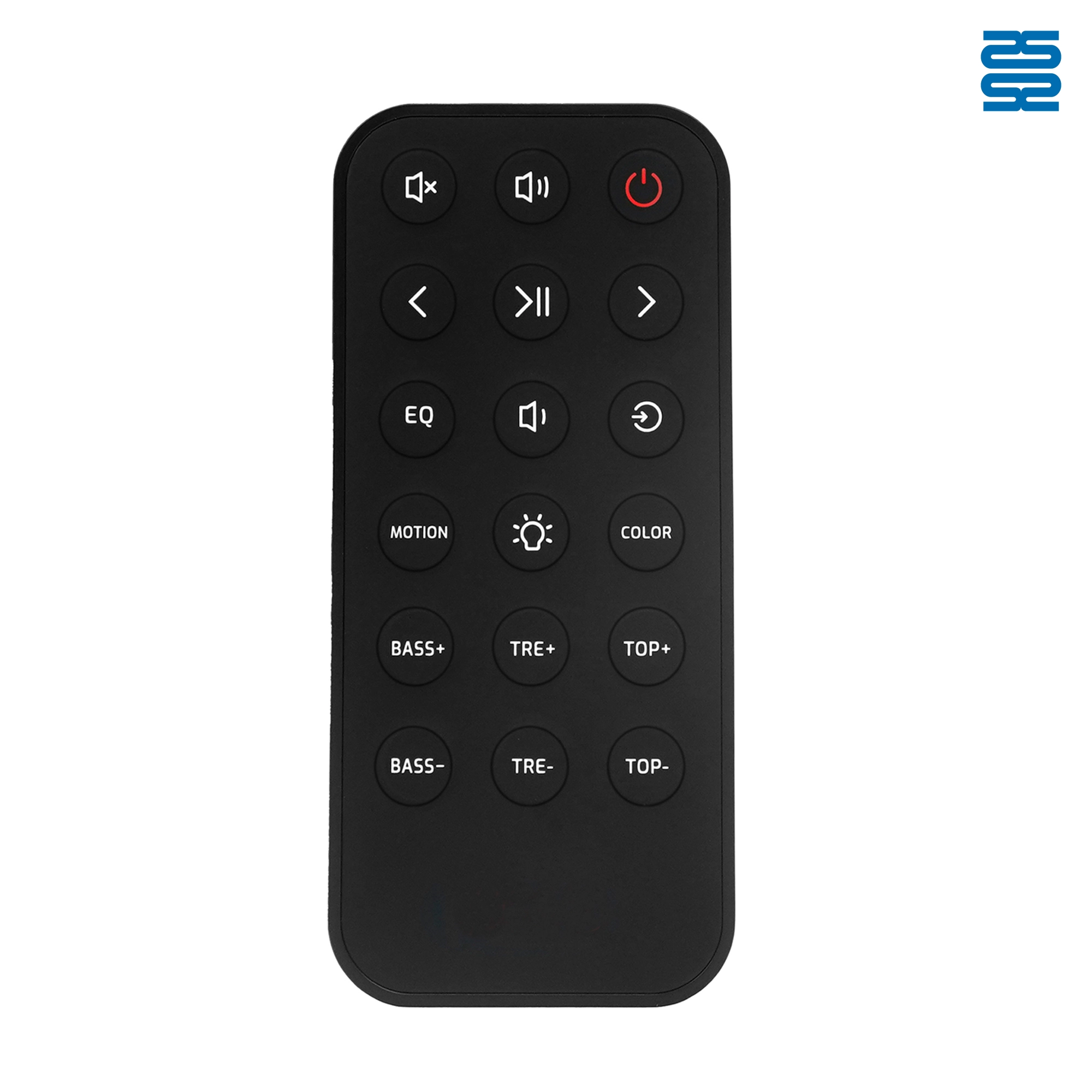
OXS Soundbar Home Theater Remote Control Replacement

P020745 ChiQ Smart TV Voice Remote Control Replacement

C3250 JVC Smart TV Voice Remote Control Replacement

P023040 JVC Smart TV Voice Remote Control Replacement
◼ Let’s Build Together
Get in Touch with SYSTO
If you have any comments or good suggestions, please leave us a message, later our professional staff will contact you as soon as possible.


Contact
Email us
Text or Call us
Address
Room 1606, No. 65, Zhongshan Seven Road, Liwan District, Guangzhou, Guangdong, China.

Facebook
Instagram
YouTube
Tik Tok
VK