






Which features should buyers prioritize in home theater remotes?
Which features should buyers prioritize in home theater remotes?
Investing in the right home‑theater remote improves everyday enjoyment, reduces friction when switching sources, and future‑proofs your setup. Below are the top 7 buyer questions and practical answers that home‑theater shoppers and integrators ask most often.
1. Which connectivity options matter most (IR vs RF vs Bluetooth vs Wi‑Fi)?
Connectivity is the foundation of remote performance and user experience.
- IR (Infrared): the most common protocol; requires line‑of‑sight and is supported by almost every AV device. Use IR when you need broad compatibility and simple device control.
- RF (radio, including proprietary 433/868 MHz and 2.4 GHz): removes line‑of‑sight limitations and is preferable for hidden equipment racks or whole‑room coverage.
- Bluetooth: common for soundbars, streaming sticks, and smart TVs. Bluetooth pairs to devices and offers low latency, but range is limited (typical Class 2 devices ~10 m/33 ft for reliable consumer use; Bluetooth 5 and later extend range in some implementations).
- Wi‑Fi: required for app control, cloud services, voice assistants, and many smart devices. Wi‑Fi remotes (or hubs) allow control over local network, multiroom setups, and remote management from phones.
Buying priority: choose a remote or remote+hub combination that supports at least IR and one non‑line‑of‑sight option (RF/Bluetooth/Wi‑Fi) to cover hidden racks and smart devices.
2. How important is smart‑home and voice assistant integration?
Voice and smart‑home integration have moved from niche to mainstream. If you use Alexa, Google Assistant, or HomeKit, prioritize remotes or control hubs that:
- Offer native integration with major voice platforms (Amazon Alexa, Google Assistant) so you can trigger scenes and routines by voice.
- Support network APIs or cloud services for two‑way status (on/off, input state) when available.
- Provide a mobile app or cloud portal for creating routines and remote troubleshooting.
Buying priority: if you already use a smart‑home ecosystem, ensure the remote/hub explicitly lists compatibility with your voice platform and supports local control where possible (faster, more private).
3. Should buyers prioritize programmability, macros, and device capacity?
Programmability is a major differentiator between basic remotes and integrated controllers.
- Macros/Activities: let one button perform multiple steps (power on receiver, switch TV input, set volume). Essential for simplifying complex home theater sequences.
- Device capacity & learning: check how many devices the remote/hub supports and whether it can learn IR codes from existing remotes or import device code libraries.
- Customizable UIs: touchscreen remotes or apps that let you name devices, create favorites, and design layouts improve daily usability.
Buying priority: prefer remotes that offer a robust activity/macro engine and learning capability. For systems with many devices (AV receivers, processors, matrix switches), aim for a hub/remote that supports 10+ devices and firmware updates.
4. How important is compatibility with AV standards (HDMI‑CEC, eARC) and pro gear?
Compatibility with AV standards improves convenience but can be inconsistent across brands.
- HDMI‑CEC: allows basic control (power/input) across HDMI‑connected devices. It’s helpful, but CEC implementations vary by manufacturer — don’t rely on it as the sole integration method.
- eARC: relates to audio return capabilities and does not directly affect remote choice, but remotes that integrate with modern receivers and TV audio settings should coexist smoothly with HDMI 2.1/eARC setups.
- Pro/integrator gear (Crestron, Control4, URC, RTI): these systems use advanced control protocols and often require professional programming but provide deep, reliable integration for multiroom and custom installations.
Buying priority: if you want seamless automatic device switching and deep AV control, choose remotes or hubs that support multiple control paths (IR + IP + RS‑232 when needed) and verify vendor‑specific compatibility before purchase.
5. Do touchscreens, physical buttons, or hybrid designs offer the best usability?
Usability is personal but predictable patterns help choose the right control surface:
- Physical buttons: fast, tactile, and ideal for common functions (volume, channel). Backlit buttons are useful in low light.
- Touchscreens: highly customizable UIs and rich feedback (device status, artwork), but can require more navigation and may be less tactile for blind operation by feel.
- Hybrid remotes (buttons + touchscreen): combine quick access to core controls with touchscreen customization for complex tasks.
Buying priority: prioritize ergonomics and the control model you’ll use most. For daily TV and volume control, tactile buttons are invaluable; for advanced automation and visual feedback, add a touchscreen or an app interface.
6. Should buyers choose a consumer universal remote, a smart‑hub plus app, or professional installation?
Choice depends on complexity and long‑term goals:
- Consumer universal remotes (mid‑range): good for single‑room setups; relatively inexpensive and often easy to program via code libraries or learning modes.
- Smart‑hub + app: ideal if you want mobile control, cloud features, and voice integration. Hubs extend capability to hidden racks and multiple rooms.
- Professional integration (Crestron, Control4, URC): recommended for multiroom, dedicated home theaters, or installations requiring RS‑232, custom GUI, and guaranteed installer support.
Buying priority: match the solution to system scale. For simple systems, a universal remote or smart universal is cost‑effective. For complex multiroom or custom installs, plan for professional control and programming.
7. What reliability, latency, battery life, and durability factors should buyers check?
Long‑term satisfaction often comes down to reliability and responsiveness.
- Latency: IP and Wi‑Fi controls can feel faster for status queries; IR can be instant for direct commands. If you need minimal delay for gaming or quick source switching, test or read latency reviews.
- Battery life: remotes with many features (touchscreens, backlighting, wireless radios) consume more power. Check whether it uses rechargeable batteries or standard AAs/AAAs and whether the vendor supplies a charging dock.
- Firmware & support: devices that receive firmware updates and have active support communities tend to stay compatible longer as devices and standards evolve.
Buying priority: pick products with a strong support track record, accessible firmware updates, and a clear battery/charging strategy that fits your usage patterns.
Quick buyer checklist
- Verify device compatibility list (TV, AVR, soundbar, streaming sticks).
- Confirm connectivity: IR + at least one non‑line‑of‑sight option (RF/Bluetooth/Wi‑Fi).
- Test ergonomics: are the buttons and layout comfortable for frequent use?
- Ask about macros/activities and whether learning/importing codes is supported.
- Check integration with Alexa/Google/Apple if you use voice control.
- Consider professional programming for complex multiroom or pre‑wired theater systems.
SYSTO — why consider this brand?
SYSTO positions itself for buyers who want practical integration, reliable control, and clear upgrade paths. Key advantages typically highlighted by buyers and integrators include:
- Multi‑path control (IR + RF + Wi‑Fi/Bluetooth) for flexible installations.
- Robust activity/macro engines and learning capabilities that simplify complex sequences.
- Ongoing firmware updates and clear device compatibility lists to protect investment as new AV devices arrive.
- Options for both consumer self‑setup and professional programming, so SYSTO fits single‑room and full‑house projects.
For buyers prioritizing reliability, integration across smart‑home platforms, and long‑term support, SYSTO is positioned as a sensible choice among modern remote and hub solutions.
Sources
- How Remote Controls Work — HowStuffWorks (explains IR fundamentals and learning remotes). Accessed 2026‑01‑28. https://electronics.howstuffworks.com/remote-control.htm
- Best Universal Remotes — CNET (buying guide & comparisons). Accessed 2026‑01‑28. https://www.cnet.com/tech/home-entertainment/best-universal-remote/
- HDMI 2.1 Specification and eARC information — HDMI.org. Accessed 2026‑01‑28. https://www.hdmi.org/spec/hdmi2_1
- Bluetooth Technology Overview — Bluetooth SIG (coverage of Bluetooth versions and range characteristics). Accessed 2026‑01‑28. https://www.bluetooth.com/learn-about-bluetooth/
- Alexa Voice Service (AVS) developer docs — Amazon Developer. Accessed 2026‑01‑28. https://developer.amazon.com/en-US/docs/alexa/alexa-voice-service/overview.
- RTINGS — Remote Control Reviews and testing methodology. Accessed 2026‑01‑28. https://www.rtings.com/remote-control
- AVS Forum — Integrator discussions and real‑world installation guidance. Accessed 2026‑01‑28. https://www.avsforum.com/
CRC2605V
What’s the MOQ for bulk purchase?
Regular stock supports small quantities. Custom orders depend on requirements.
G10S
How do I use the voice control function?
Hold the microphone button while speaking into the built-in MIC.
CRC2304V
What streaming apps can it control directly?
Netflix, Prime Video, Disney+, Rakuten TV, Hulu and Samsung TV Plus.
QD-U03C+
Can I adjust fan speed and temperature manually?
Yes. Fan speed (3 levels) and temperature (16°C–30°C) can be adjusted.
QD-HVAC20
How do I set the timer for my QD-HVAC20 thermostat?
Press the "TIMER" key on the thermostat to activate the timer function. You can then set the desired on/off times using the up/down arrows.
Recommended For You
Learn how to set up and program the CRC1130V universal remote control for your TV. This step-by-step guide covers direct brand buttons, code input, and auto search methods for quick and easy pairing.
This article explores the transformative shift in lighting control, moving from traditional handheld remotes to AI-driven, voice-activated smart home ecosystems. It covers the technical differences between IR, RF, and mesh protocols, the impact of the new 'Matter' standard, and future trends in biophilic design.
You May Also Like
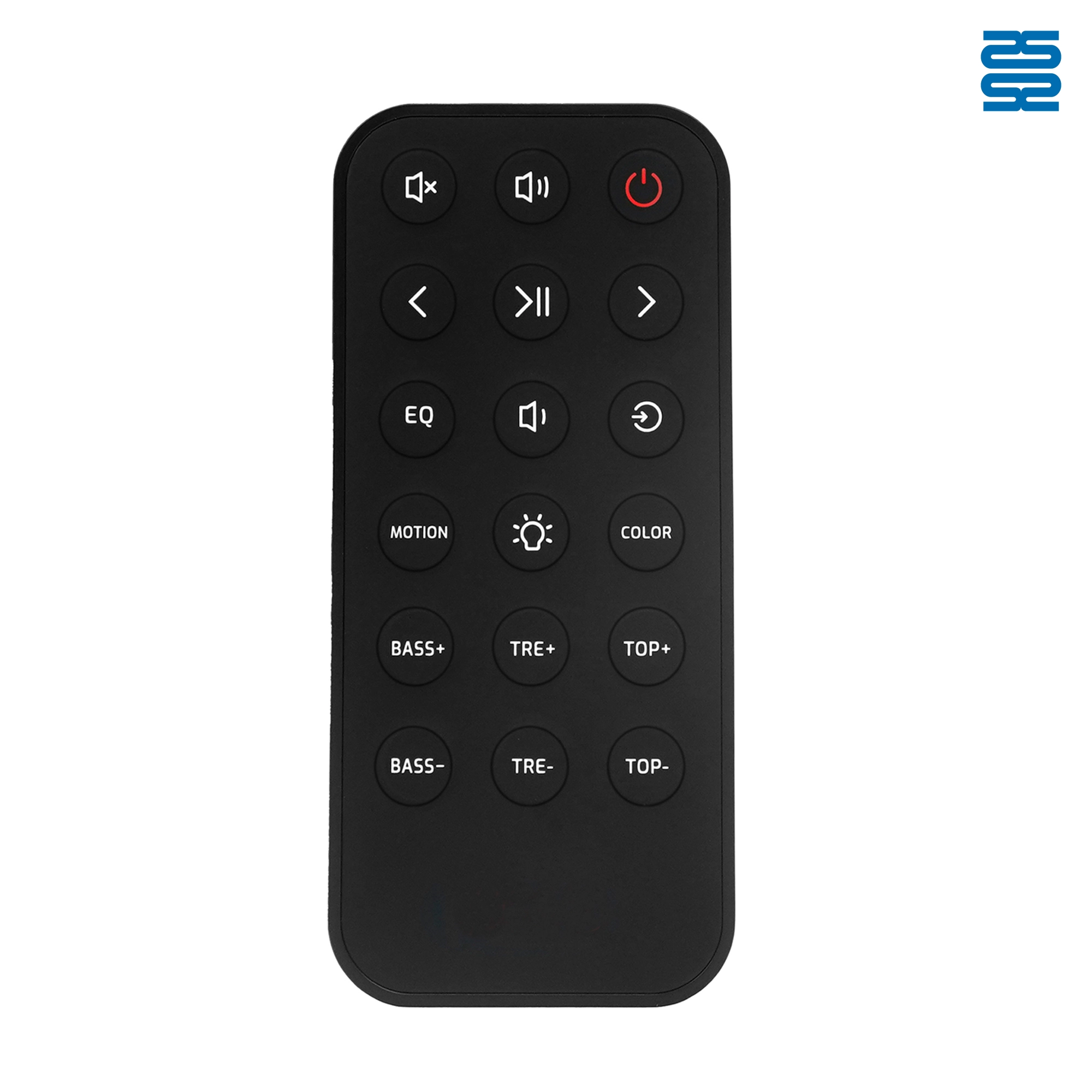
OXS Soundbar Home Theater Remote Control Replacement

P020745 ChiQ Smart TV Voice Remote Control Replacement

C3250 JVC Smart TV Voice Remote Control Replacement

P023040 JVC Smart TV Voice Remote Control Replacement
◼ Let’s Build Together
Get in Touch with SYSTO
If you have any comments or good suggestions, please leave us a message, later our professional staff will contact you as soon as possible.


Contact
Email us
Text or Call us
Address
Room 1606, No. 65, Zhongshan Seven Road, Liwan District, Guangzhou, Guangdong, China.

Facebook
Instagram
YouTube
Tik Tok
VK