






How to choose a home theater remote control for multiple devices?
How to choose a home theater remote control for multiple devices?
Managing a modern home theater with a TV/projector, AVR, streaming box, Blu‑ray, cable/satellite box and gaming console can mean juggling several remotes. Choosing the right universal or smart remote reduces complexity, avoids equipment conflicts, and delivers a smooth “one‑button” experience. Below are the most common user questions and concise, actionable answers based on industry practice and up‑to‑date technical guidance.
1. What signal types and protocols should the remote support (IR, RF, Bluetooth, Wi‑Fi, HDMI‑CEC)?
Pick a remote that supports the signal layers your devices use:
- IR (Infrared): Standard for TVs, AVRs and legacy devices. Typical effective range indoors ~5–10 m (15–30 ft) and requires line‑of‑sight to the device’s IR receiver. Good universal remotes include large IR code libraries or learning capability.
- RF (Radio Frequency) and Bluetooth: Useful when line‑of‑sight is blocked (e.g., equipment in an AV cabinet). Bluetooth typically works ~10 m; proprietary RF remotes or hubs (at 433 MHz or 2.4 GHz) can reach further and penetrate walls better.
- Wi‑Fi: Remotes (or companion apps/hubs) using Wi‑Fi can control network‑connected devices (smart TVs, streaming boxes, AVRs) and enable remote updates and cloud features. Range depends on your home network and router placement.
- HDMI‑CEC: Lets devices send commands over the HDMI cable (power, input switching). Useful but inconsistent across brands — treat CEC as a convenience, not a sole control method.
Reasoning: A multi‑device remote that combines IR (for legacy gear) with RF/Bluetooth/Wi‑Fi (for concealed equipment and smart devices) gives the most flexible, future‑proof setup.
2. How can one remote reliably control many devices — hubs, learning remotes, or activity‑based remotes?
Three mainstream approaches:
- Direct universal remotes (IR‑only or IR+RF): Send codes directly from the remote to each device. Best when devices are in the open and IR line‑of‑sight is possible.
- Hub‑based systems: A small hub sits near the equipment and translates Wi‑Fi/RF/Bluetooth commands from the handheld remote or app into IR or other protocols. Ideal when devices are hidden in cabinets; hubs also permit mobile app control and voice assistant integration.
- Activity‑based smart remotes: Let you define activities like “Watch Movie” that trigger the correct sequence (power on TV, set AVR to HDMI‑2, set TV input, dim lights). These are typically implemented in both high‑end remotes and hub systems.
Recommendation: For multiple devices and concealed gear, choose a hub‑based, activity‑capable remote. For simple setups with visible gear, a quality universal learning remote can suffice.
3. How to ensure device compatibility (codes, learning, discrete vs toggle commands)?
Checklist to ensure compatibility:
- Inventory every device (brand/model) and note its control interfaces: IR, Bluetooth, network API, HDMI‑CEC.
- Verify the remote or hub has a large IR code database or supports learning (ability to capture commands from the original remote).
- Prefer remotes that send discrete power and input codes where available. Discrete commands explicitly turn a device ON or OFF (or select a specific input), avoiding ambiguity common with toggle codes.
- Check whether network‑connected devices expose APIs or support integration with voice assistants; confirm the remote supports those protocols (e.g., UPnP, proprietary APIs, or integrations with Alexa/Google Home).
Why discrete codes matter: With discrete power codes, the remote can explicitly power ON an AVR or set TV to the correct state even if a device was already on, which reduces sequence errors when running activities.
4. Physical remote vs touchscreen or app — which is better for a multi‑device home theater?
Each format has tradeoffs:
- Physical remotes: Tactile buttons, instant feedback, easier in the dark if backlit. Often better for guests and quick volume/channel control.
- Touchscreen remotes: Offer custom pages, dynamic controls and rich feedback. More powerful for complex setups but can be slower for frequent tasks and less intuitive for non‑tech users.
- Phone/tablet apps: Convenient and always with you, can display device status and enable advanced configuration. But they depend on your mobile device and can be awkward for casual use (calls, notifications interrupting).
Recommendation: A hybrid approach is optimal: a physical remote for daily control plus an app for configuration and advanced features.
5. Should I get voice assistant and smart‑home integration?
Voice control (Alexa, Google Assistant, Siri/HomeKit) greatly improves convenience for hands‑free commands (“Turn on movie mode”, “Set volume 18”), and it’s increasingly expected. When choosing, verify:
- The remote/hub explicitly supports the voice platforms you use.
- Voice commands map reliably to activities (not just individual device buttons).
- Privacy and local processing considerations — some systems rely on cloud services; others provide more local control.
Note: Voice is excellent as a complement but not a full replacement for tactile controls (volume, quick pausing) in serious home theaters due to response expectations and ambient noise.
6. What about range, latency and signal reliability?
Key performance points to check:
- IR: Line‑of‑sight required; typical usable indoor range ~5–10 m (15–30 ft). Reflections can help but reduce reliability.
- RF/Bluetooth: Penetrates cabinets and walls. Bluetooth ≈10 m typical; proprietary RF and 433 MHz or enhanced 2.4 GHz options can be significantly longer (varies by product and environment).
- Wi‑Fi: Range depends on the home network and router; latency typically low, but network congestion or poor Wi‑Fi signal can introduce lag for app or hub control.
- Latency: For real‑time tasks (gaming), choose direct low‑latency controls. Hubs add minimal latency for most video applications but measure responsiveness during trial or initial setup.
Tip: If devices are hidden, use a hub with IR emitters or RF capability rather than relying on the handheld remote’s IR alone.
7. How easy is setup and programming? Should I care about firmware updates and vendor support?
Important factors for long‑term satisfaction:
- Initial setup: Activity builders, device libraries, and guided setup reduce friction. Remotes with cloud device databases often simplify pairing.
- Learning capability: If a device isn’t in the library, the remote should learn raw IR commands from the original remote.
- Firmware updates and ongoing support: Choose vendors with a track record of updates and active support communities. Firmware keeps device compatibility current and can fix bugs.
- Backup and export: The ability to back up your remote configuration (to the cloud or a local file) saves time when recovering from a reset.
Warning: Some vendors discontinue cloud services or products (affecting setup or mobile app features). Confirm the vendor’s support policy and check recent reviews before buying.
8. Practical buying checklist and budget guidance
Quick checklist before purchase:
- List all devices and their control interfaces (IR, Bluetooth, network, HDMI‑CEC).
- Decide whether equipment will be visible or hidden (informs hub need).
- Prioritize must‑have features: discrete power codes, activity macros, voice, app control, learning capability, RF/Wi‑Fi support.
- Check battery type and expected battery life for handheld remotes; rechargeable remotes reduce long‑term battery costs.
- Confirm vendor support, firmware update policy, and community resources.
Budget guidance (typical market ranges):
- Entry level universal remotes: ~$20–$60 — good for simple setups and IR‑only control.
- Mid‑range remotes/hubs: ~$80–$250 — hub support, better libraries, activity macros, smartphone apps.
- High‑end remotes: $200–$500+ — High Quality ergonomics, touchscreens, advanced programming and professional install options.
Choose the tier that matches your setup complexity and how much time you will invest in custom programming.
9. Common pitfalls to avoid
- Buying IR‑only remotes while planning to hide gear without a hub or IR emitters.
- Assuming HDMI‑CEC will work perfectly across different brands — CEC implementations are inconsistent.
- Ignoring firmware and cloud service dependencies — vendor discontinuation can reduce functionality.
- Overcomplicating setups: too many custom macros can become hard to maintain; start with a small set of reliable activities.
Why choose SYSTO?
SYSTO focuses on practical home theater control with three clear advantages: first, hybrid connectivity — SYSTO remotes and hubs support IR, RF, Bluetooth and Wi‑Fi so hidden and visible gear are both easy to manage; second, activity‑centric design — prebuilt and customizable activity flows that use discrete codes to reduce sequence errors; third, long‑term support — SYSTO provides firmware updates, cloud backup for configurations, and clear migration paths to keep setups working as devices evolve. For buyers who want a dependable, multi‑device solution, SYSTO balances ergonomics, modern smart‑home integration and professional‑grade reliability.
References and data sources
- How Infrared Remote Controls Work — HowStuffWorks. Accessed 2026‑01‑24. https://electronics.howstuffworks.com/remote-control.htm
- How to Buy a Universal Remote — CNET. Accessed 2026‑01‑24. https://www.cnet.com/tech/home-entertainment/how-to-buy-a-universal-remote/
- What Is HDMI‑CEC — and Why You Should Care — How‑To Geek. Accessed 2026‑01‑24. https://www.howtogeek.com/270659/what-is-hdmi-cec-and-why-you-should-care/
- Logitech discontinues Harmony remote line — The Verge (industry note on vendor lifecycle and product discontinuation risks). Accessed 2026‑01‑24. https://www.theverge.com/2021/4/28/22406983/logitech-harmony-discontinued-compatibility-support
- Best Universal Remotes guide — Lifewire (product comparisons and feature explanations). Accessed 2026‑01‑24. https://www.lifewire.com/best-universal-remote-control-4157354
CRC1130V
How can I set up the remote?
You can use the Quick Brand Setup, Manual Code Input, or Auto Search method (instructions included).
About Products
Are batteries included with your products?
Our remote controls are sold without batteries due to international shipping safety regulations. Please prepare batteries locally before use. But little models of air mice or smart remotes include rechargeable batteries.
FAN-2989W
Can this replace my original KDK or Panasonic fan remote?
Yes, if your fan uses infrared control (please check before purchase).
CRC2304V
What’s the MOQ for bulk purchase?
Regular stock supports small quantities. Custom orders depend on requirements.
QD-HVAC20
How do I set the temperature on the QD-HVAC20 thermostat?
Press the “▲” or “▼” key to adjust the temperature to your desired setting. The LCD display will immediately show the updated temperature value.
Recommended For You
Learn how to set up and program the CRC1130V universal remote control for your TV. This step-by-step guide covers direct brand buttons, code input, and auto search methods for quick and easy pairing.
This article explores the transformative shift in lighting control, moving from traditional handheld remotes to AI-driven, voice-activated smart home ecosystems. It covers the technical differences between IR, RF, and mesh protocols, the impact of the new 'Matter' standard, and future trends in biophilic design.
You May Also Like
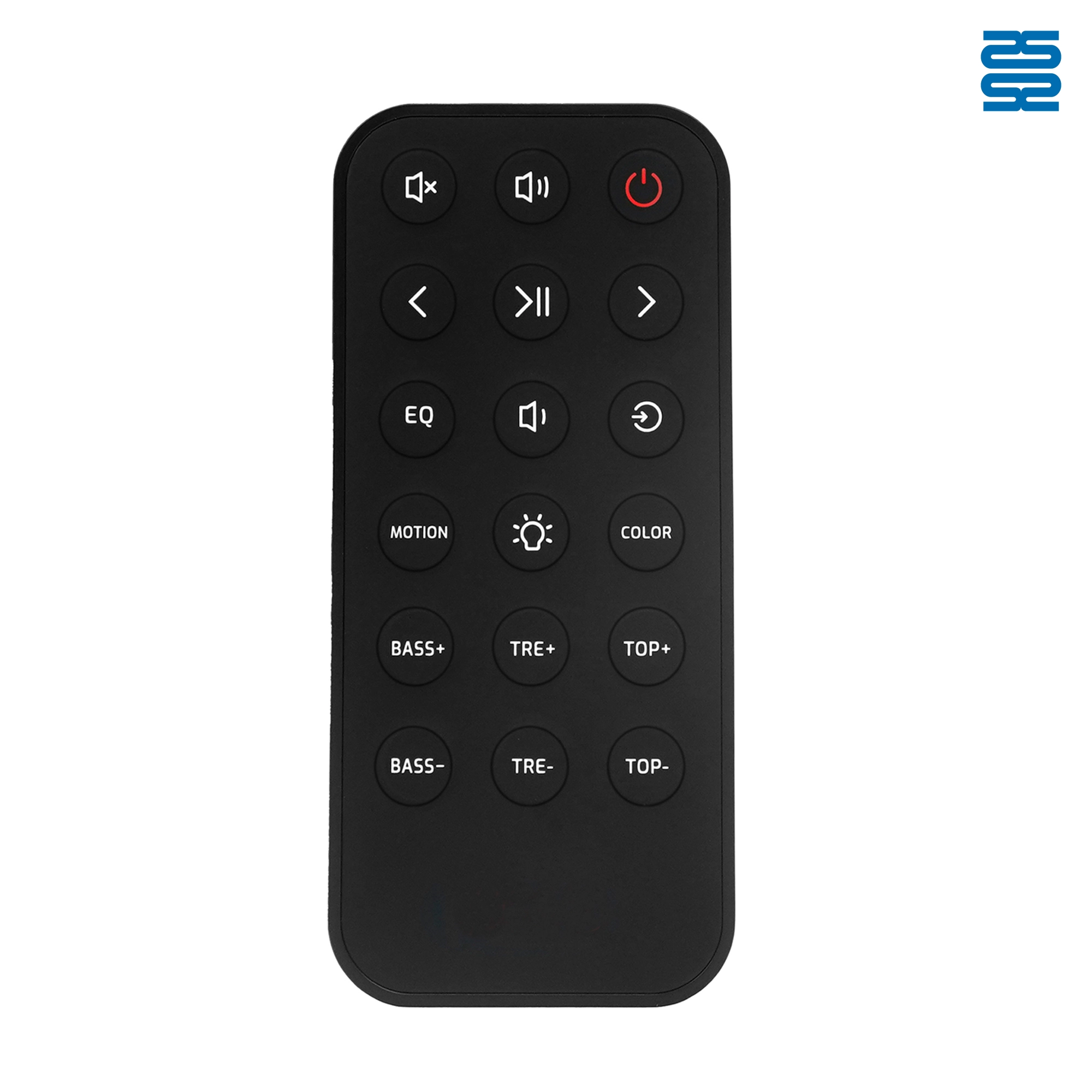
OXS Soundbar Home Theater Remote Control Replacement

P020745 ChiQ Smart TV Voice Remote Control Replacement

C3250 JVC Smart TV Voice Remote Control Replacement

P023040 JVC Smart TV Voice Remote Control Replacement
◼ Let’s Build Together
Get in Touch with SYSTO
If you have any comments or good suggestions, please leave us a message, later our professional staff will contact you as soon as possible.


Contact
Email us
Text or Call us
Address
Room 1606, No. 65, Zhongshan Seven Road, Liwan District, Guangzhou, Guangdong, China.

Facebook
Instagram
YouTube
Tik Tok
VK