






Why the 3D Button on a Replacement Remote Doesn’t Work on Your TV?
Many users notice that their replacement remote control includes a 3D button, but pressing it does nothing on the TV. This often leads to confusion or the assumption that the remote is faulty. In reality, this behavior is completely normal and related to TV hardware and function compatibility, not the remote itself.
Many users notice that their replacement remote control includes a 3D button, but pressing it does nothing on the TV. This often leads to confusion or the assumption that the remote is faulty. In reality, this behavior is completely normal and related to TV hardware and function compatibility, not the remote itself.
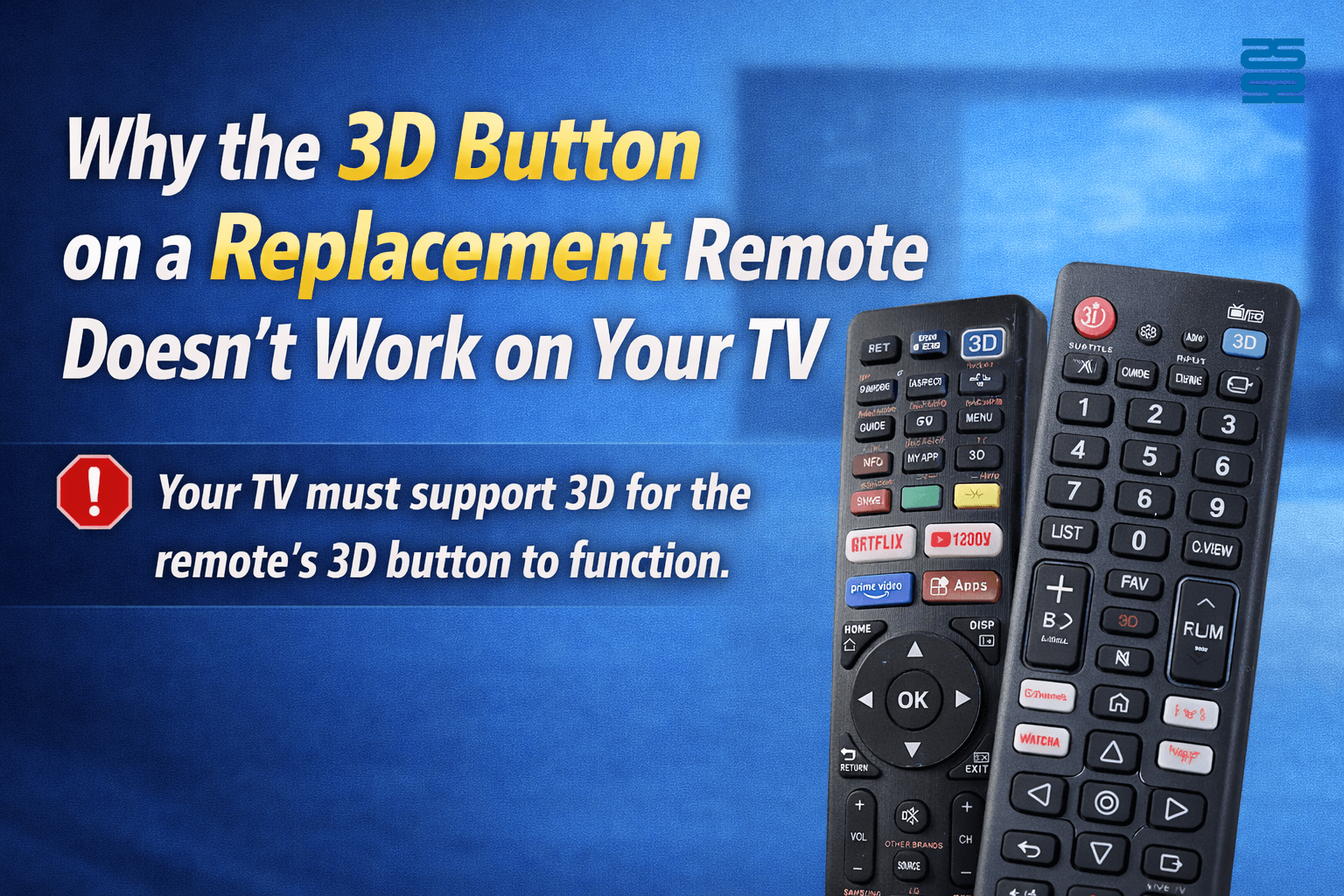
1. Why Does My Replacement Remote Have a 3D Button?
Most replacement or universal TV remote controls are designed for multiple TV models within a brand or across brands.
To maximize compatibility, manufacturers often include extra function keys such as:
-
3D
-
Netflix / Streaming shortcuts
-
Picture mode
-
App or Smart TV keys
This means the remote may have more buttons than your specific TV actually supports.
2. The Key Reason: Your TV Must Support 3D
A remote control cannot add new features to a TV.
If your original TV remote did not have a 3D button, or your TV model was never designed with 3D capability, then:
-
Pressing the 3D button will do nothing
-
The TV will not respond
-
The remote is not defective
👉 The remote only sends infrared signals; the TV decides whether it can respond.
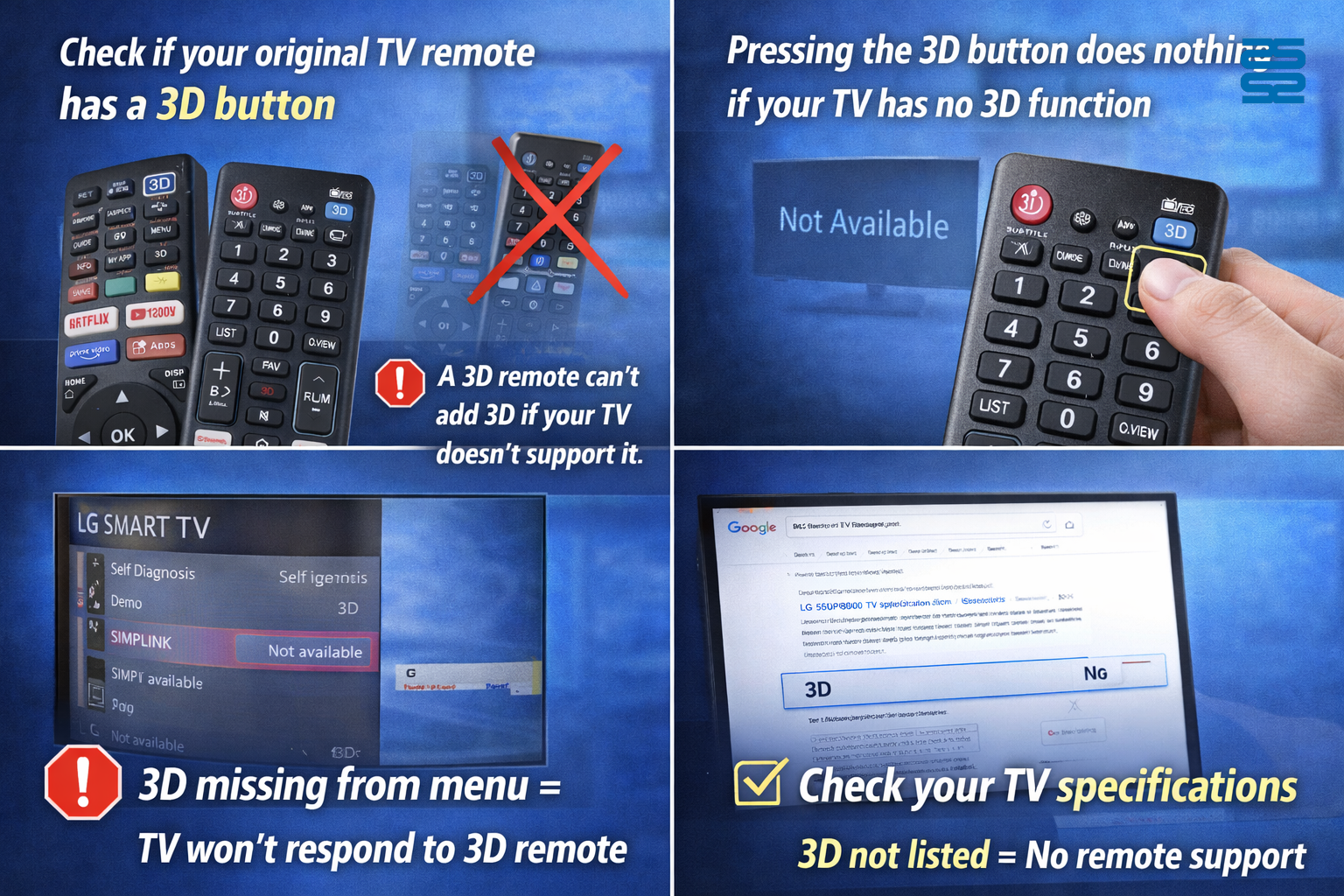
3. How to Check If Your TV Supports 3D
Before assuming a problem with the replacement remote, check the following:
-
✅ Look at your original remote control – does it have a 3D button?
-
✅ Check your TV menu settings for a 3D option
-
✅ Search your TV model number specifications online
If the TV does not list 3D as a supported feature, the 3D button on the replacement remote will be inactive.
4. The Same Logic Applies to Other Buttons
This principle applies not only to 3D, but to all extra buttons on replacement remotes:
- Smart TV / App keys
- Voice control buttons
- Picture or sound modes
- Recording or playback functions
📌 If the TV hardware or software does not support the function, the remote cannot enable it.
5. Why Manufacturers Still Include These Buttons
From an industry and distribution perspective:
-
One remote model often replaces dozens of original remotes
-
Including extra keys avoids producing many different versions
-
This reduces cost for distributors and end users
-
Ensures wider compatibility across TV series
As a result, some buttons may remain unused depending on your TV model.
FAQ
Q1: Does a non-working 3D button mean the remote is broken?
No. If your TV does not support 3D, the button will naturally have no effect.
Q2: Can a replacement remote upgrade my TV functions?
No. A remote control can only trigger existing TV functions—it cannot add new features.
Q3: My original remote didn’t have a 3D key. Is this normal?
Yes. Replacement remotes often include additional buttons for compatibility with other models.
Q4: Should I return the remote because the 3D button doesn’t work?
Not necessarily. If all other functions work correctly, the remote is operating as intended.
Q5: How do I choose the right replacement remote?
Check:
- TV brand and model
- Supported functions
- Whether extra buttons are acceptable
If your replacement remote has a 3D button but your TV doesn’t respond, this is normal behavior.
The remote is not faulty—it simply includes buttons for functions your TV does not support.
Understanding this compatibility logic can help avoid unnecessary returns and ensure a better user experience.
CRC2201V
Which manufacturers does this remote support?
The CRC2201V universal remote is compatible with 11 major Japanese lighting brands: Panasonic, Toshiba, Sharp, Takizumi, Koizumi, Hitachi, NEC, ODELIC, Iris Ohyama, Daiko Denki, and Agled.
QD85U
Can it be customized for OEM/ODM production?
Yes, we provide firmware, branding, and wiring customization.
CRC014V LITE
Are batteries included?
No, batteries are not included. Please use 2×AAA batteries.
QD-U08PGC+
Does QD-U08PGC+ work with all wall-mounted air conditioners?
It supports most split-type wall-mounted units using PG motors. Please verify motor type before installation.
PU01
What is the lead time for delivery?
In-stock models ship immediately; otherwise, production takes 15–25 working days. Customized orders depend on requirements.
Recommended For You
Infrared LED light remote for Panasonic Japan market. No setup required. Supports dimming, color adjustment, timer, and 3-channel switching.
Do solar remote controls still use lithium batteries? Learn how modern solar-powered remotes now adopt supercapacitors with USB Type-C fast charging for improved safety, durability, and long lifespan.
Learn how to check whether a garage door remote control bought online is compatible with your opener. Frequency, learning type, and easy tips explained.
Having trouble setting up a universal remote even though your TV brand is listed in the manual? Learn the real reason, common mistakes, and how to improve success by using precise TV codes.
Learn how to set up and program the CRC1130V universal remote control for your TV. This step-by-step guide covers direct brand buttons, code input, and auto search methods for quick and easy pairing.
You May Also Like

Universal LED LCD TV Remote Control

Universal IR Remote Control CRC2303V Replacement

Universal IR Remote Control CRC2304V Replacement

Universal LED LCD TV Remote Control CRC023V
◼ Let’s Build Together
Get in Touch with SYSTO
If you have any comments or good suggestions, please leave us a message, later our professional staff will contact you as soon as possible.


Contact
Email us
Text or Call us
Address
Room 1606, No. 65, Zhongshan Seven Road, Liwan District, Guangzhou, Guangdong, China.

Facebook
Instagram
YouTube
Tik Tok
VK