






Why Can’t I Set Up a Universal Remote Even When My TV Brand Is Listed?
Having trouble setting up a universal remote even though your TV brand is listed in the manual? Learn the real reason, common mistakes, and how to improve success by using precise TV codes.
Introduction
Many users ask the same question:
“My TV brand is listed in the universal remote manual, but the remote still doesn’t work. Why?”
This is a very common issue with universal TV remote controls. The good news is that the remote is usually compatible, but users may stop the setup process too early or use the wrong method. In this article, we explain the real reasons behind failed setup attempts—and how to significantly increase your success rate.
Reason 1: Too Many Codes for the Same Brand
Most TV brands, such as Samsung, LG, Sony, Philips, have dozens or even hundreds of IR codes stored in universal remotes.
During auto search or code scanning, the remote tests codes one by one.
If the correct code is located far back in the sequence, the process can take several minutes.
👉 Many users lose patience and give up before the correct code is reached.
Reason 2: Auto Search Takes Time—and Looks Like It’s Not Working
When using the auto search function, the remote does not instantly connect to your TV.
Common mistakes include:
-
Stopping the search too early
-
Assuming the remote is not compatible
-
Repeating the same steps without waiting for TV response
In fact, the TV may only respond when the correct code appears, which can take time.
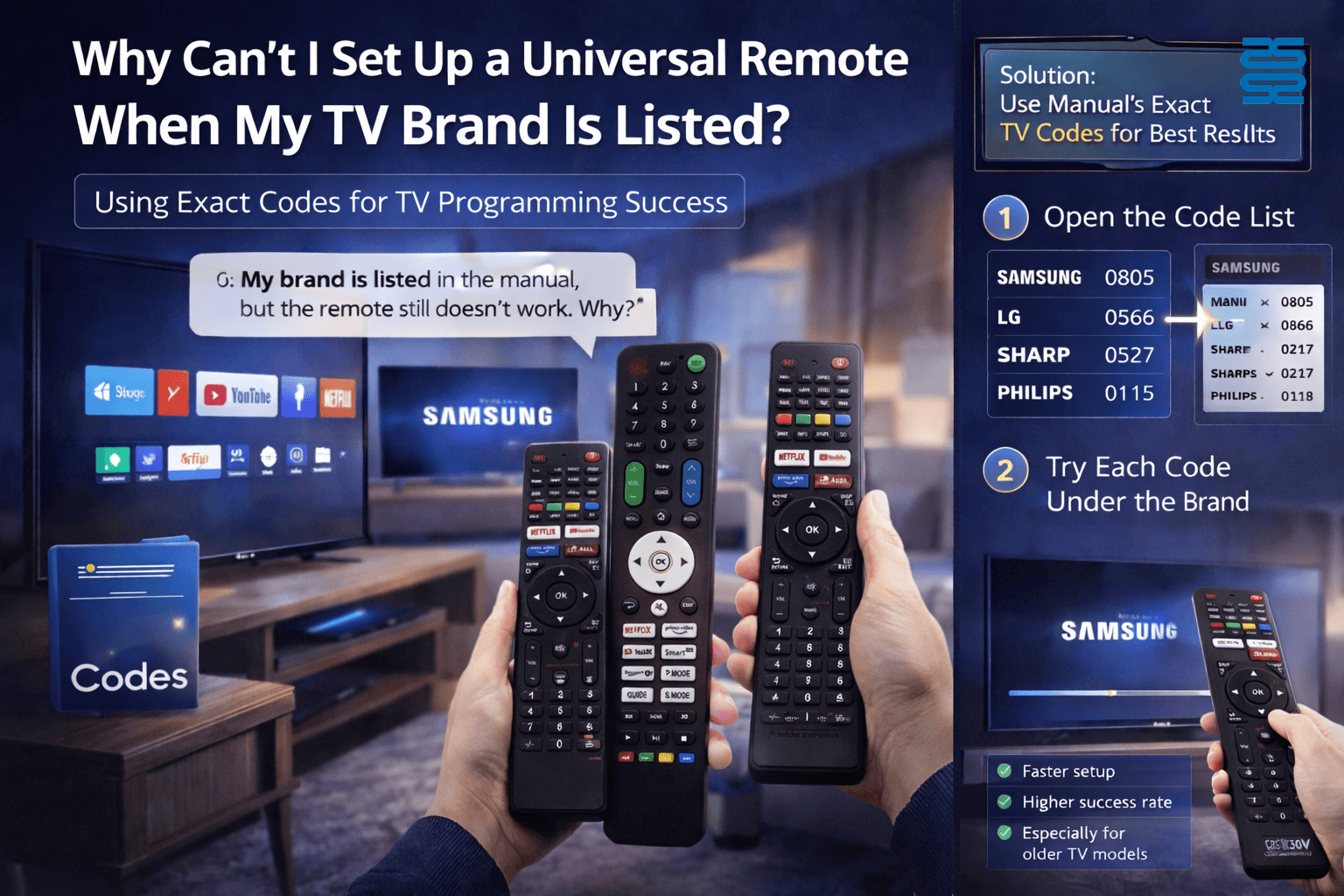
Best Solution: Use the Manual’s Exact Brand Codes
If your TV brand is listed in the instruction manual, the most efficient method is:
-
Check the exact brand code list in the manual
-
Try multiple codes under the same brand, not just one
-
Test basic functions (Power, Volume, Menu) after each code
✅ This method skips unnecessary searching
✅ Significantly increases setup success rate
✅ Especially effective for older or less common TV models
Why This Method Has a High Success Rate
-
The codes listed in manuals are pre-tested brand-specific codes
-
Each brand may use different codes by model year or chipset
-
Trying precise codes avoids long auto-search delays
In real use cases, manual code input has one of the highest success rates for universal remotes.
When Should You Consider a Dedicated TV Remote?
If:
-
You already know the exact TV brand and model
-
You want plug-and-play use without setup
-
You manage hotels, rentals, or bulk installations
Then choosing a brand-specific TV remote may save time and reduce support issues.
Frequently Asked Questions (FAQ)
Q1: My brand is listed, but none of the codes work. What should I do?
Try all codes under the same brand carefully. If that fails, switch to auto search mode and allow it more time.
Q2: Why does the same brand have so many codes?
Different TV models, production years, and chipsets use different IR codes.
Q3: Is it normal for auto search to take several minutes?
Yes. Especially for major brands, the correct code may be later in the sequence.
Q4: Does this mean the universal remote is defective?
In most cases, no. The issue is usually related to setup timing or method, not product quality.
AN-MR25GA
Does it support AI Voice commands?
Yes. It fully supports LG AI Voice Recognition and Google Assistant (if available in your TV).
About Customized Service
What types of logo customization do you support?
We offer multiple branding methods — silk printing, laser engraving, mold logo, and sticker labeling — suitable for different price ranges and markets.
CRC1130V
How long is the production time?
Standard models:
In stock: Ships immediately after receiving payment.
Out of stock: 15–25 working days.
Custom models: Depends on project complexity.
QD-HVAC20
How do I set the temperature on the QD-HVAC20 thermostat?
Press the “▲” or “▼” key to adjust the temperature to your desired setting. The LCD display will immediately show the updated temperature value.
G10S
What does it mean when the red light flashes slowly?
It indicates low battery (below 2V); please replace the AAA batteries.
Recommended For You
Learn how to set up and program the CRC1130V universal remote control for your TV. This step-by-step guide covers direct brand buttons, code input, and auto search methods for quick and easy pairing.
This article explores the transformative shift in lighting control, moving from traditional handheld remotes to AI-driven, voice-activated smart home ecosystems. It covers the technical differences between IR, RF, and mesh protocols, the impact of the new 'Matter' standard, and future trends in biophilic design.
You May Also Like

Universal LED LCD TV Remote Control CRC1376M

Universal LED LCD TV Remote Control CRC1211V

Universal LED LCD TV Remote Control CRC023V

Universal LED LCD TV Remote Control
◼ Let’s Build Together
Get in Touch with SYSTO
If you have any comments or good suggestions, please leave us a message, later our professional staff will contact you as soon as possible.


Contact
Email us
Text or Call us
Address
Room 1606, No. 65, Zhongshan Seven Road, Liwan District, Guangzhou, Guangdong, China.

Facebook
Instagram
YouTube
Tik Tok
VK