






Universal Air Conditioner Remote Control: The Definitive Guide for 2026 and Beyond
Imagine controlling any air conditioner in your home—regardless of brand or age—with a single, intelligent device. As we move into 2026, the humble AC remote has evolved from a simple plastic clicker into a sophisticated hub capable of integrating with smart home ecosystems like Matter and Thread.
Whether you have lost your original remote, are managing a multi-unit facility, or simply want to upgrade your cooling system without buying a new HVAC unit, this guide covers everything you need to know. Drawing on over two decades of manufacturing experience from Guangzhou SYSTO International Trading Limited, we explain how to program, optimize, and future-proof your cooling setup.
What is a Universal Air Conditioner Remote Control?
A universal air conditioner remote control is a replacement device pre-programmed with thousands of infrared (IR) frequency codes to operate almost any AC brand or model. unlike original equipment manufacturer (OEM) remotes that only talk to one specific unit, these devices act as a "master key" for your cooling system.
How It Works
At its core, an air conditioner operates via infrared signals. When you press a button, the remote sends a specific binary pulse to the AC's receiver. Universal remotes contain an immense internal database of these pulse patterns. When you enter a brand-specific code (e.g., for LG or Daikin), you are telling the remote which language to speak.
The SYSTO Advantage
At SYSTO, we have specialized in remote control R&D since 1998. Our engineering teams in Guangzhou maintain one of the world's most comprehensive 4-digit code libraries, ensuring that even a 15-year-old window unit can be controlled just as effectively as a modern split system. This backward compatibility is crucial for landlords and hotels managing mixed inventory.

Quick Summary: Key Benefits & Features
Universal remotes offer cost-effective consolidation, allowing users to control multiple AC units with one device while unlocking features often hidden in OEM controllers. They are the primary solution for replacing lost or broken remotes without paying premium manufacturer prices.
- Consolidation: Operate the living room split-system and the bedroom window unit with a single remote.
- Cost Savings: Universal replacements are typically 60-80% cheaper than ordering a specific OEM replacement part.
- Advanced Logic: many universal models include "Intelligent Cooling" or "Sleep" modes that might not have been accessible on the basic original remote.
- Brand Agnostic: Compatible with major global players like Gree, Mitsubishi, Carrier, and Samsung.
How to Program Your Universal AC Remote: 3 Methods
Programming a universal remote involves pairing the transmitter to your AC's receiver using one of three methods: Direct Code Entry, Auto-Search, or Smart App Pairing. The goal is to match the infrared frequency so the AC acknowledges commands like "Power On" or "Temp Down."
Method 1: Direct Code Entry (The Fastest Way)
This method requires an AC remote control codes list, which is typically provided in the user manual or available on the manufacturer's website.
- Locate your AC brand in the code list (e.g., Samsung: 0188).
- Press and hold the "SET" button on the remote until the code digits flash.
- Enter the 4-digit code using the number pad/arrow keys.
- Point the remote at the AC and press "Power." If it beeps and turns on, the code is correct.
Method 2: Auto-Search Function (No Code Needed)
If you cannot find your specific model in the list, use the auto-search feature.
- Point the remote at the AC unit.
- Press and hold the "Auto-Search" (or "Select") button for 5 seconds.
- The remote will cycle through every code in its database, sending a "Power" signal for each one.
- Immediately release the button once your AC beeps or turns on to lock in the code.
Method 3: Digital Pairing (Smart Remotes)
For next-gen smart HVAC controller replacement units, the process often utilizes Bluetooth or Wi-Fi.
- Download the companion app (e.g., Smart Life or a proprietary brand app).
- Scan the QR code on the back of the remote.
- Follow the on-screen prompts to bridge the IR signals to your Wi-Fi network.
The 2026 Shift: AI Integration and Matter Compatibility
The next generation of cooling control is defined by the "Smart Hub" remote, which bridges traditional IR units with the Matter smart home standard for seamless cross-platform operation. This shift transforms a "dumb" air conditioner into an intelligent, voice-controlled appliance.
Why Matter Matters
According to recent industry reports, the Matter protocol is becoming the standard for smart home connectivity in 2025-2026. This allows your universal AC remote to talk to your Apple HomeKit, Google Home, or Amazon Alexa ecosystem without requiring complex workarounds.
Key Future-Proof Features:
- IR-to-WiFi Bridge: These devices sit on a table, blast IR signals to the AC, but receive commands via Wi-Fi. This enables you to control the AC from your office or while on vacation.
- AI Comfy Modes: Using onboard sensors, these remotes analyze humidity and time of day to automatically adjust the temperature, preventing the room from getting too cold at night.
- Eco-Power: In line with global sustainability trends, we are seeing a transition toward USB-C rechargeable batteries and even solar-assisted power cells, reducing electronic waste.
Expert Troubleshooting and Maintenance Tips
Most universal remote issues stem from signal obstruction or battery voltage drops rather than actual hardware failure. A clear IR signal compatibility guide suggests that the infrared beam requires a direct line of sight to function correctly.
Common Issues & Fixes
- Unresponsive Unit: If the screen works but the AC doesn't react, the batteries may have enough power for the LCD but not enough for the IR blaster. Replace with high-quality alkaline batteries.
- Partial Functionality: If "Power" works but "Fan Speed" doesn't, you likely selected a compatible but incorrect code. Try the next code in the list for your brand.
- Signal Blockage: Ensure no furniture or curtains are blocking the AC's receiver eye. IR signals cannot penetrate solid objects.
- Sensor Clarity: Over time, dust can accumulate on the transmitter LED. Clean it gently with a microfiber cloth and a dab of isopropyl alcohol.
Maximizing Energy Efficiency
Optimizing your AC settings with a smart universal remote can reduce cooling energy consumption by up to 25%, according to recent smart home energy reports. Utilizing energy-efficient AC settings is the easiest way to lower utility bills without sacrificing comfort.
Best Practices for Efficiency
- Programmable Timers: Set your AC to turn off 30 minutes before you leave for work and turn on 30 minutes before you return. Never leave it running in an empty house.
- Sleep Mode: This function gradually increases the set temperature by 1-2 degrees per hour throughout the night. Since our bodies cool down during sleep, this maintains comfort while drastically reducing compressor load.
- Dehumidification (Dry) Mode: On humid days, use "Dry" mode instead of "Cool." It uses significantly less electricity by running the fan at a low speed to remove moisture, which makes the air feel cooler.
FAQ
Can a universal remote work on any air conditioner?
Most universal remotes cover 99% of modern brands (Samsung, LG, Daikin, etc.), but specialized high-end VRF central systems may require specific smart controllers or proprietary wiring.
How do I find the code for my AC remote?
Codes are usually printed in the user manual's code table. If lost, you can use the "Auto-Search" function on the remote to cycle through the database until the AC responds.
Why is my universal AC remote not changing the temperature?
This often happens if the remote is in the wrong "Mode" (e.g., Fan or Auto) or if the specific code used is only a partial match. Try reprogramming with a different code from the same brand list.
Do universal remotes support the "Swing" function?
Yes, almost all modern universal remotes include dedicated buttons for controlling vertical and horizontal louvers (swing), provided your AC unit has motorized vents.
What is the difference between IR and RF remotes?
IR (Infrared) requires a direct line of sight to the unit, while RF (Radio Frequency) can work through walls. The vast majority of split and window AC units use IR technology.
Can I use my phone as a universal AC remote?
Yes, if your phone has a built-in IR blaster (common in some Android models) or if you purchase a smart IR-to-WiFi bridge that connects your AC to a mobile app.
What are the most common AC remote codes?
While codes vary by remote manufacturer, common brands like Gree often use codes in the 000-020 range. Always refer to the specific manual included with your universal remote.
Are universal remotes energy efficient?
They can be. By utilizing features like programmable timers and "Sleep Mode"—which prevents the AC from over-cooling—you can significantly reduce wasted energy.
References
About Contact
Can I visit your office?
Yes, we welcome appointments from partners worldwide.
KS-PN03V
How do I perform the auto-search setup?
Long-press the power button until “00” flashes on the display. Wait until your A/C unit beeps, then release the button — setup is complete.
What’s the MOQ and delivery time?
Regular stock supports small quantities; custom MOQ and lead time depend on specific requirements.
G10S
How do I perform IR learning?
Long-press the “Power” key until the LED blinks, then aim your TV remote at the G10S, and press the power key to copy.
AN-MR25GA
Can I order small quantities or OEM bulk?
Yes. We support small MOQ for standard order.
Recommended For You
Infrared LED light remote for Panasonic Japan market. No setup required. Supports dimming, color adjustment, timer, and 3-channel switching.
Do solar remote controls still use lithium batteries? Learn how modern solar-powered remotes now adopt supercapacitors with USB Type-C fast charging for improved safety, durability, and long lifespan.
Learn how to check whether a garage door remote control bought online is compatible with your opener. Frequency, learning type, and easy tips explained.
Having trouble setting up a universal remote even though your TV brand is listed in the manual? Learn the real reason, common mistakes, and how to improve success by using precise TV codes.
Learn how to set up and program the CRC1130V universal remote control for your TV. This step-by-step guide covers direct brand buttons, code input, and auto search methods for quick and easy pairing.
You May Also Like
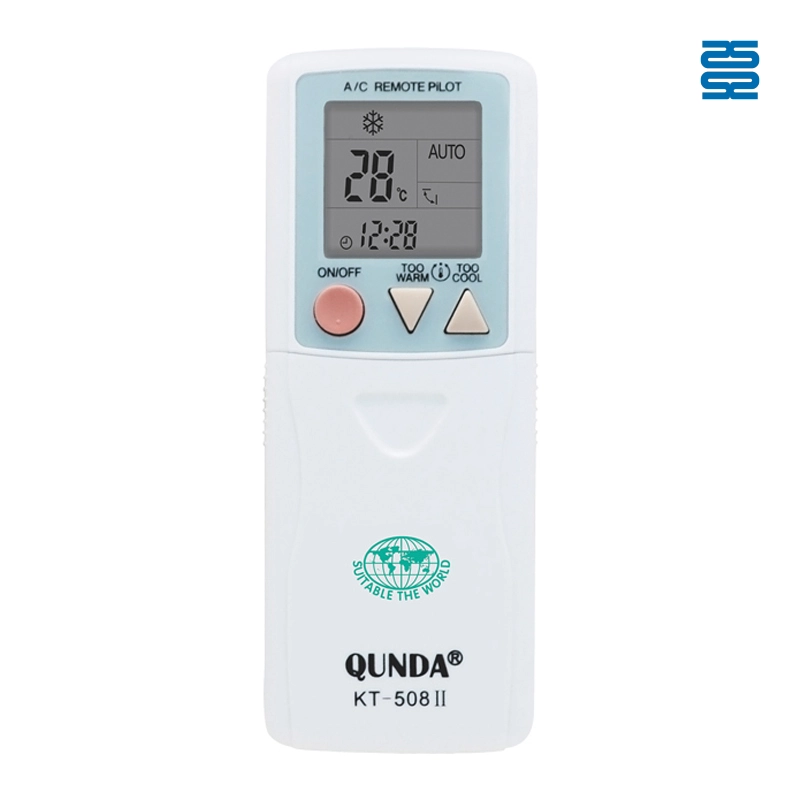
KT-508II Universal Air Conditioner Remote Control Compatible with All Brands
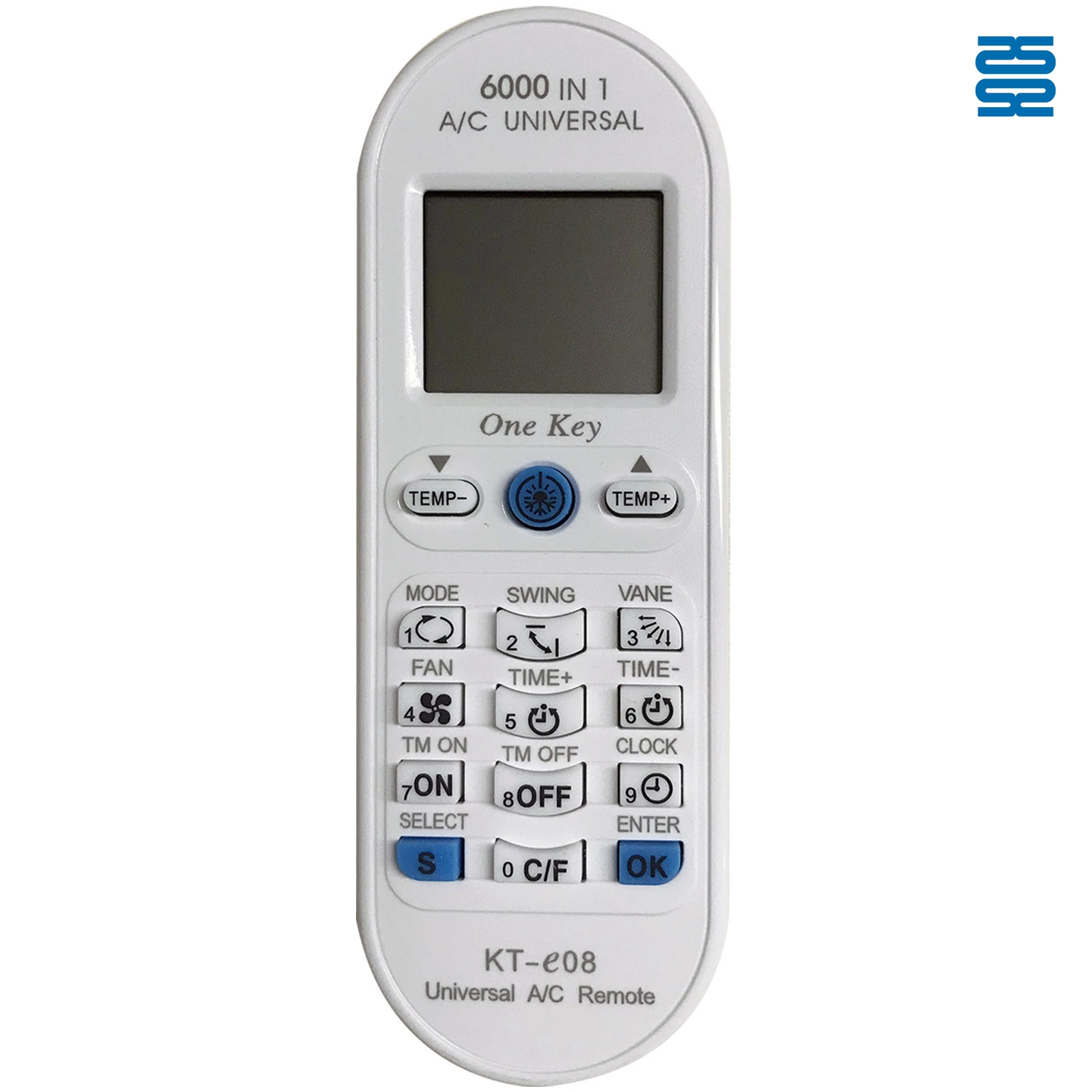
KT-E08 Universal Air Conditioner Remote Control Compatible with All Brands
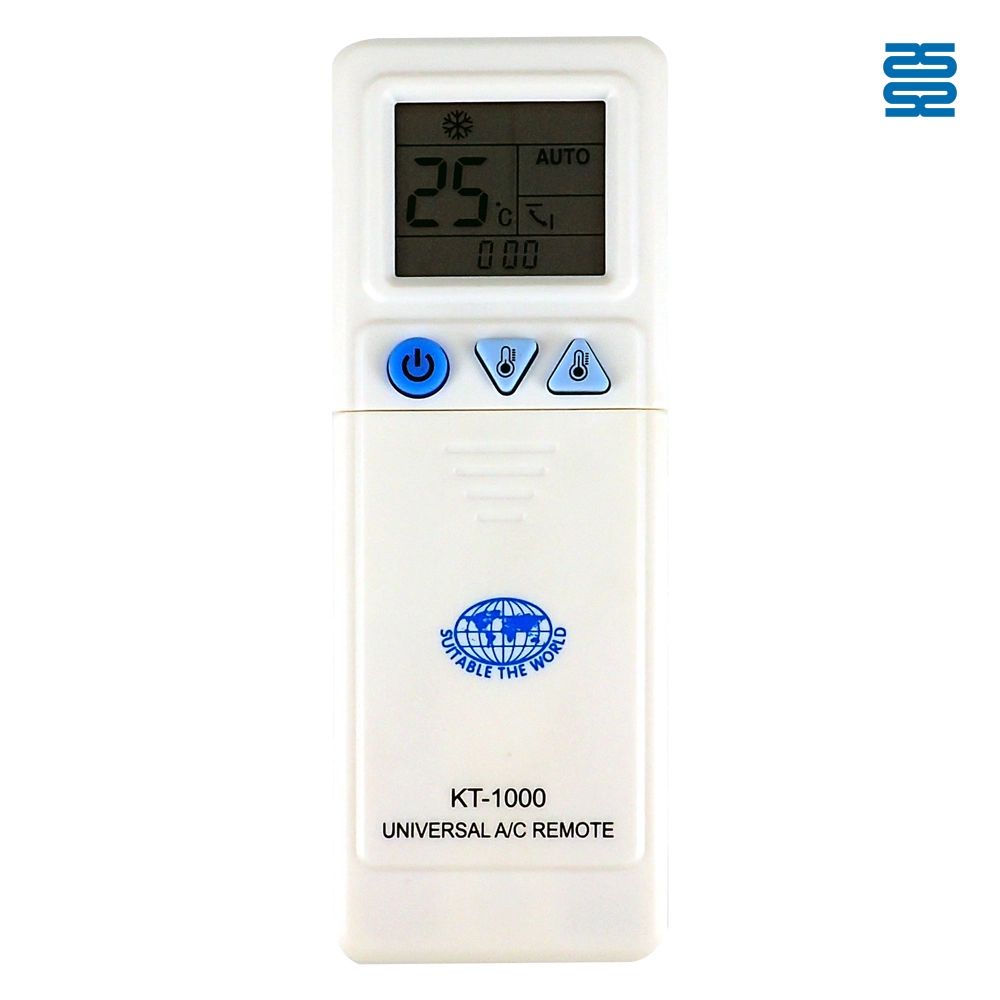
KT-1000 Universal Air Conditioner Remote Control Compatible with All Brands
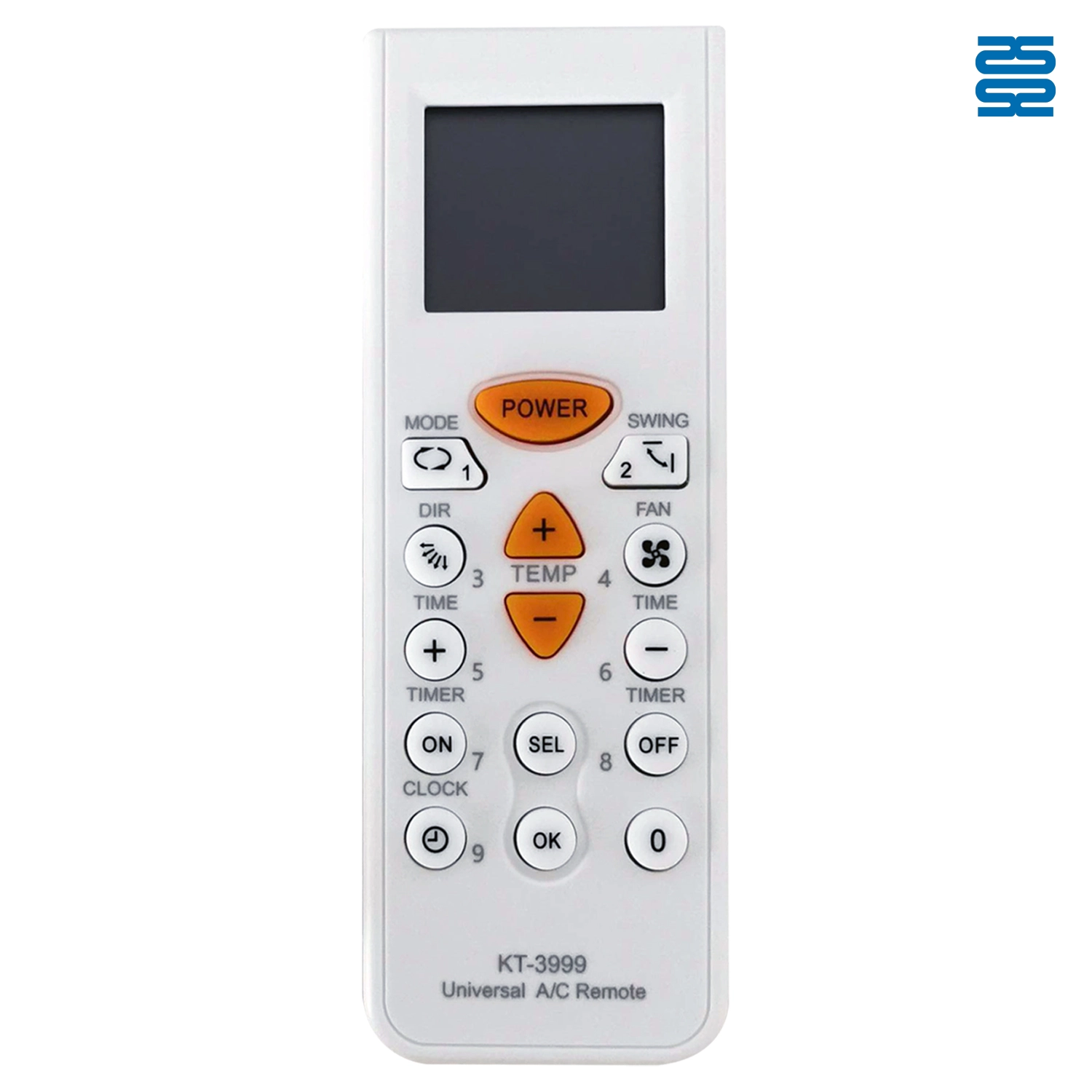
KT-3999 4000 in 1 Universal Air Conditioner Remote Control Compatible with All Brands
◼ Let’s Build Together
Get in Touch with SYSTO
If you have any comments or good suggestions, please leave us a message, later our professional staff will contact you as soon as possible.


Contact
Email us
Text or Call us
Address
Room 1606, No. 65, Zhongshan Seven Road, Liwan District, Guangzhou, Guangdong, China.

Facebook
Instagram
YouTube
Tik Tok
VK