






Pen-Type Learning Remote Control: Uses, Features, and One-Key Multi-Device Control
Discover what a pen-type learning remote control is used for. Learn how a 6-button IR learning remote can replace multiple remotes and control up to three devices with one power key.
Introduction
In modern homes and commercial environments, managing multiple infrared remote controls can be inconvenient and inefficient. A pen-type learning remote control offers a simple yet powerful solution by integrating multiple device controls into one compact remote. This article explains what a pen-type learning remote control is used for, how it works
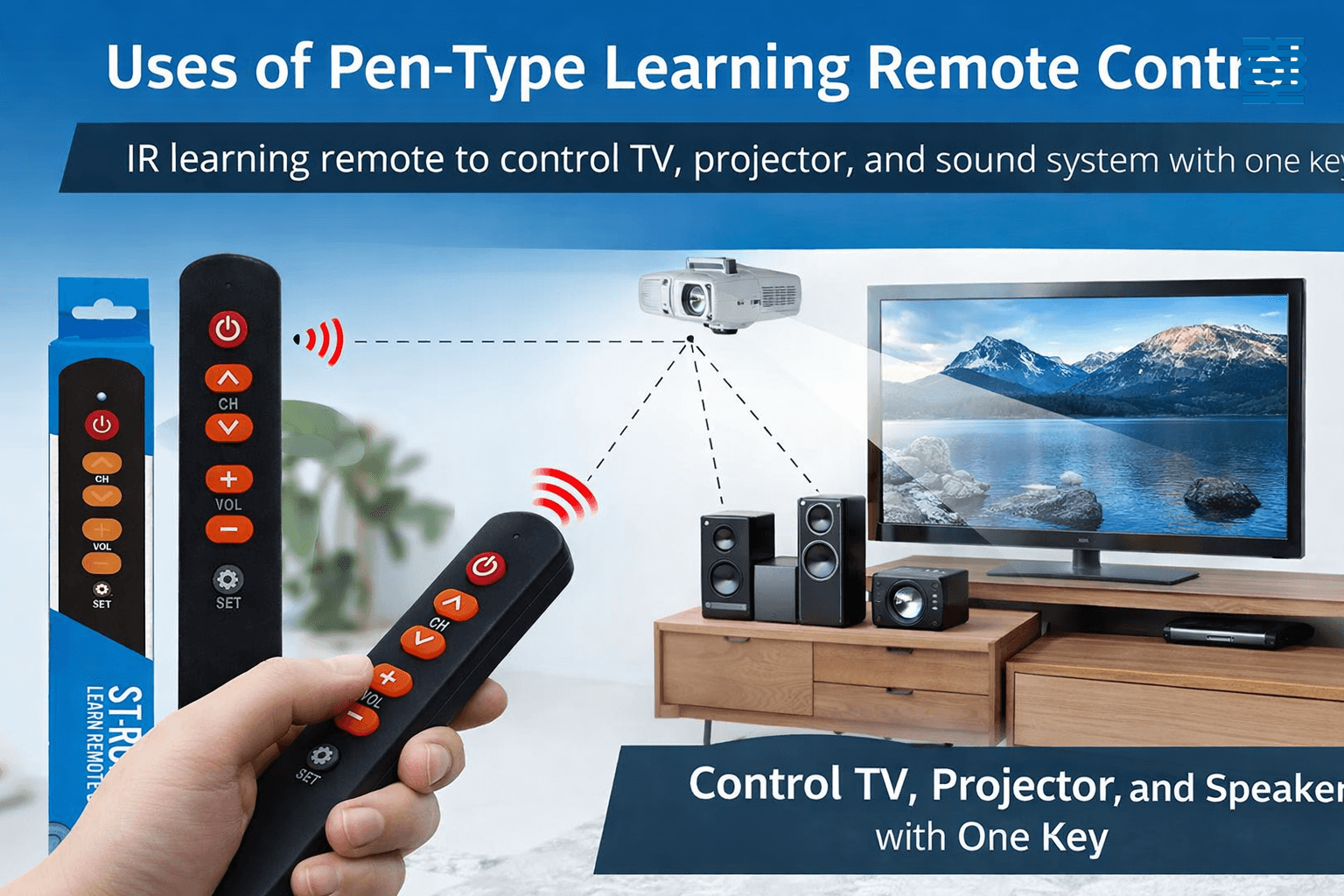
What Is a Pen-Type Learning Remote Control?
A pen-type learning remote control is an infrared remote that can learn signal codes from almost any standard IR remote control. This 6-button model allows users to copy functions from TVs, projectors, audio systems, set-top boxes, and other IR-controlled devices.
Main Uses of a Pen-Type Learning Remote Control
1. Replace Multiple Remote Controls
The pen-type learning remote can store commands from different devices, helping users reduce clutter and manage multiple devices with a single remote.
2. One-Key Power Control for Three Devices
A key feature of this 6-button learning remote is its multi-code power button. The power key can learn three different power ON/OFF codes at the same time, allowing users to turn on or off three devices with one press.
Example:
-
TV or Monitor
-
Projector
-
Audio System or Speaker
3. Simplify Home Theater and Presentation Control
This remote is ideal for home theaters, conference rooms, classrooms, and showrooms where multiple devices need to be powered on or off together.
4. Ideal for Custom Projects and OEM Applications
Thanks to its learning function and simple structure, pen-type learning remotes are widely used in OEM and customized projects, such as bundled display systems or smart control kits.
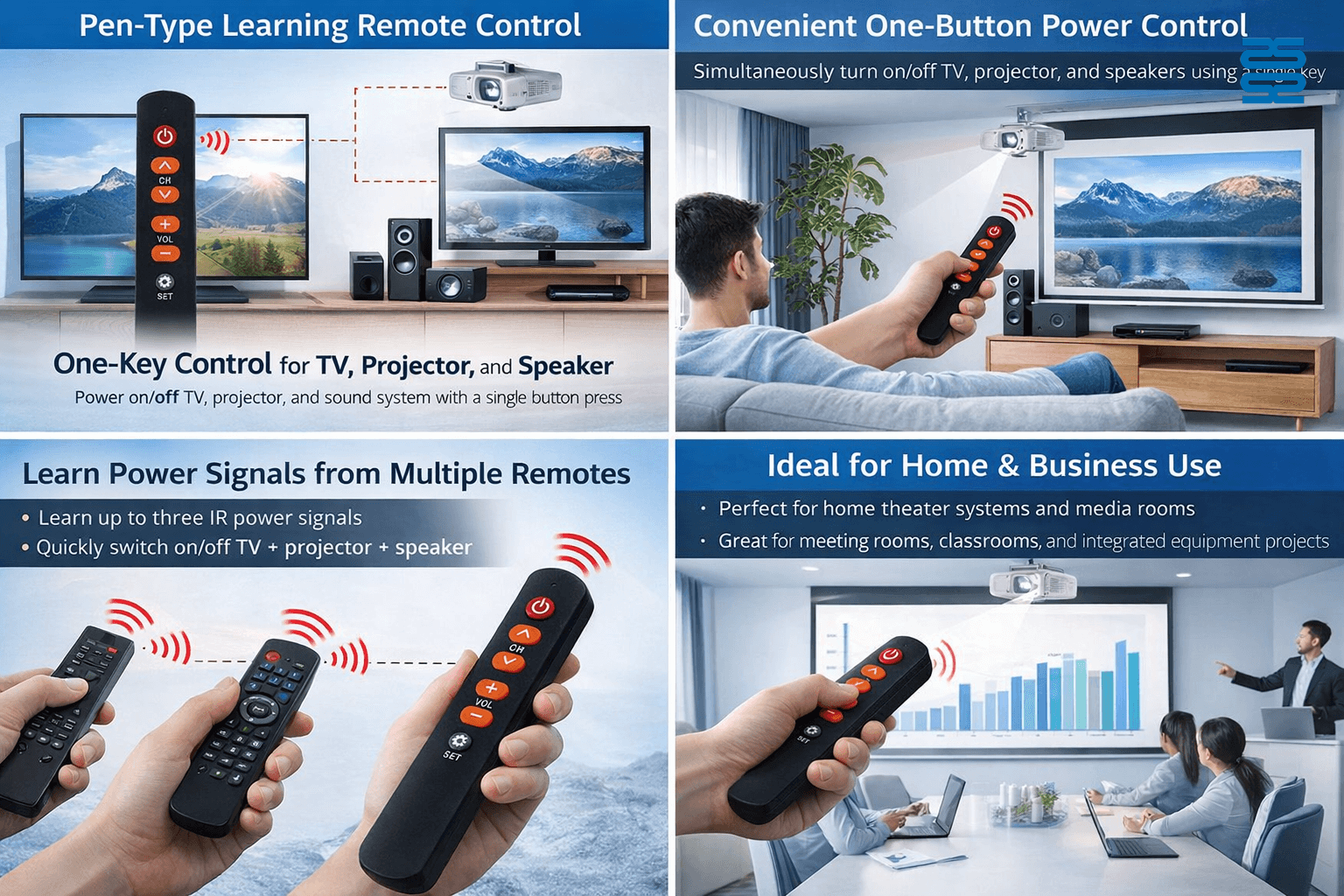
Key Features of the 6-Button Pen-Type Learning Remote
- Learns IR signals from most standard remote controls
- Power button supports 3-device ON/OFF learning
- Compact pen-style design, easy to carry
- Stable IR transmission and fast response
- Simple user operation following instruction manual
How Does the Learning Function Work?
Users only need to enter learning mode, point the original remote at the pen-type learning remote, and press the corresponding buttons. The remote then stores the IR code and reproduces it accurately during use.
FAQ – Frequently Asked Questions
Q1: Can this remote learn any infrared remote control?
It can learn most standard IR remote controls, but it does not support Bluetooth or RF-only remotes.
Q2: How many devices can one pen-type learning remote control?
It can learn functions from multiple devices, and the power key can control up to three devices simultaneously.
Q3: Is this remote suitable for commercial use?
Yes. It is widely used in commercial displays, meeting rooms, education systems, and integrated control projects.
Q4: Does it support OEM or logo customization?
Yes. OEM, ODM, logo printing, and button function customization are supported.
PU01
What is the lead time for delivery?
In-stock models ship immediately; otherwise, production takes 15–25 working days. Customized orders depend on requirements.
BN59-01432A
Can I order small quantities?
Yes, we support low MOQ for standard order.
AN-MR25GA
How do I pair it with my TV?
Turn on your TV, insert the batteries, and press the “OK” button — pairing will occur automatically.
QD-HVAC20
How do I set the timer for my QD-HVAC20 thermostat?
Press the "TIMER" key on the thermostat to activate the timer function. You can then set the desired on/off times using the up/down arrows.
CRC2304V
What’s the estimated delivery time?
In-stock items ship immediately; non-stock within 15–25 working days.
Recommended For You
You May Also Like
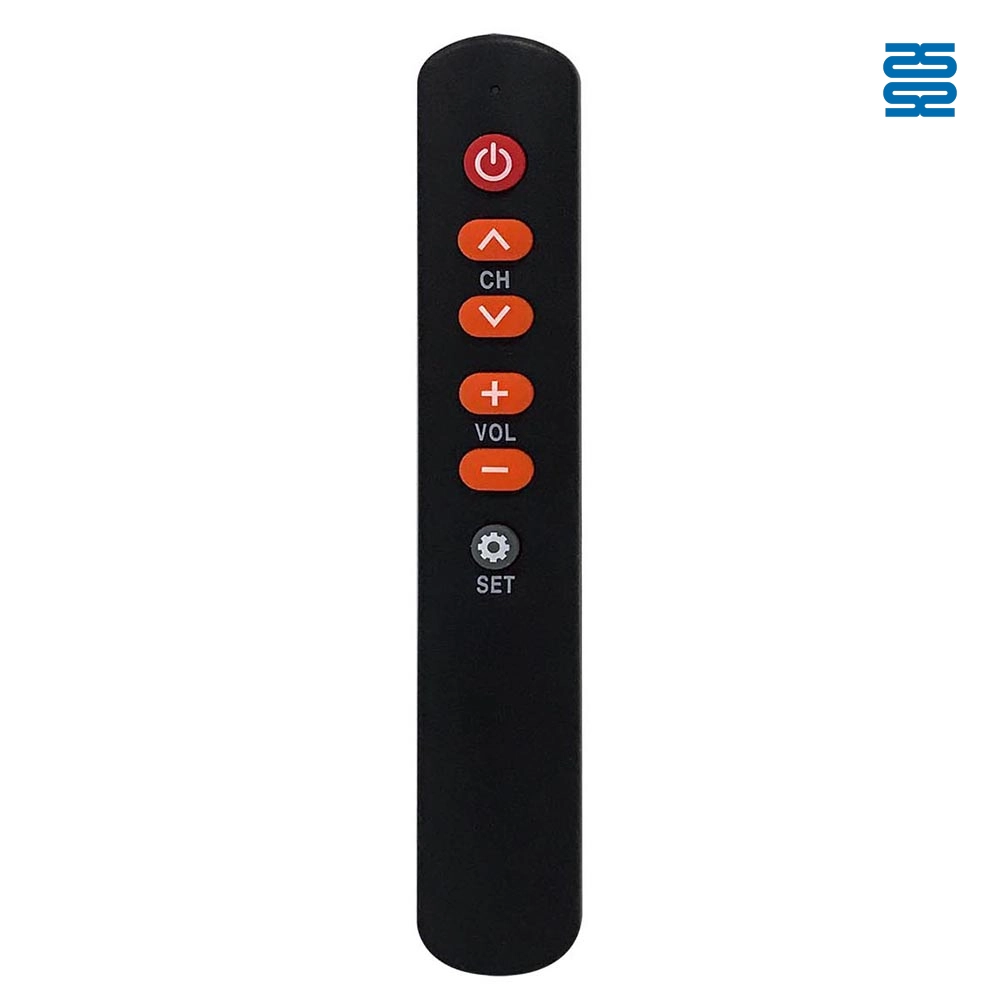
ST-RCPEN06 Universal Infrared Learning Remote Control
◼ Let’s Build Together
Get in Touch with SYSTO
If you have any comments or good suggestions, please leave us a message, later our professional staff will contact you as soon as possible.


Contact
Email us
Text or Call us
Address
Room 1606, No. 65, Zhongshan Seven Road, Liwan District, Guangzhou, Guangdong, China.

Facebook
Instagram
YouTube
Tik Tok
VK