






How To Choose A Compatible Garage Door Remote Control?
Learn how to check whether a garage door remote control bought online is compatible with your opener. Frequency, learning type, and easy tips explained.
Introduction
Buying a replacement garage door remote control online can save money, but many users worry about compatibility. The good news is that most issues can be avoided by checking a few key points before purchasing.
This guide explains how to determine whether an online garage door remote will work with your existing opener, even if you don’t know the exact model.
Step 1: Check the Original Remote Label (Frequency Matters)
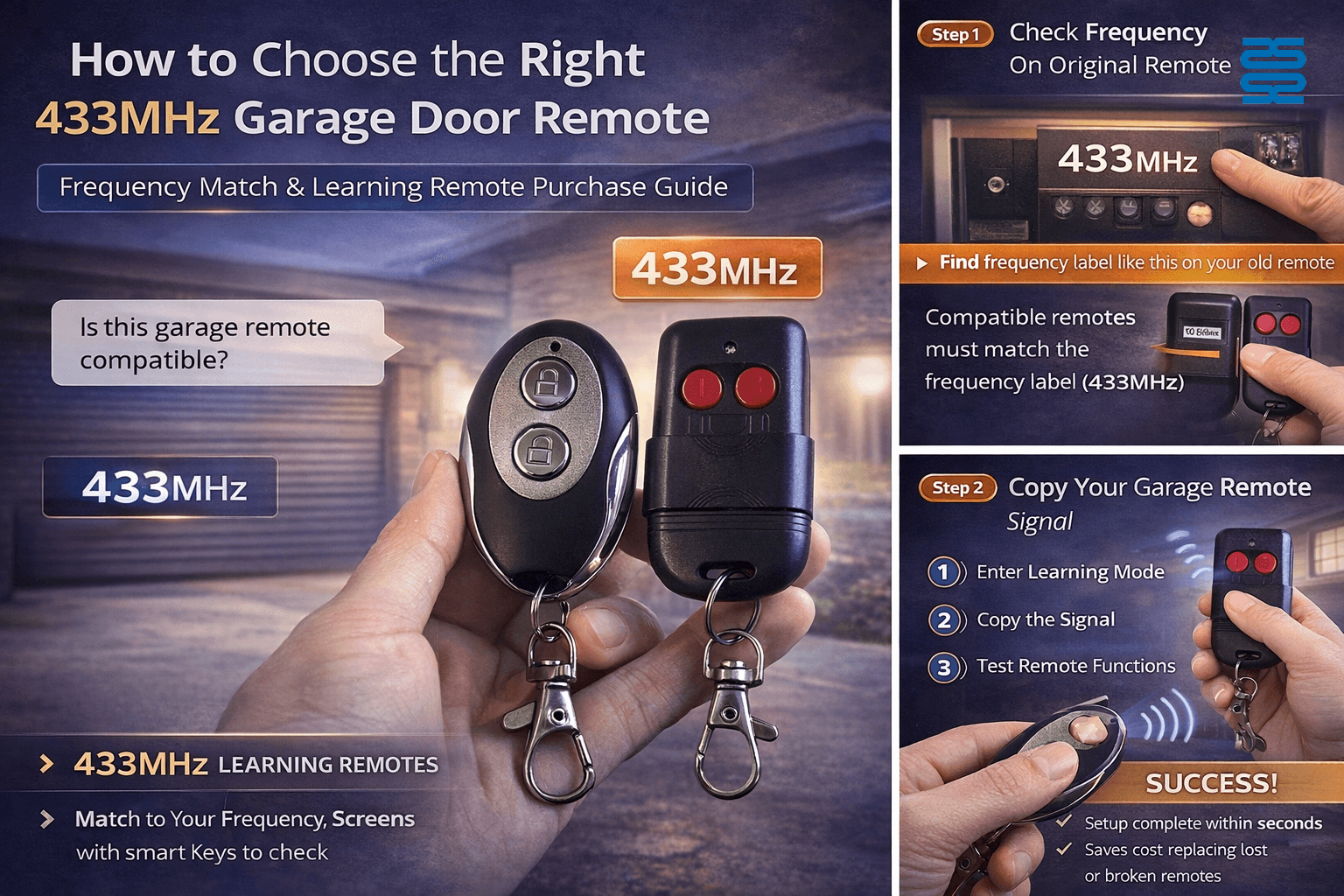
Start by checking the back of your original garage door remote. Many remotes clearly indicate the wireless frequency, such as 433 MHz, 315 MHz, or 868 MHz.
If your original remote is marked 433 MHz, you can directly purchase a 433 MHz wireless copy/learning remote. These remotes are widely available and usually very affordable.
Step 2: Choose a 433 MHz Learning Remote (Best Value Option)
For garage door systems using 433 MHz, a 433 MHz learning remote is usually the best choice. These remotes can learn the signal from your original remote following the instruction manual.
They are suitable for most fixed-code garage door systems and are easy to program.
Step 3: What If the Frequency Is Unknown?
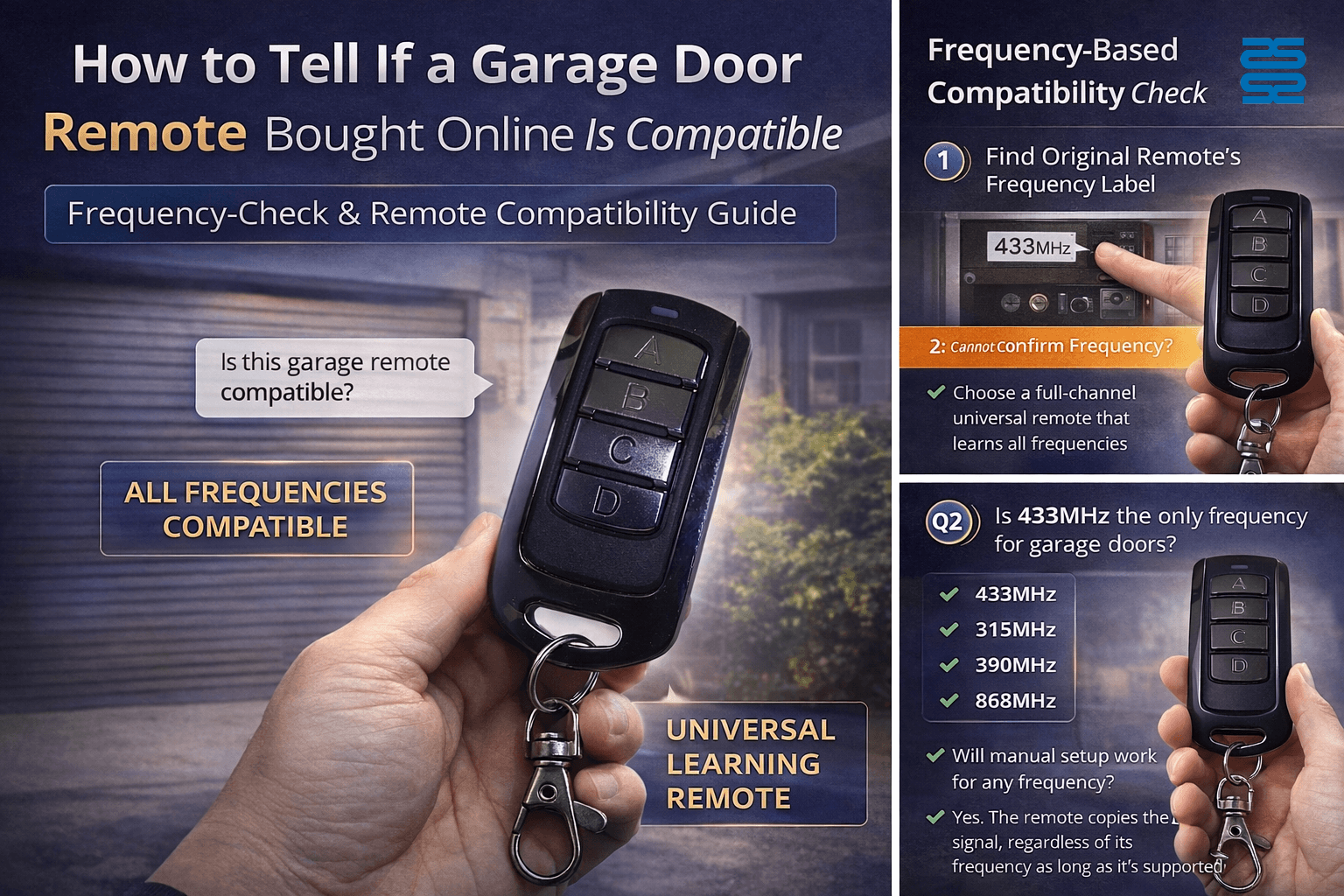
If your original remote has no frequency label or the information is unclear, you can choose a full-band (multi-frequency) wireless learning remote.
Full-band remotes support multiple frequencies and protocols, greatly increasing compatibility. This option is recommended if you want to avoid repeated trial-and-error purchases.
Step 4: Program According to the Instruction Manual
Once you receive the remote, follow the instruction manual carefully. Most garage door learning remotes require:
-
Clearing existing codes
-
Entering learning mode
-
Copying the signal from the original remote
In most cases, setup takes only a few minutes.
FAQ – Frequently Asked Questions
Q1: Can I use a 433 MHz remote if my original remote is not labeled?
Yes, but success is not guaranteed. If the frequency is unknown, a full-band learning remote offers a much higher success rate.
Q2: Are garage door remotes difficult to program?
No. Most learning remotes are designed for end users and come with clear instructions
Q3: Why does my new remote fail even after learning?
Possible reasons include rolling-code systems, incompatible frequency, or incorrect learning steps. In such cases, upgrading to a full-band remote is recommended.
Conclusion
To check whether an online garage door remote control is compatible, always start with the frequency. If it’s marked 433 MHz, a 433 MHz learning remote is usually sufficient. If you’re unsure, a full-band learning remote provides the safest and most reliable solution.
QD-HVAC20
How do I set the temperature on the QD-HVAC20 thermostat?
Press the “▲” or “▼” key to adjust the temperature to your desired setting. The LCD display will immediately show the updated temperature value.
AKB75095308
Does it require setup or pairing?
No setup needed. Just insert batteries and it’s ready to use.
PU01
How noisy is the pump during operation?
It features an ultra-silent design suitable for bedrooms, offices, and hotels.
CRC2605V
Can I customize my own app keys?
Yes, CRC2605V have 7 keys can set the learning function allows custom programming for other apps.
CRC014V LITE
How long is the production time?
Standard models:
In stock: Ships immediately after receiving payment.
Out of stock: 15–25 working days.
Custom models: Depends on project complexity.
Recommended For You
Do solar remote controls still use lithium batteries? Learn how modern solar-powered remotes now adopt supercapacitors with USB Type-C fast charging for improved safety, durability, and long lifespan.
Having trouble setting up a universal remote even though your TV brand is listed in the manual? Learn the real reason, common mistakes, and how to improve success by using precise TV codes.
Learn how to set up and program the CRC1130V universal remote control for your TV. This step-by-step guide covers direct brand buttons, code input, and auto search methods for quick and easy pairing.
You May Also Like
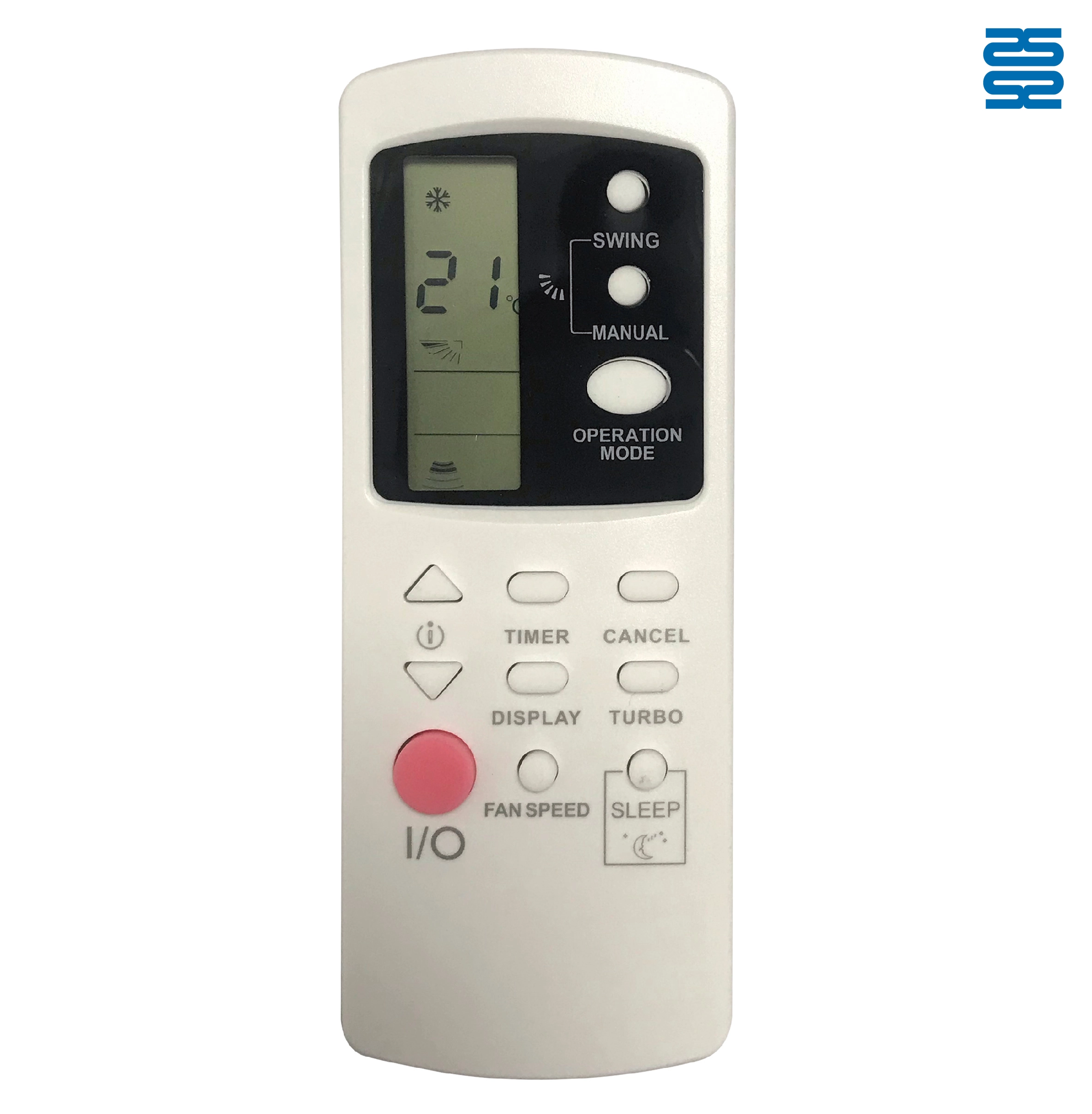
AFR31 Fujitsu Air Conditioner Remote Control Replacement

AFR29 Fujitsu Air Conditioner Remote Control Replacement

AFR30 Fujitsu Air Conditioner Remote Control Replacement

AFR39 Samsung Air Conditioner Remote Control Replacement
◼ Let’s Build Together
Get in Touch with SYSTO
If you have any comments or good suggestions, please leave us a message, later our professional staff will contact you as soon as possible.


Contact
Email us
Text or Call us
Address
Room 1606, No. 65, Zhongshan Seven Road, Liwan District, Guangzhou, Guangdong, China.

Facebook
Instagram
YouTube
Tik Tok
VK