






7 Common Mistakes to Avoid When Choosing a Remote Control for Your Home Theater
Quick Summary: Key Takeaways for Buyers
- Protocol Mismatch: Not all remotes support modern Bluetooth or RF-only devices (like Fire TV Stick).
- Automation Limits: HDMI-CEC is convenient but often unreliable for complex setups involving audio receivers.
- Ergonomics: Touchscreen-only remotes lack the tactile feedback necessary for dark room usage.
- Future-Proofing: Successful integration requires considering Matter support and localized smart home hubs.
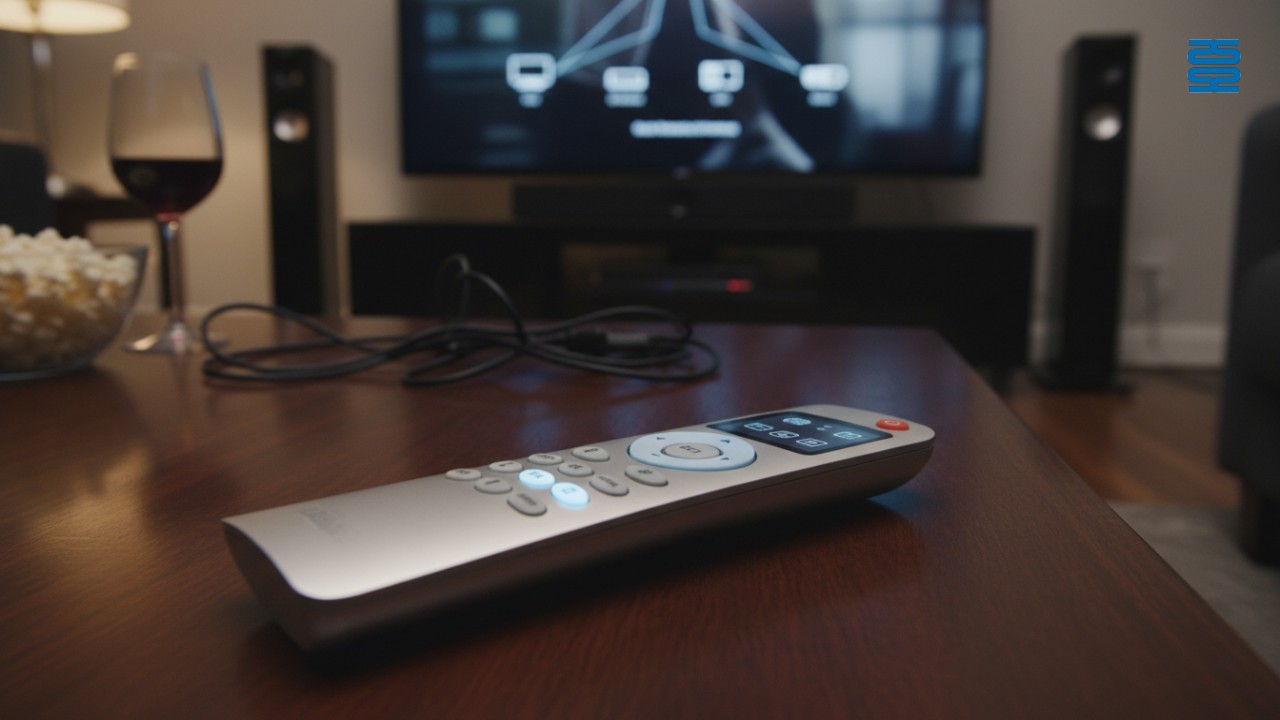
What defines a true home theater universal remote?
A home theater universal remote is a centralized control interface designed to consolidate commands from multiple entertainment devices (TVs, AVRs, and streaming sticks) into a single unit. Unlike standard remotes, these devices utilize macro-based programming—often called "Activities"—to execute complex sequences, such as powering on three devices and switching inputs simultaneously. Effective remotes must bridge various communication protocols, primarily Infrared (IR), Radio Frequency (RF), and Bluetooth.
Mistake 1: Ignoring the Difference Between IR, RF, and Bluetooth
The most frequent error buyers make is assuming a standard universal remote can control devices that do not use infrared (IR) light.
While traditional TVs rely on line-of-sight IR signals, modern hardware like the PS5, Amazon Fire TV, and Roku Stick utilize Bluetooth or Radio Frequency (RF) technologies. If you purchase a legacy IR-only remote, it will physically fail to communicate with these components because it cannot transmit the necessary radio waves.
- IR (Infrared): Requires direct line-of-sight; cheap but limited.
- RF (Radio Frequency): Transmits through cabinet doors and walls.
- Bluetooth: Standard for modern game consoles and streaming sticks.
Universal remote compatibility depends entirely on matching these protocols. At SYSTO, we have seen countless customers return high-end remotes simply because they didn't account for the "hidden" Bluetooth devices in their cabinet.
Mistake 2: Overlooking 'Activity-Based' Macro Capabilities
Buying a remote that only controls one device at a time forces you to manually switch inputs, defeating the core purpose of consolidation.
True automation requires activity-based controls. Instead of pressing "TV Power," then "Receiver Power," and then "Input HDMI 1," a macro-enabled remote allows you to press a single button labeled "Watch Movie." The remote then fires a rapid sequence of commands to configure the entire system instantly.
Why this matters:
- Simplicity: Guests and family members can use the system without a manual.
- Syncing: Advanced remotes include "Help" buttons to resend commands if a device misses a signal.
- Customization: You can add specific delays to ensure older equipment has time to warm up before receiving an input command.
Mistake 3: Relying Solely on HDMI-CEC for Control
HDMI-CEC (Consumer Electronics Control) is a built-in feature that allows devices to control each other over HDMI cables, but it lacks the reliability required for complex home theaters.
While convenient for simple setups (like a TV and a soundbar), HDMI-CEC limitations become apparent when you introduce an AV receiver or matrix switch. Because manufacturers implement CEC differently—Sony calls it Bravia Sync, while Samsung calls it Anynet+—commands often conflict. According to the HDMI Licensing Administrator, CEC is designed to allow devices to command and control each other, but "handshake" issues frequently cause devices to turn off randomly or fail to switch inputs correctly.
Common CEC Failures:
- Volume Lag: Audio adjustments may be slow or unresponsive.
- Phantom Powering: Turning off the TV might inadvertently shut down a console downloading an update.
- Input Jumping: Devices may aggressively steal the active input signal.
Mistake 4: Underestimating Setup Complexity and App Dependence
Some "pro-grade" remotes require dealer-only software to program, leaving users stranded if they change a single component.
Conversely, purely app-based programming can be user-friendly but may rely on cloud servers that could be discontinued. The ideal balance is a remote with a robust local database that allows for easy DIY updates via a smartphone app.
Drawing from our experience at Guangzhou SYSTO International Trading Limited, where we have specialized in remote manufacturing since 1998, we recommend selecting hardware that offers a "hybrid" setup model. This ensures you have access to a professional-grade code database without needing to hire a certified installer every time you buy a new Blu-ray player.
Mistake 5: Prioritizing Touchscreens Over Tactile Buttons
Full touchscreen remotes look futuristic but are impractical in a dark home theater environment where muscle memory is paramount.
When watching a movie, you want to adjust the volume or pause playback without looking down at your hand. A flat glass screen offers no tactile reference points, forcing you to take your eyes off the movie to find the "Pause" icon.
The Best Hybrid Design:
- Hard Buttons: Essential for volume, mute, channel, and D-pad navigation.
- Touchscreen: Useful strictly for infrequent commands, such as selecting specific "Activity" icons or adjusting deep settings.
Mistake 6: Failing to Check Smart Home Ecosystem Compatibility
Modern home theaters are part of a larger ecosystem, and a common error is buying a remote that is isolated from your lighting and voice assistants.
Smart home ecosystem integration allows for "Scene" automation. For example, pressing "Watch Movie" shouldn't just turn on the TV; it should also dim your Philips Hue lights and lower the motorized shades. If your remote hub cannot communicate with platforms like Home Assistant, Google Home, or Apple HomeKit, you miss out on this immersive experience.
Integration Checklist:
- Does the remote hub connect to Wi-Fi?
- Is there an API or official plugin for major smart home platforms?
- Can the remote trigger "scenes" rather than just device commands?
Mistake 7: Ignoring Future Standards (Matter & IP Control)
Investing in legacy IR-only technology in 2026 is a recipe for obsolescence as the industry shifts toward IP-based control.
Home theater automation protocols are evolving. IP Control (controlling devices over Wi-Fi) is faster and provides two-way feedback, letting you see the actual volume level on your remote screen. Furthermore, the new Matter standard is unifying how devices talk to each other. As stated by the Connectivity Standards Alliance, Matter aims to build a universal language for smart home devices, ensuring that your remote will work with future hardware regardless of the brand.
Future-Proofing Steps:
- Avoid IR-only hubs: Ensure the hub supports Wi-Fi and Bluetooth.
- Check for Matter Support: Look for the Matter logo on new 2026 remote hardware.
- Verify IP Control: Confirm the remote can control your specific TV model via IP for greater reliability.
The Solution: How We Architect the Perfect Control System
We prioritize hub-based systems that offload processing from the handheld wand to a central processor.
Our integration strategy ensures that physical remotes and mobile apps stay in perfect sync. By analyzing your specific device list, we recommend hardware that covers all necessary protocols (IR vs RF vs Bluetooth control) without unnecessary bloat. With over two decades of industry experience, SYSTO has built a comprehensive supply chain system and implemented strict quality control standards, ensuring that whether you need a simple TV remote or a complex universal learning remote, the performance remains stable.
Conclusion & Next Steps
Choosing the wrong remote leads to frustration, "remote clutter," and a disjointed home theater experience.
By avoiding these seven common mistakes—ranging from protocol ignorance to ergonomic failures—you can achieve true one-touch automation. Whether you are an individual upgrading your media room or a distributor looking for reliable OEM solutions, understanding the nuances of IR, RF, and modern smart standards is essential.
Contact SYSTO today to discuss your specific needs and leverage our 20+ years of expertise in remote control manufacturing.
G10S
How do I use the voice control function?
Hold the microphone button while speaking into the built-in MIC.
BN59-01432A
Can it work with older Samsung TVs?
It is designed for 2021–2025 Samsung Smart TVs with Bluetooth; not compatible with non-smart or IR-only models.
About Products
Do your remotes support Bluetooth or voice control?
Yes, we offer advanced remotes with Bluetooth, 2.4GHz, and voice control options.
QD-U08PGC+
Is the transformer included?
Yes, an updated quick-plug transformer is enclosed for easy setup.
Does QD-U08PGC+ work with all wall-mounted air conditioners?
It supports most split-type wall-mounted units using PG motors. Please verify motor type before installation.
Recommended For You
Learn how to set up and program the CRC1130V universal remote control for your TV. This step-by-step guide covers direct brand buttons, code input, and auto search methods for quick and easy pairing.
This article explores the transformative shift in lighting control, moving from traditional handheld remotes to AI-driven, voice-activated smart home ecosystems. It covers the technical differences between IR, RF, and mesh protocols, the impact of the new 'Matter' standard, and future trends in biophilic design.
You May Also Like

P020745 ChiQ Smart TV Voice Remote Control Replacement

C3250 JVC Smart TV Voice Remote Control Replacement

P023040 JVC Smart TV Voice Remote Control Replacement

C3287 JVC Smart TV Voice Remote Control Replacement
◼ Let’s Build Together
Get in Touch with SYSTO
If you have any comments or good suggestions, please leave us a message, later our professional staff will contact you as soon as possible.


Contact
Email us
Text or Call us
Address
Room 1606, No. 65, Zhongshan Seven Road, Liwan District, Guangzhou, Guangdong, China.

Facebook
Instagram
YouTube
Tik Tok
VK