






Best Universal Remote for Sony TV [2026 Expert Guide]: Codes, Setup & AI Integration
What is the best universal remote for a Sony TV in 2026?
The best universal remote for a Sony TV in 2026 is the SofaBaton X2, primarily due to its hybrid AI-learning capabilities that seamlessly integrate with Sony Bravia operating systems and legacy IR protocols. While the SofaBaton offers premium hub-based control, budget-conscious users often prefer the GE Backlit Series or RCA 4-Device remotes, which rely on standardized 4-digit codes for reliable operation.
Selecting the right controller depends largely on your specific home theater ecosystem. Modern Sony Smart TVs increasingly favor Bluetooth and Wi-Fi control, but infrared (IR) remains the backup standard for ensuring compatibility across decades of hardware.
- Premium Choice (SofaBaton X2): Features an OLED display, customizable macros, and direct API integration with Sony's Android/Google TV interface.
- Budget Choice (GE 4-Device): A robust, no-frills option that uses standard Sony Bravia remote codes for instant pairing.
- OEM Replacement (Sony RMF-TX Series): The official voice-enabled replacement for those who want the original factory feel.
At Guangzhou SYSTO International Trading Limited, we have observed a massive shift in 2026 toward remotes that support multiple protocols. With over two decades of experience manufacturing control solutions for markets like Japan and North America, our data shows that reliable "learning modes"—where a universal remote mimics the original signal—are critical for high-end setups involving soundbars and streaming boxes.
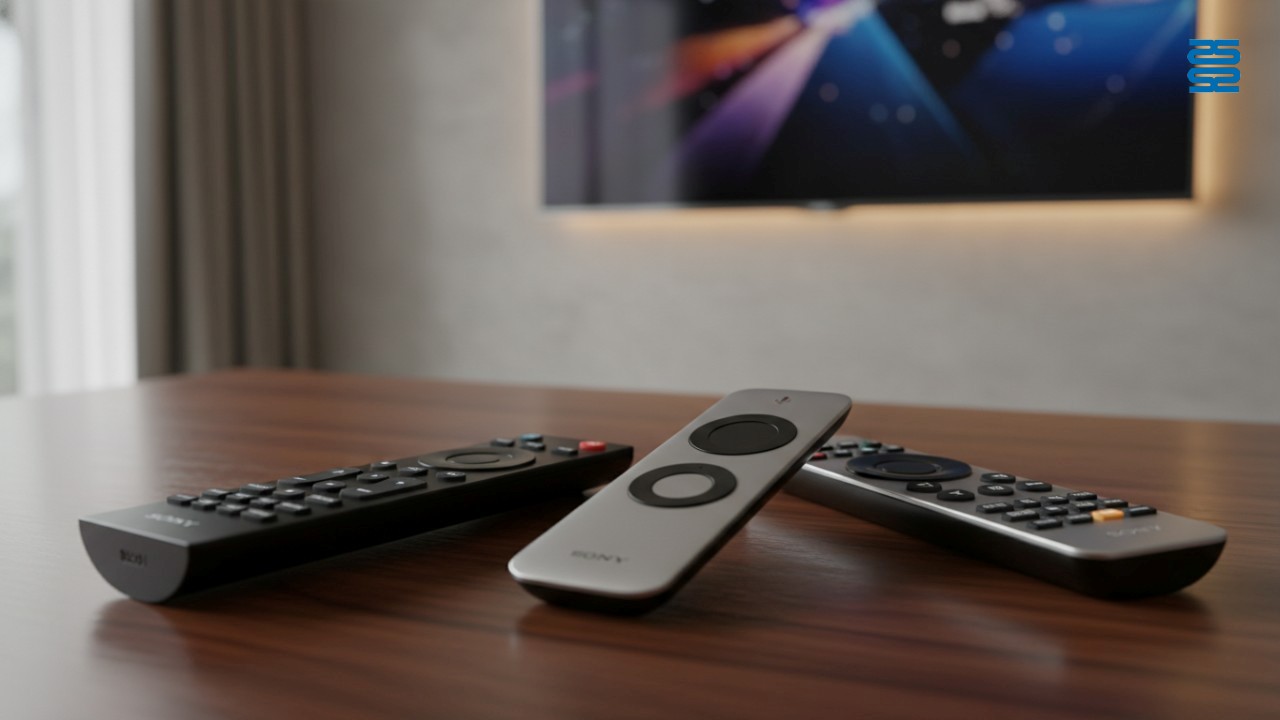
Quick Summary: Key Takeaways for Sony Owners
Most Sony TVs manufactured after 2015 support both IR and Bluetooth protocols, meaning you have a wide range of third-party control options ranging from simple apps to complex smart hubs. Before purchasing a replacement, verify if your specific model supports Bluetooth LE (Low Energy), as this allows for voice command features found in newer universal remotes.
- Setup Time: Manual code entry typically takes 2-3 minutes; auto-search methods can take up to 10 minutes.
- Bravia Sync: You may not need a new remote if your external devices support HDMI CEC.
- Code Lists: Always keep a physical list of 4-digit and 5-digit codes, as online databases can sometimes be outdated.
- Battery Voltage: As a manufacturer, SYSTO advises using high-quality alkaline batteries; rechargeable batteries with lower voltage (1.2V) often cause pairing failures in universal remotes.
Master List of Sony TV Universal Remote Codes (2026 Updated)
The most common 4-digit universal remote codes for Sony TVs are 1001, 0001, 1177, and 1135, though the exact sequence depends on whether you are using a GE, RCA, or Philips controller. Accurately entering these codes is the fastest way to pair your device without cycling through hundreds of options in auto-search mode.
GE Universal Remote Codes for Sony
- CL3/CL4/CL5 Versions: 0001, 0121, 0471, 0511, 1177, 1179
- Note: Check the sticker inside your battery compartment to confirm your remote's "CL" version version before inputting codes.
RCA Universal Remote Codes for Sony
- 4-Digit Codes: 1001, 1036, 1135, 1177, 1205
- 5-Digit Codes: 10810, 11300, 12778
Philips & Magnavox Codes
- Standard List: 0414, 0704, 0108, 0810
Legacy & Specialized Codes
- Sony CRT (Old Tube TVs): 001, 011, 080
- Comcast/Xfinity Remotes: 11100, 10000
Step-by-Step Guide: How to Program a Universal Remote to Sony TV
To program a universal remote to a Sony TV, you must trigger the internal "Code Search" mode, which cycles through the database until it finds the correct frequency for your specific model. This method is essential if you have lost the code list or if standard Sony Bravia remote codes are not working.
Method 1: Direct Code Entry (Fastest)
- Turn on your Sony TV manually.
- Press and hold the SETUP button on the remote until the red indicator light stays on.
- Press the TV device button.
- Enter the 4-digit code (e.g., 1001) using the number pad.
- The light should turn off. Test the Power and Volume buttons to verify.
Method 2: Auto-Code Search (No Code Needed)
This is the primary method for Sony TV remote programming without code:
- Turn on the TV.
- Hold SETUP until the light remains solid.
- Press the TV button.
- Press the POWER button repeatedly (every 5 seconds) while pointing at the TV.
- Stop immediately when the TV turns off.
- Press ENTER or SAVE to lock in the code.
Method 3: AI Learning Mode
For remotes like the SofaBaton or high-end SYSTO OEM models:
- Place the original Sony remote and the universal remote head-to-head (1 inch apart).
- Activate "Learning Mode" on the universal remote.
- Press the specific button you want to teach (e.g., "Input") on the universal remote.
- Press the corresponding button on the Sony remote until the universal remote flashes to confirm capture.
Advanced Connectivity: Leveraging Sony Bravia Sync (HDMI CEC)
Sony Bravia Sync is Sony's proprietary implementation of HDMI CEC (Consumer Electronics Control), allowing a single remote to send commands over the HDMI cable to control soundbars, Blu-ray players, and game consoles. Enabling this feature often eliminates the need for a Best replacement remote for Sony Smart TV entirely, as your cable box remote might already be able to adjust the TV volume.
How to Complete HDMI CEC Sony Setup
- Press the HOME button on your Sony remote.
- Navigate to Settings > External Inputs.
- Select BRAVIA Sync settings.
- Toggle BRAVIA Sync control to "On".
- Select Device auto power off to ensure devices sleep when the TV is turned off.
While CEC is convenient, it lacks the granular control of a dedicated universal hub. For example, CEC often struggles with "Macro" commands (e.g., "Watch Movie" sequences that dim lights and change inputs simultaneously), which is why dedicated hardware from companies like SYSTO remains popular for custom home theater installations.
Expert Tips & Common Mistakes to Avoid
The most common reason for programming failure is low battery voltage, which enables the remote's LED to light up but prevents the infrared signal from being strong enough to pair. Always use fresh alkaline batteries during the initial setup process to ensure the codes are stored correctly in the non-volatile memory.
- Line of Sight: Sony TV IR sensors are typically located at the bottom center or bottom left of the bezel. Ensure no soundbars are blocking this area.
- Mode Confusion: If your volume works but the channel buttons do not, you may have programmed the "CBL" (Cable) button instead of the "TV" button. Press "TV" before testing commands.
- IR vs. RF: Many modern Sony Bravia remotes use Bluetooth. If you buy a cheap universal remote, it is likely IR-only. You must point it directly at the TV, unlike your original remote which could work through blankets or walls.
At SYSTO, our engineering teams design circuits specifically to avoid "code drift," a phenomenon where cheap remotes lose their programming when batteries are changed. We implement strict quality control standards to ensure our OEM solutions retain memory for at least 10 minutes during battery swaps—a feature worth looking for in premium third-party remotes.
The Future of Control: AI Overviews and Smart Integration
The future of TV control in 2026 is moving away from physical buttons toward AI-driven context awareness, where a Universal remote app for Sony interacts directly with the TV's OS via Wi-Fi. Apps like Sony's "Video & TV SideView" or third-party Google Home integrations allow for voice-based channel switching and deep-linking into apps like Netflix or YouTube without navigating on-screen menus.
- Voice Integration: New remotes serve as microphones for AI assistants (Google Gemini, Alexa), allowing complex queries like "Find action movies from the 90s."
- Matter Protocol: The rise of the Matter smart home standard ensures that your remote can also dim your Philips Hue lights or adjust your Nest thermostat, unifying the living room experience.
FAQ
How do I find the correct 4-digit code for my Sony TV?
Consult the manual provided with your universal remote, or use the online code finder tool on the manufacturer's website. If you lack the manual, the most common verified 4-digit codes for Sony TVs are 1001, 0001, 1177, and 1135. Manufacturers like GE and RCA maintain searchable databases specifically for these codes.
Can I program a universal remote to a Sony TV without a code?
Yes, use the 'Auto-Search' method by holding the Setup button and the TV button until the light flashes, then pulse the Power button. This triggers the remote to cycle through every code in its library effectively performing a "brute force" search until it finds the signal that turns off your television.
Why is my universal remote not working with my Sony Bravia?
Check for line-of-sight obstructions, ensure the remote is in 'TV' mode, and verify that the TV is not in 'Energy Saving' mode which might disable sensors. Additionally, confirm that you are using fresh alkaline batteries; weak batteries are the number one cause of failed pairing attempts despite the LED light still functioning.
Does Sony have an official universal remote app?
Sony recommends the 'Video & TV SideView' app for smart TV control via Wi-Fi. This app acts as a powerful Universal remote app for Sony, offering full cursor control, keyboard input for searching, and a program guide, vastly outperforming standard IR blasters on phones.
What is the best replacement for a lost Sony remote?
The Sony OEM replacement (RMF-TX series) is best for voice features, while the SofaBaton X2 is the best third-party universal alternative. For a simple, low-cost solution, the GE Backlit Universal Remote is a reliable choice that is easy to program and durable.
How do I reset a universal remote for a Sony TV?
Remove batteries and hold down the Power button for 60 seconds, or use the specific 'Setup + 0' factory reset code sequence. This discharges the capacitors inside the remote and clears any temporary memory or corrupted code settings that might be preventing successful programming.
Will a GE universal remote work on an older Sony TV?
Yes, GE remotes include legacy IR codes (like 001 or 011) specifically for older Sony CRT and early LCD models. These codes allow modern universal remotes to communicate with Sony Trinitron and early Bravia models that date back to the late 1990s.
How do I enable HDMI CEC on a Sony TV?
Navigate to Settings > External Inputs > BRAVIA Sync settings > and toggle BRAVIA Sync control to 'On'. This HDMI CEC Sony setup allows your TV to send power and volume commands to connected devices like receivers and consoles automatically.
References
AKB75095308
What is the MOQ for custom orders?
For regular stock, small quantities are available. For custom designs, MOQ depends on the customization level (usually 500–1000 units).
Is this remote compatible with all LG TVs?
This model is specifically designed to replace AKB75095308 and works with corresponding LG TVs Model. For other LG models, please contact us for compatible options.
PU01
What voltage does the pump support?
It operates stably under 110–220V global voltage standards.
G10S
What is the control distance?
The wireless range is over 10 meters in an open area.
KS-DK02V
Can I customize the logo or packaging?
Yes, we offer full OEM/ODM customization services.
Recommended For You
Infrared LED light remote for Panasonic Japan market. No setup required. Supports dimming, color adjustment, timer, and 3-channel switching.
Do solar remote controls still use lithium batteries? Learn how modern solar-powered remotes now adopt supercapacitors with USB Type-C fast charging for improved safety, durability, and long lifespan.
Learn how to check whether a garage door remote control bought online is compatible with your opener. Frequency, learning type, and easy tips explained.
Having trouble setting up a universal remote even though your TV brand is listed in the manual? Learn the real reason, common mistakes, and how to improve success by using precise TV codes.
Learn how to set up and program the CRC1130V universal remote control for your TV. This step-by-step guide covers direct brand buttons, code input, and auto search methods for quick and easy pairing.
You May Also Like
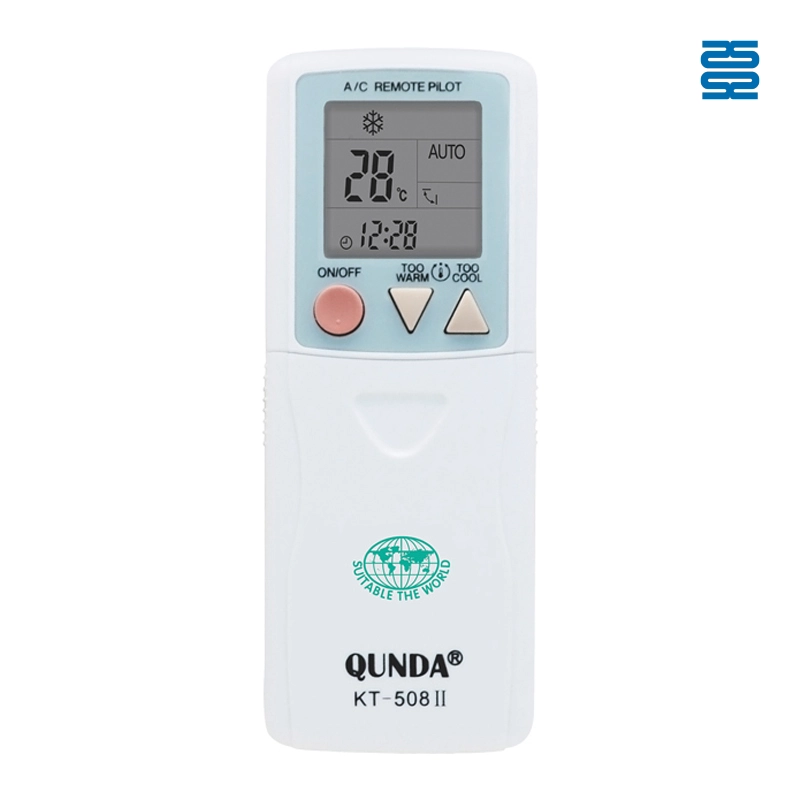
KT-508II Universal Air Conditioner Remote Control Compatible with All Brands
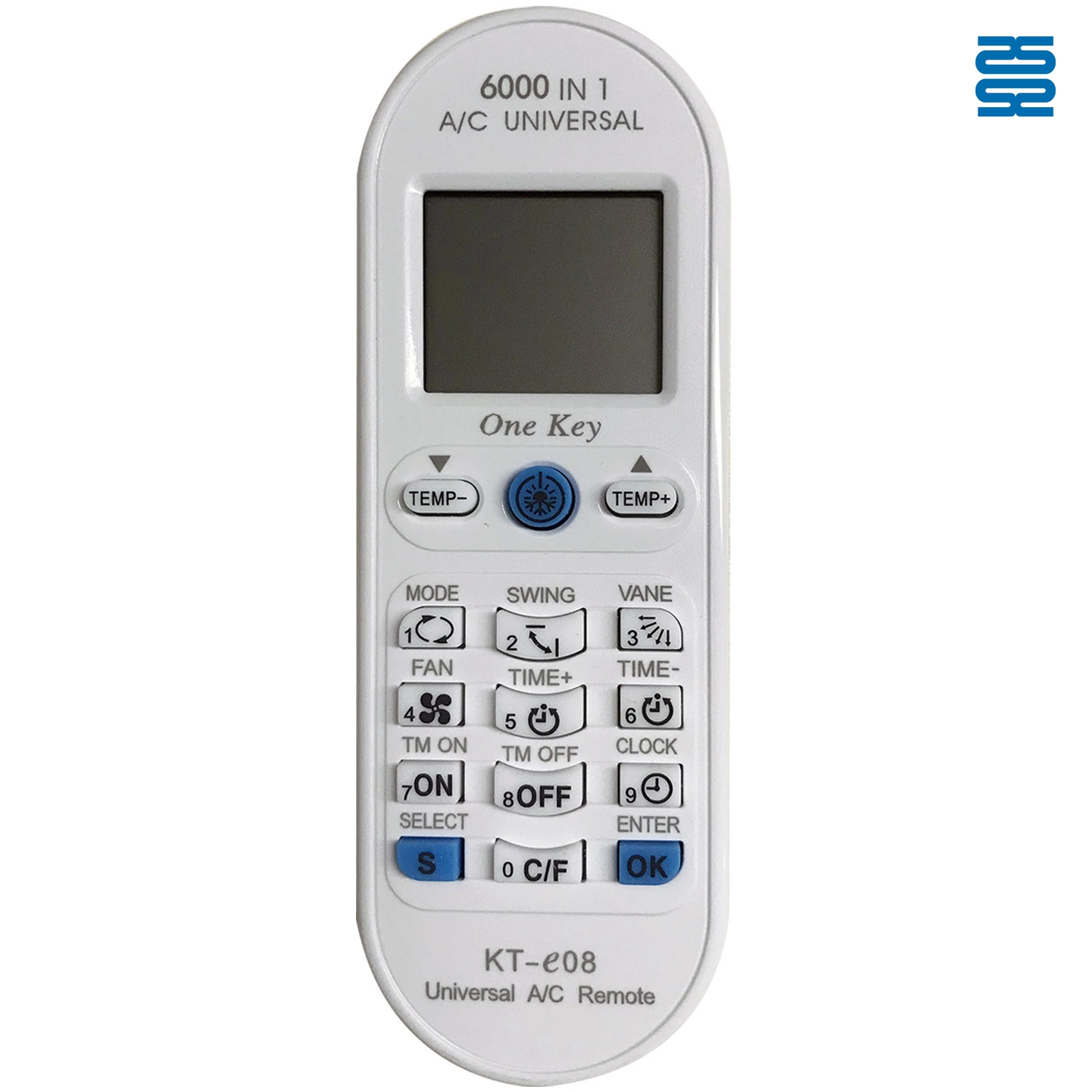
KT-E08 Universal Air Conditioner Remote Control Compatible with All Brands
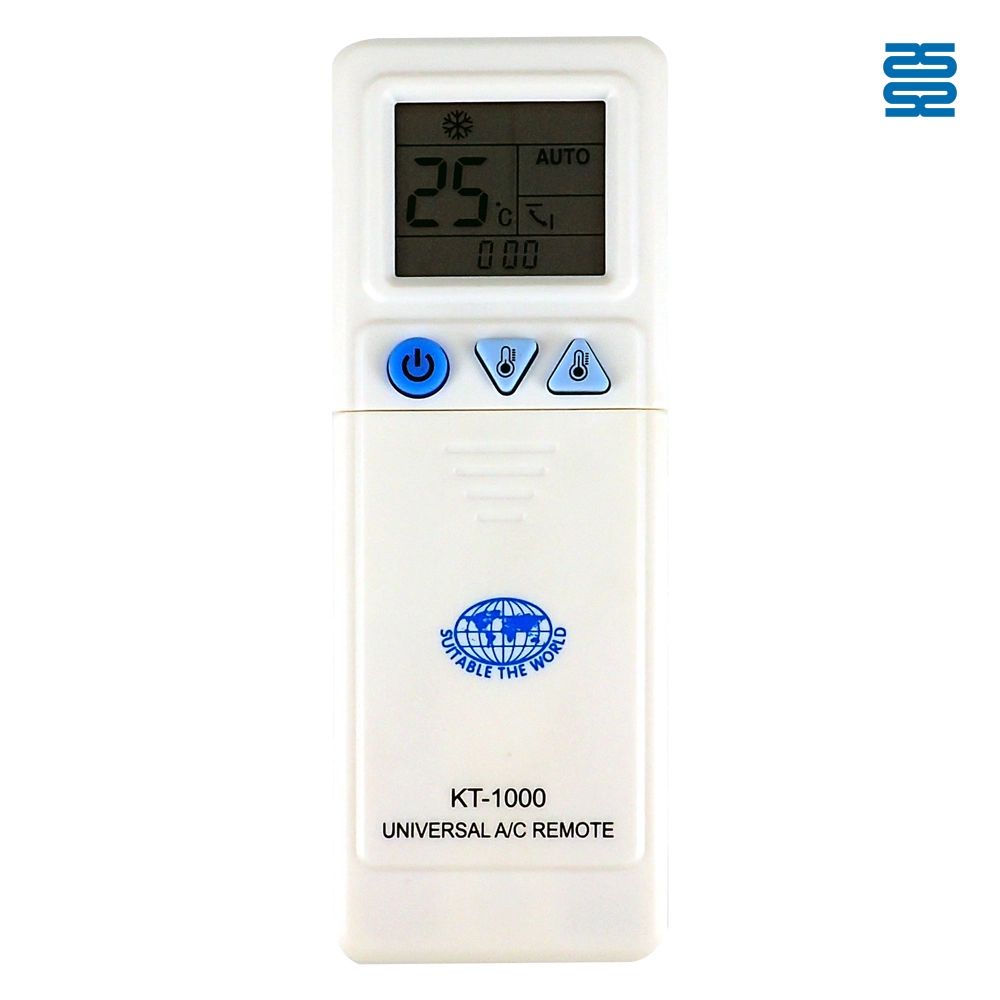
KT-1000 Universal Air Conditioner Remote Control Compatible with All Brands
KT-3999 4000 in 1 Universal Air Conditioner Remote Control Compatible with All Brands
◼ Let’s Build Together
Get in Touch with SYSTO
If you have any comments or good suggestions, please leave us a message, later our professional staff will contact you as soon as possible.


Contact
Email us
Text or Call us
Address
Room 1606, No. 65, Zhongshan Seven Road, Liwan District, Guangzhou, Guangdong, China.

Facebook
Instagram
YouTube
Tik Tok
VK