






Infrared Remote Not Working? 8 Common Problems and How to Fix Them
Infrared (IR) remote controls are widely used in home appliances such as TVs, air conditioners, set-top boxes, and audio systems. They are known for their simplicity, reliability, and low cost, but sometimes users encounter issues—the remote suddenly stops working, buttons don’t respond, or the signal doesn’t reach the device.
Don’t worry—most of these problems can be solved easily without professional tools. This article explains 8 common reasons why infrared remotes fail and provides step-by-step troubleshooting tips.

1. Battery Issues
Problem: The most common reason for a remote control not working is dead or weak batteries.
How to Fix:
- Replace both batteries with new AAA or AA batteries (depending on your model).
- Ensure positive (+) and negative (-) terminals are correctly aligned.
- Avoid mixing old and new batteries.
Tip: If you plan not to use the remote for a long time, remove the batteries to prevent leakage.
2. Infrared LED Blocked or Damaged
Problem: Infrared signals require a clear line of sight between the remote and the device.
How to Check:
-
Point the remote at your smartphone camera and press any button. If you see a blinking light on the screen, your IR LED works fine.
-
If no light appears, the LED or internal circuit may be faulty.
Fix:
- Clean the IR LED with a soft cloth.
- Avoid direct sunlight or strong lighting during use.
- Replace the IR emitter if it’s physically damaged.
3. Blocked Receiver Sensor on the Device
Problem: Sometimes the issue isn’t the remote — it’s the IR receiver on your TV or air conditioner.
Fix:
- Wipe the receiver window with a dry microfiber cloth.
- Ensure no decorative covers, stickers, or dust are blocking the sensor area.
- Avoid placing objects between the remote and the appliance.
4. Incorrect Code Setting (for Universal Remotes)
Problem: For universal remote controls, incorrect setup codes can cause unresponsiveness.
Fix:
- Reset the remote by removing the batteries for 10 seconds.
- Re-enter the correct brand code from the user manual.
- Try Auto Search if the brand code is unknown.
Example: For remotes like CRC1130V or CRC2503V, you can enter setup mode by pressing and holding SET + POWER until the LED flashes.
5. Signal Interference
Problem: Infrared remotes can be disrupted by fluorescent lights, sunlight, or other IR sources.
Fix:
- Turn off nearby IR devices or bright lights.
- Use the remote from a different angle.
- Avoid facing windows with direct sunlight.
6. Worn Out or Unresponsive Buttons
Problem: Frequent use can cause button contacts to wear out or get dirty.
Fix:
- Clean the buttons using a small brush or cotton swab dipped in alcohol.
- If still unresponsive, disassemble the remote (if possible) and clean the rubber pad and circuit contact points gently.
- Avoid using too much force or liquid.
7. Firmware or Hardware Malfunction
Problem: If the remote fell or got wet, the PCB board or IC chip might be damaged.
Fix:
- Let it dry completely if exposed to moisture.
- Replace with a new remote if internal components are broken.
- For universal models, consider reprogramming before replacement.
8. Compatibility Issues with New Device
Problem: Older infrared remotes may not support the latest TV or AC models.
Solution:
- Use an updated universal remote (e.g., CRC1130V, CRC2303V, CRC2503V).
- Choose remotes supporting multi-brand auto search or learning function.
- For smart TVs, consider Bluetooth or Voice Remotes instead of infrared ones.
If the same issue persists, it’s time to replace the remote — universal remotes are cost-effective, widely compatible, and easy to configure.
Recommended Universal Models:
-
CRC1130V – Universal LCD TV remote, supports auto code search.
-
CRC2303VLG – Compatible with LG/Samsung TVs, plug-and-play.
-
CRC2503V – Supports 27+ major TV brands with on-screen display.
-
KS-PN03V – Universal air conditioner remote for Panasonic ACs.
About Customized Service
What kinds of customization do you offer?
We provide a full range of customization options to meet different market and brand needs:
▪ Appearance customization: housing shape, size, color, material
▪ Button customization: quantity, layout, fonts, and symbols
▪ Logo customization: silk printing, laser engraving, mold logo, or label
▪ Function customization: IR, RF, Bluetooth, and voice control protocol
▪ Packaging customization: gift box, color box, manuals, stickers, barcodes
▪ Hardware & software customization: chipset solution, code development, compatibility tuning
We offer flexible combinations to help you build a competitive product line.
CRC014V LITE
Are batteries included?
No, batteries are not included. Please use 2×AAA batteries.
CRC2605V
Does CRC2605V work with all Hisense TVs?
It is optimized for new Hisense Smart TVs. Older models may not be compatible.
BN59-01432A
Are batteries required?
No extra batteries are needed — it comes with a built-in rechargeable battery.
CRC2304V
What’s the estimated delivery time?
In-stock items ship immediately; non-stock within 15–25 working days.
Recommended For You
Infrared LED light remote for Panasonic Japan market. No setup required. Supports dimming, color adjustment, timer, and 3-channel switching.
Do solar remote controls still use lithium batteries? Learn how modern solar-powered remotes now adopt supercapacitors with USB Type-C fast charging for improved safety, durability, and long lifespan.
Learn how to check whether a garage door remote control bought online is compatible with your opener. Frequency, learning type, and easy tips explained.
Having trouble setting up a universal remote even though your TV brand is listed in the manual? Learn the real reason, common mistakes, and how to improve success by using precise TV codes.
Learn how to set up and program the CRC1130V universal remote control for your TV. This step-by-step guide covers direct brand buttons, code input, and auto search methods for quick and easy pairing.
You May Also Like
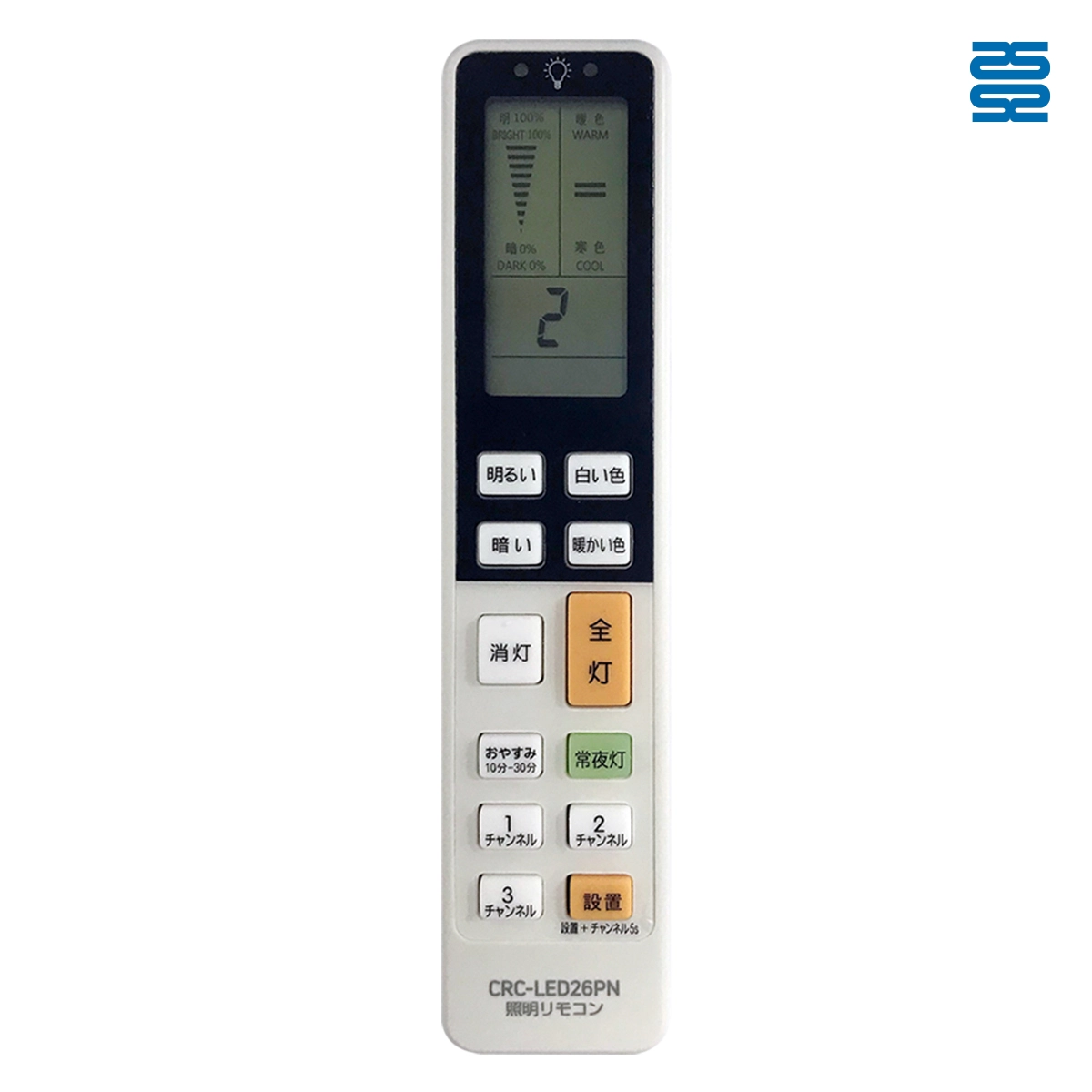
CRC-LED26PN Universal Panasonic Lighting IR Remote Control
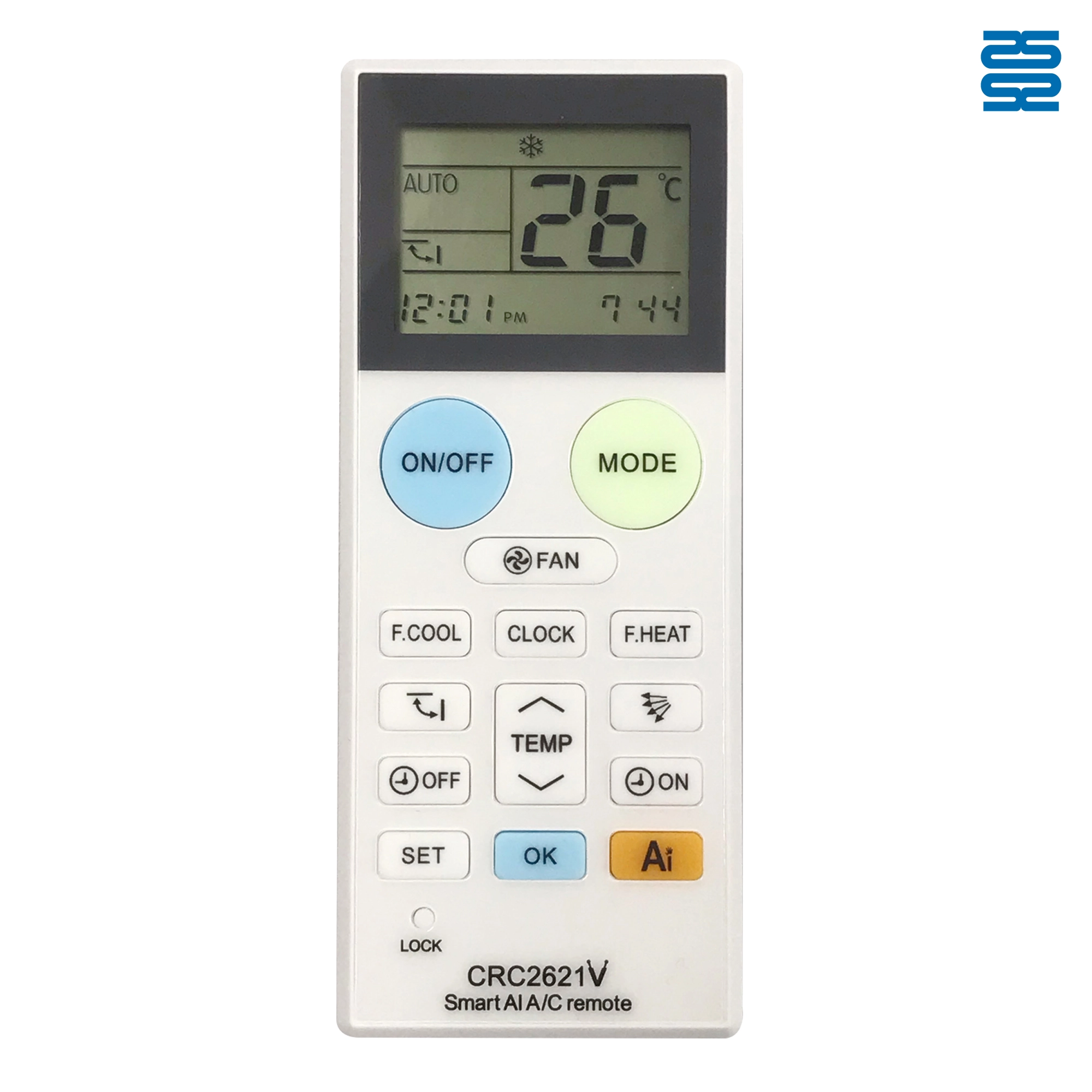
CRC2621V Universal Air Conditioner Remote Control Compatible with Local and Non-Brand
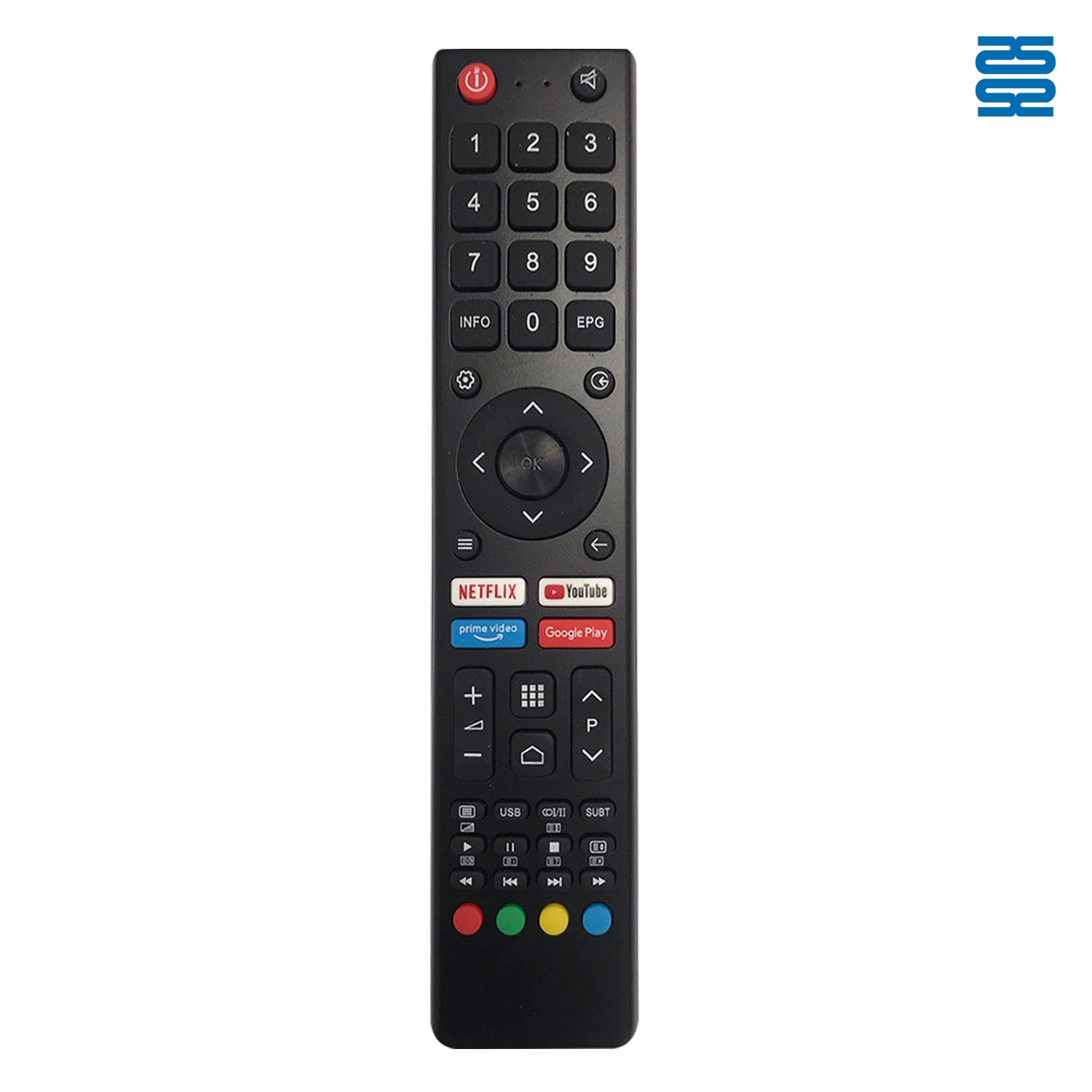
CRC2618V Changhong Universal TV Infrared Remote Control
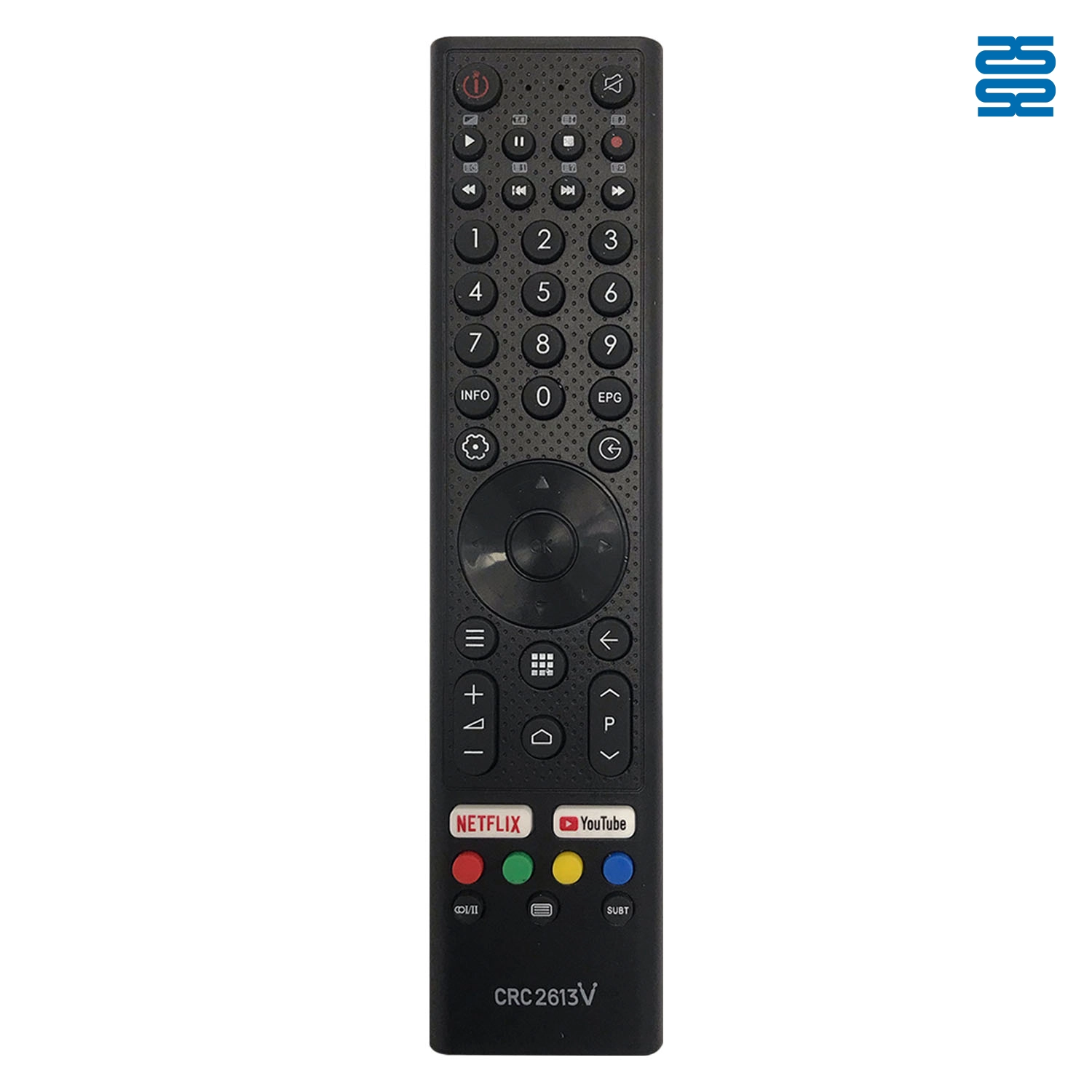
CRC2613V Changhong Universal TV Infrared Remote Control
◼ Let’s Build Together
Get in Touch with SYSTO
If you have any comments or good suggestions, please leave us a message, later our professional staff will contact you as soon as possible.


Contact
Email us
Text or Call us
Address
Room 1606, No. 65, Zhongshan Seven Road, Liwan District, Guangzhou, Guangdong, China.

Facebook
Instagram
YouTube
Tik Tok
VK