






How to Set Up a Universal TV Remote in Minutes
Learn how to program a universal TV remote quickly with brand setup, manual or automatic code search—compatible with most major TV brands.
A universal TV remote offers three common methods for setup: brand quick set-up, manual code entry, and auto-search.

Method A: Point-to-Point Brand Searching
For popular TV brands, you can try the brand setup method. Here's how:
- Find your TV brand on the remote.
- Press and hold the corresponding brand button for three seconds.
- When the volume symbol appears on your TV, release the button immediately.
- The indicator lamp will turn off, and the setup is complete.
Method B: Inputting Code
To manually set up, follow these steps:
- Find your TV brand’s code in the instruction manual.
- Press and hold both the SET and POWER buttons until the indicator lamp lights up.
- Release the buttons, then enter the code until the indicator lamp turns off.
- Your setup is complete.
Method C: Automatically Searching Code
For automatic setup, follow these steps:
- Hold the SET button for 6 seconds until the indicator lamp flashes.
- Enter automatic searching mode.
- Watch your TV, and when the volume symbol appears, release the button immediately.
- The setup is complete.
- Once programmed, your universal remote can operate TVs from major brands like LG, Samsung, Sony, and more.
- Note: Since each universal remote control has unique code search and pairing functions, the setup process may differ slightly. We recommend consulting your specific instruction manual for the correct configuration.
CRC2303V
What’s the MOQ for bulk purchase?
Regular stock supports small quantities. Custom orders depend on requirements.
CRC2201V
What is the lead time for delivery?
Stock items ship immediately after payment; out-of-stock units need 15–25 working days.
About Customized Service
Do you provide packaging design and printing?
Yes, we provide full packaging customization including color box design, manual printing, barcode, and labeling to match your brand identity.
About Contact
How soon will I get a reply?
Usually within 24 hours on working days.
KS-DK02V
Does the KS-DK02V work with all Daikin air conditioners?
It’s compatible with most Daikin models. If not working directly, you can use the auto-search setup mode to pair it easily.
Recommended For You
Do solar remote controls still use lithium batteries? Learn how modern solar-powered remotes now adopt supercapacitors with USB Type-C fast charging for improved safety, durability, and long lifespan.
Learn how to check whether a garage door remote control bought online is compatible with your opener. Frequency, learning type, and easy tips explained.
Having trouble setting up a universal remote even though your TV brand is listed in the manual? Learn the real reason, common mistakes, and how to improve success by using precise TV codes.
Learn how to set up and program the CRC1130V universal remote control for your TV. This step-by-step guide covers direct brand buttons, code input, and auto search methods for quick and easy pairing.
You May Also Like

Universal LED LCD TV Remote Control CRC1908 with Waterproof Panel

Universal LED LCD TV Remote Control CRC1908 Waterproof Panel

Universal LED LCD TV Remote Control CRC1376M
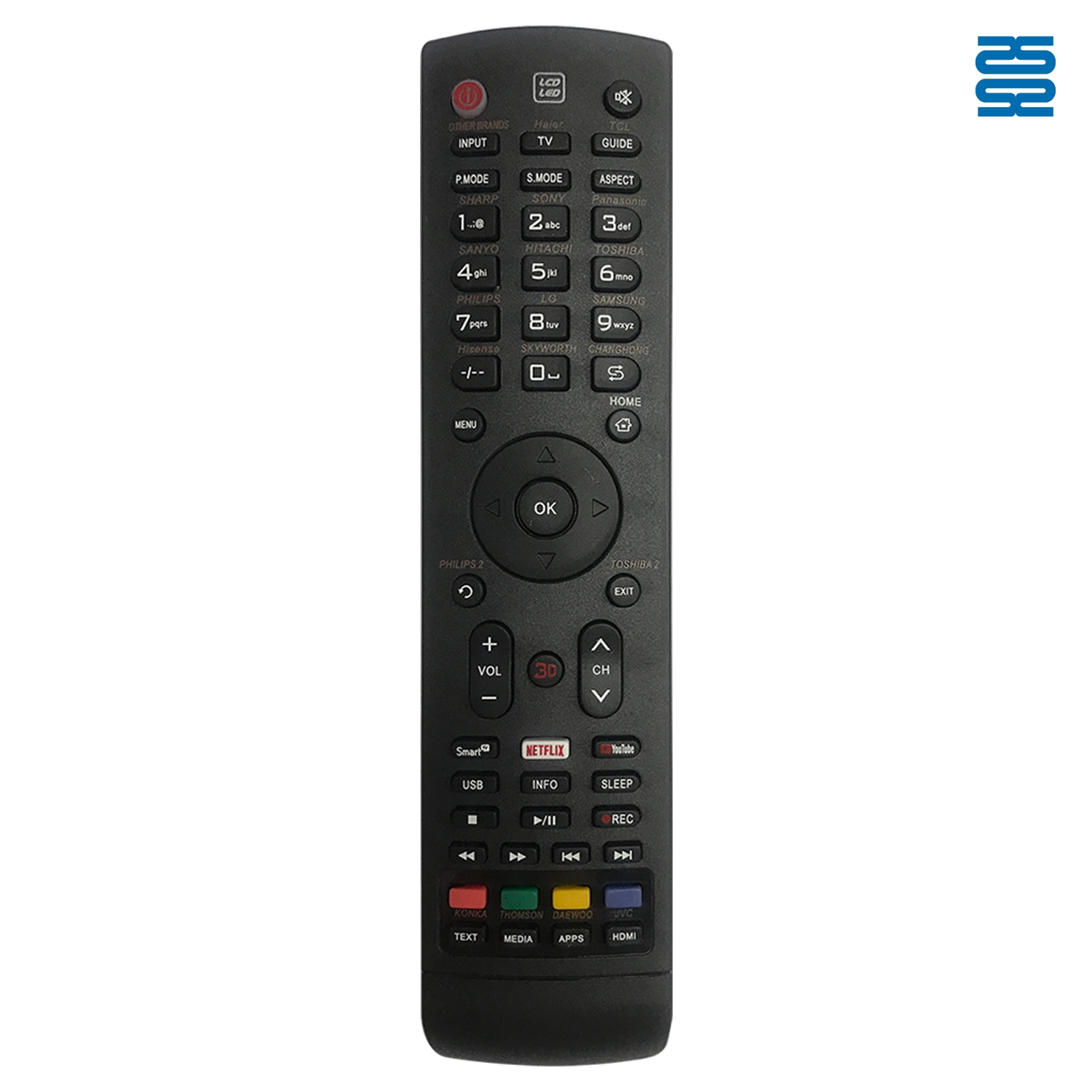
Universal LED LCD TV Remote Control CRC1316V
◼ Let’s Build Together
Get in Touch with SYSTO
If you have any comments or good suggestions, please leave us a message, later our professional staff will contact you as soon as possible.


Contact
Email us
Text or Call us
Address
Room 1606, No. 65, Zhongshan Seven Road, Liwan District, Guangzhou, Guangdong, China.

Facebook
Instagram
YouTube
Tik Tok
VK