






How to Program Your Qunda Universal AC Remote in 60 Seconds (2026 Update)
- Key Takeaways: Quick Setup Guide
- How do I program my Qunda Universal Remote quickly?
- The 60-Second Auto-Search Method:
- Preparation: Before You Start Programming
- Method 1: The 'Auto-Search' (No Code Required)
- Method 2: Manual Code Entry (Precision Method)
- Expert Tips & Common Mistakes (2026 Update)
- Troubleshooting: When the Remote Won't Pair
- Conclusion
- How do I find the code for my AC unit if I lost the manual?
- How do I reset my Qunda universal remote?
- Why is my universal remote not working with my AC?
- Does Qunda work with inverter air conditioners?
- How do I use the auto-search function on Qunda KT-3999?
- Can I use a universal remote for a mini-split system?
- What does the 'Select' button do on the Qunda remote?
- How do I lock and unlock the Qunda remote settings?
Key Takeaways: Quick Setup Guide
Most Qunda remotes can be programmed in under 60 seconds using the 'Auto-Search' feature, even without a code list.
If you have lost your original manual, this method allows the remote to scan its internal database of over 4000 codes to find the correct frequency for your specific air conditioner. Before beginning, ensure you have installed fresh alkaline batteries to prevent signal drops during the pairing process.
- Universal Compatibility: Works with 98% of global brands (LG, Gree, Mitsubishi, etc.).
- Speed: The Auto-Search method is the fastest way to pair if you lack the Qunda remote codes list 2026.
- Preparation: Always point the remote directly at the AC unit's IR receiver.
How do I program my Qunda Universal Remote quickly?
To program your remote quickly, use the Auto-Search function by holding the 'Select' button for 5 seconds until the code flashes.
This triggers the remote to cycle through frequencies automatically. Once the AC unit responds with a beep, you must lock in the code immediately. This method eliminates the need to manually input hundreds of digits from a paper manual.
The 60-Second Auto-Search Method:
- Power: Ensure your air conditioner is plugged in (even if it is turned off).
- Initiate: Point the remote at the AC and hold the 'SELECT' key for 5 seconds.
- Scan: Release the button when the code number on the screen starts flashing and ascending.
- Listen: Wait for your AC unit to emit a 'beep' sound.
- Lock: Immediately press 'OK' or 'ENTER' to save the code.
Preparation: Before You Start Programming
Successful programming requires a clear line of sight and fresh power sources to ensure the Infrared (IR) signal reaches the AC unit.
Weak batteries are the number one cause of programming failures, as they may power the screen but fail to transmit the pairing signal. As noted by Wikipedia, universal remotes rely on specific low-level IR codes that require consistent voltage to transmit correctly.
- Battery Installation: Insert two fresh AAA alkaline batteries. Do not mix old and new batteries.
- Line of Sight: Remove obstacles like curtains or furniture between the remote and the AC.
- Identify Your Model: Check the back of your remote. Common models include the KT-3999, KT-618, and KT-N828.
Method 1: The 'Auto-Search' (No Code Required)
The Auto-Search method is the most efficient pairing strategy when you do not have access to the specific brand code list.
This feature forces the universal air conditioner remote auto search function to iterate through every possible frequency until it finds a match. It is particularly useful for older AC units or obscure brands.
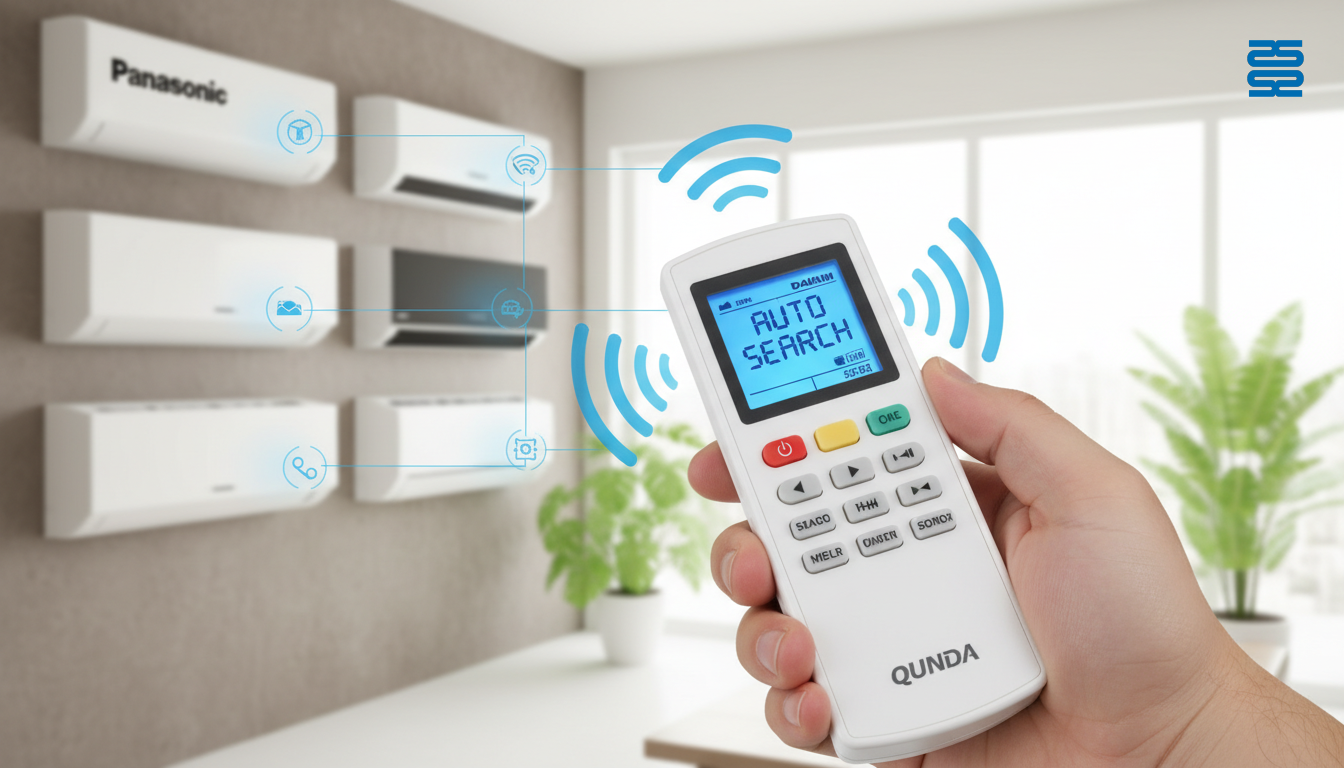
- Step 1: Press and hold 'Select' (or 'Set' on some models) for 3-6 seconds.
- Step 2: Watch the display counter on the remote screen increase (e.g., 001, 002, 003).
- Step 3: Keep your finger hovering over the 'Enter' button. Reaction speed is critical.
- Step 4: Upon hearing the AC beep, press 'Enter' instantly.
- Correction: If you miss the code, use the 'Down' arrow to manually reverse to the previous number.
Method 2: Manual Code Entry (Precision Method)
Manual entry is the most precise method if you already possess the brand-specific code list for your air conditioner.
This method is faster if you know your device's brand (e.g., Daikin, Toshiba, Samsung) and have the KT-3999 setup guide or booklet handy. You simply input the 3-digit or 4-digit code associated with your manufacturer.
- Locate Code: Find your brand in the Qunda booklet and note the first code listed.
- Enter Mode: Press 'Select' once so the code digits flash.
- Input: Use the keypad or arrow keys to enter the specific code.
- Test: Press 'Power' and 'Temp'. If the AC responds, you are done.
- Retry: If it doesn't work, try the next code in the list for your brand.
Expert Tips & Common Mistakes (2026 Update)
Patience during the scanning process is the key to success; rushing often leads to skipping the correct frequency.
Modern remotes are more sensitive, and older AC units may take a split second to register the signal. In 2026, many users also confuse "Universal" with "Smart Home Compatible," but standard IR remotes do not connect to Wi-Fi without a bridge.
- Mistake: Pressing buttons too fast during manual entry often skips the correct frequency.
- Tip: If the remote screen is blank, check for a 'Child Lock' icon; usually holding 'Select' and 'Mode' unlocks it.
- Pro Tip: Write the working code on a sticker and adhere it to the back of the remote for future reference.
Troubleshooting: When the Remote Won't Pair
If your remote fails to pair, the issue is often physical interference or a dirty sensor on the AC unit itself.
Before assuming the remote is broken, perform basic maintenance on your AC unit. According to the Department of Energy, regularly maintaining your air conditioner includes cleaning filters and sensors, which ensures the IR signal is received clearly.
- AC Not Responding: The IR sensor on the AC unit might be covered in dust; wipe it with a microfiber cloth.
- Code Saves but Buttons Don't Work: You may have selected a 'partial match' code. Repeat the troubleshoot universal AC remote process to find a fully compatible code.
- Remote Frozen: Remove batteries for 30 seconds to perform a hard reset on the remote's internal memory.
Conclusion
Programming your Qunda universal remote doesn't have to be a headache; the 60-second auto-search is your best friend.
Whether you use the KT-3999 or the AC-RC01, following these AC remote pairing instructions ensures you get back to cooling or heating immediately. Remember to record your code once found to avoid repeating this process in the future.
Contact us today to optimize your HVAC maintenance strategy.
How do I find the code for my AC unit if I lost the manual?
You can use the 'Auto-Search' feature on the remote, which cycles through all 4000+ codes until your AC responds. Alternatively, look for digital versions of the Qunda code list online for your specific AC brand.
How do I reset my Qunda universal remote?
Remove the batteries for at least 30-60 seconds. Press and hold the 'Power' button while batteries are out to drain residual power, then reinsert fresh batteries.
Why is my universal remote not working with my AC?
The code selected might be incorrect or only partially compatible. There may be infrared interference from sunlight or other devices. The batteries might be low voltage, even if the screen is on.
Does Qunda work with inverter air conditioners?
Yes, Qunda remotes (especially models like KT-3999 and KT-618) are designed to support 98% of global AC brands, including modern inverter systems.
How do I use the auto-search function on Qunda KT-3999?
Press and hold 'Select' for 5 seconds to start the auto-run feature. Wait for the AC to beep, then immediately press 'Enter' to save the code.
Can I use a universal remote for a mini-split system?
Absolutely. Universal remotes like the Qunda KT-DOT are specifically engineered for ductless mini-split wall units.
What does the 'Select' button do on the Qunda remote?
The 'Select' button is used to enter programming mode. It allows you to input specific brand codes manually or trigger the automatic search sequence.
How do I lock and unlock the Qunda remote settings?
Look for a small 'lock' icon on the screen. Typically, you can toggle the lock by pressing 'Select' and 'Manual' (or 'Mode') simultaneously.
IR vs RF vs Bluetooth: Choosing a Home Theater Remote Type
Top Thermostat Remote Control Protocols: Wi-Fi, Zigbee, BACnet, Modbus
Troubleshooting Guide: Common Wireless Remote Control Issues
Best universal remote for home theater buyers
CRC86E
What devices does this remote support?
CRC86E supports TVs, set-top boxes, DVD players, satellite receivers, and other IR-controlled devices.
CRC2503V
What if my brand is not in the list?
You can use Auto Search to automatically find a compatible code.
QD85U
What is the “Anti-Cold Wind” feature?
It delays fan operation in heating mode to ensure warm air delivery.
CRC2304V
Can I customize the logo or packaging?
Yes, OEM/ODM customization is available, including logo, key layout, and packaging.
About Company
What are your main product categories?
TV remotes, air conditioner remotes, universal remotes, thermostats, control boards, condensate pumps, and more.

QD-HVAC23 Qunda Touch-Screen Thermostat for Air Conditioner

QD-HVAC06E Qunda Digital Thermostat for Central Air Conditioner
QD-HVAC06E can control a two-way electric valve and a three-way electric valve, or two two-way electric valves on Heating and Cooling.
QD-HVAC06E is applicable to two-pipe HVAC, and four à pipe water system or air system HVAC. lt controls the working condition of FCU (Fan Coil Unit) and electric valve by comparing the ambient temperature and setting temperature, to adjust the temperature for a comfortable environment and save energy.
QD-HVAC06E is based on industrial-grade micro-computer technology with touching key operation and LCD display. The controller is simple-operating, stable and reliable.

QD-HVAC05E Qunda Digital Thermostat for Central Air Conditioner
QD-HVAC05E can control a two-way electric valve and a three-way electric valve.
QD-HVAC05E is applicable to two-pipe water system or air system HVAC. lt controls the working condition of FCU (Fan Coil Unit) and electric valve by comparing the ambient temperature and setting temperature, to adjust the temperature for a comfortable environment and save energy.
QD-HVAC05E is based on industrial-grade micro-computer technology with touching key operation and LCD display. The controller is simple-operating, stable and reliable.

QD-HVAC03E Qunda Digital Thermostat for Central Air Conditioner
QD-HVAC03E can control a two-way electric valve and a three-way electric valve.
QD-HVAC03E is applicable to two-pipe water system or air system HVAC. lt controls the working condition of FCU (Fan Coil Unit) and electric valve by comparing the ambient temperature and setting temperature, to adjust the temperature for a comfortable environment and save energy.
QD-HVAC03E is based on industrial-grade micro-computer technology with touching key operation and LCD display. The controller is simple-operating, stable and reliable.
Get the latest updates
If you have any comments or good suggestions, please leave us a message, later our professional staff will contact you as soon as possible.


Contact
Email us
Text or Call us
Address
Room 1606, No. 65, Zhongshan Seven Road, Liwan District, Guangzhou, Guangdong, China.

Facebook
Instagram
YouTube
Tik Tok
VK